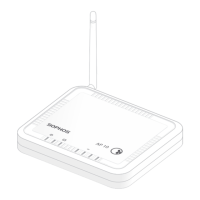
4APX 320/530/740
Operating Instructions
Reboot & Reset
Your access point can be rebooted with the installed configuration or reset to the factory
default configuration depending on how long you press and hold the reset button.
Reboot with current image and configuration
1. Press reset button
2. Release reset button
3. AP reboots (LED will go off, then will turn to solid green)
Reboot with current image and clear configuration
1. Press and hold reset button
2. AP reboots (LED will go off and then switch to green briefly)
3. LED will turn solid red for 5 sec. You can still cancel the configuration clearance
process by releasing the reset button before the LED starts blinking
4. LED will blink red (configuration will be cleared)
5. Release reset button
6. AP reboots with factory default settings
Reset Button
Status LED
Released
Pressed
Solid Solid
Blinking
Reboot Reboot clear config
5 Sec
Off



 To Next Page
 Loading...