Putting Your
M5 Away
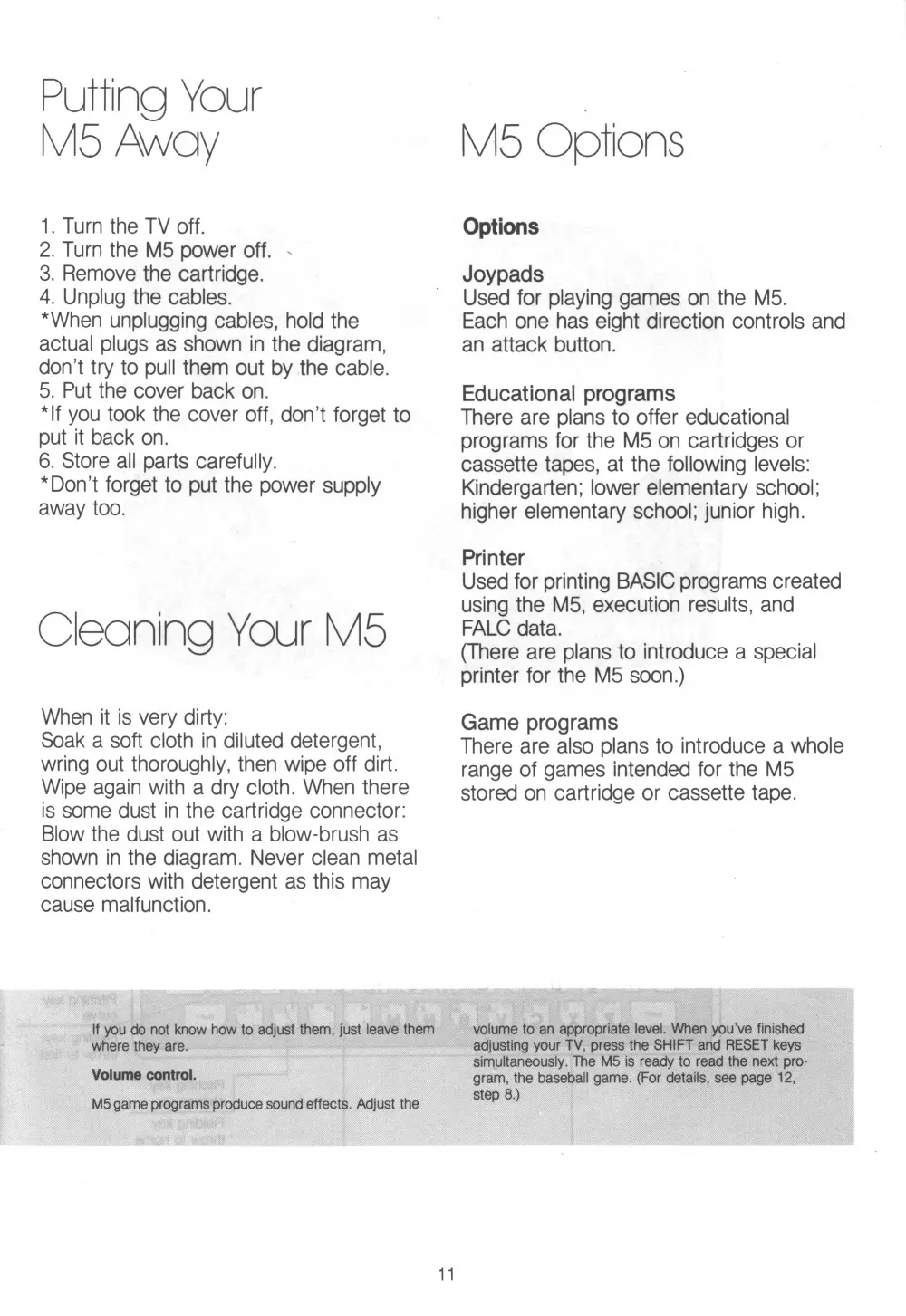
1. Turn the TV off.
2. Turn the M5 power off. -
3. Remove the cartridge.
4. Unplug the cables.
*When unplugging cables, hold the
actual plugs as shown in the diagram,
don’t try to pull them out by the cable.
5. Put the cover back on.
*lf you took the cover off, don’t forget to
put it back on.
6. Store all parts carefully.
* Don’t forget to put the power supply
away too.
Cleaning Your M5
When it is very dirty:
Soak a soft cloth in diluted detergent,
wring out thoroughly, then wipe off dirt.
Wipe again with a dry cloth. When there
is some dust in the cartridge connector:
Blow the dust out with a blow-brush as
shown in the diagram. Never clean metal
connectors with detergent as this may
cause malfunction.
M5 Options
Options
Joypads
Used for playing games on the M5.
Each one has eight direction controls and
an attack button.
Educational programs
There are plans to offer educational
programs for the M5 on cartridges or
cassette tapes, at the following levels:
Kindergarten; lower elementary school;
higher elementary school; junior high.
Printer
Used for printing BASIC programs created
using the M5, execution results, and
FALC data.
(There are plans to introduce a special
printer for the M5 soon.)
Game programs
There are also plans to introduce a whole
range of games intended for the M5
stored on cartridge or cassette tape.
if you do not know how to adjust them, just leave them
where they are.
Volume control.
M5 game programs produce sound effects. Adjust the
volume to an appropriate level. When you’ve finished
adjusting your TV, press the SHIFT and RESET keys
simultaneously. The M5 is ready to read the next pro
gram, the baseball game. (For details, see page 12,
step 8.)
11


 To Next Page