EasyManua.ls Logo

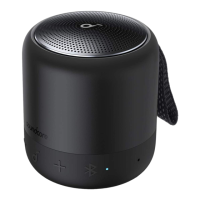
Soundcore Mini 3 - Using your Soundcore Mini 3; Bluetooth Mode; PartyCast Mode

Soundcore Mini 3
6 pages
Print Icon
To Next Page IconTo Next Page
To Previous Page IconTo Previous Page
Loading...
Using
your
Soundcore
Mini
3
Bluetooth
Mode
With
this
speaker,
you
can
enjoy
music
through
your
Bluetooth-enabled
devices.
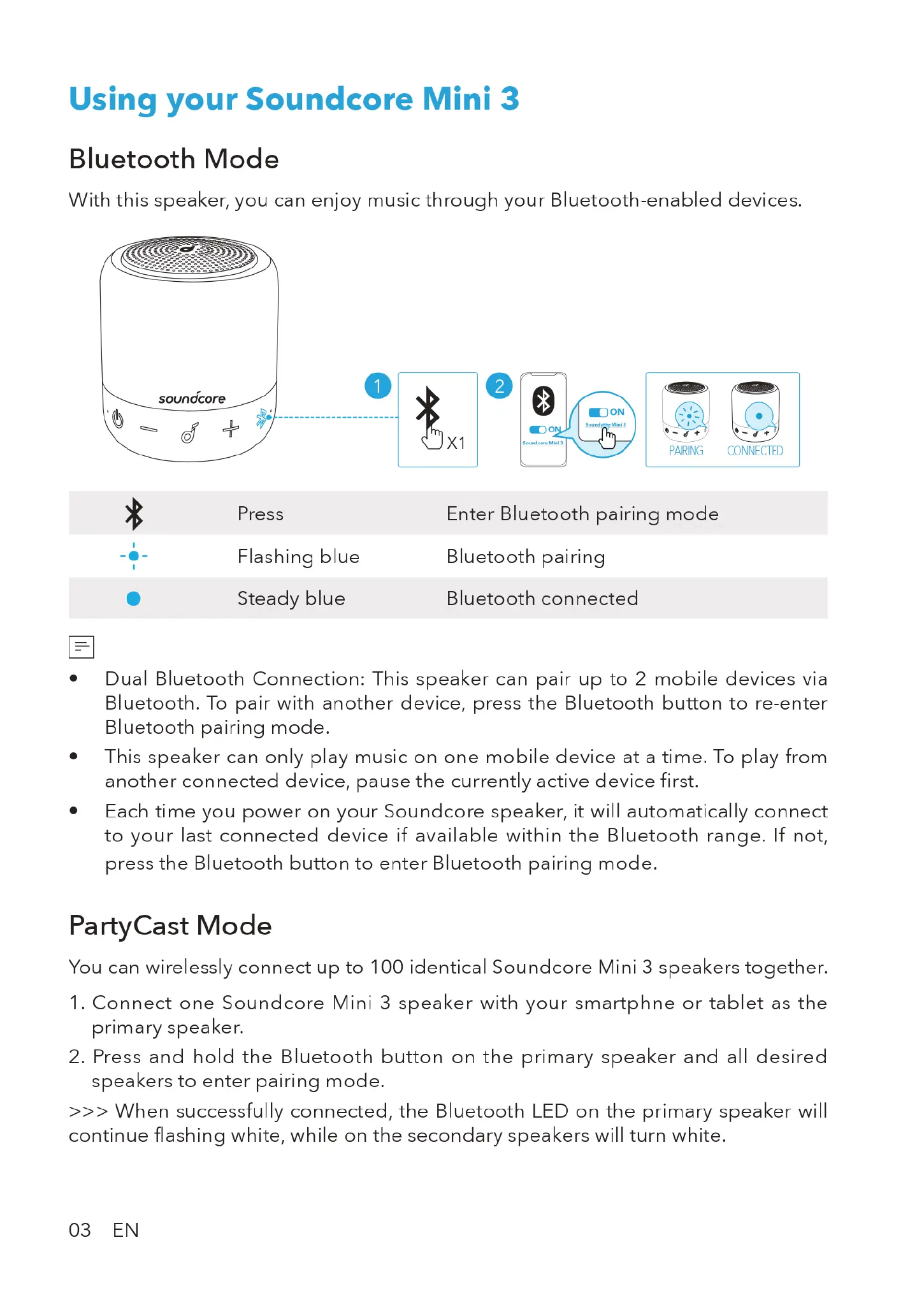
soundcore
PARING
CONNECTED
Press
Enter
Bluetooth
pairing
mode
-+-
Flashing
blue
Bluetooth
pairing
[
]
Steady
blue
Bluetooth
connected
e
Dual
Bluetooth
Connection:
This
speaker
can
pair
up
to
2
mobile
devices
via
Bluetooth.
To
pair
with
another
device,
press
the
Bluetooth
button
to
re-enter
Bluetooth
pairing
mode.
e
This
speaker
can
only
play
music
on
one
mobile
device
at
a
time.
To
play
from
another
connected
device,
pause
the
currently
active
device
first.
e
Each
time you
power
on
your
Soundcore
speaker,
it
will
automatically
connect
to
your
last
connected
device
if
available
within
the
Bluetooth
range.
If
not,
press
the
Bluetooth
button
to
enter
Bluetooth
pairing
mode.
PartyCast
Mode
You
can
wirelessly
connect
up
to
100
identical
Soundcore
Mini
3
speakers
together.
1.
Connect
one
Soundcore
Mini
3
speaker
with
your
smartphne
or
tablet
as
the
primary
speaker.
2.
Press
and
hold
the
Bluetooth
button
on
the
primary
speaker
and
all
desired
speakers
to
enter
pairing
mode.
>>>
When
successfully
connected,
the
Bluetooth
LED
on
the
primary
speaker
will
continue
flashing
white,
while
on
the
secondary
speakers
will
turn
white.
03
EN

Related product manuals