EasyManua.ls Logo

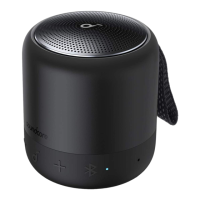
Soundcore Mini 3 - Button Controls

Soundcore Mini 3
6 pages
Print Icon
To Next Page IconTo Next Page
To Previous Page IconTo Previous Page
Loading...
Primary
Speaker
nfl
Primary
Speaker
e
7@7
T
PARING
CONNECTED
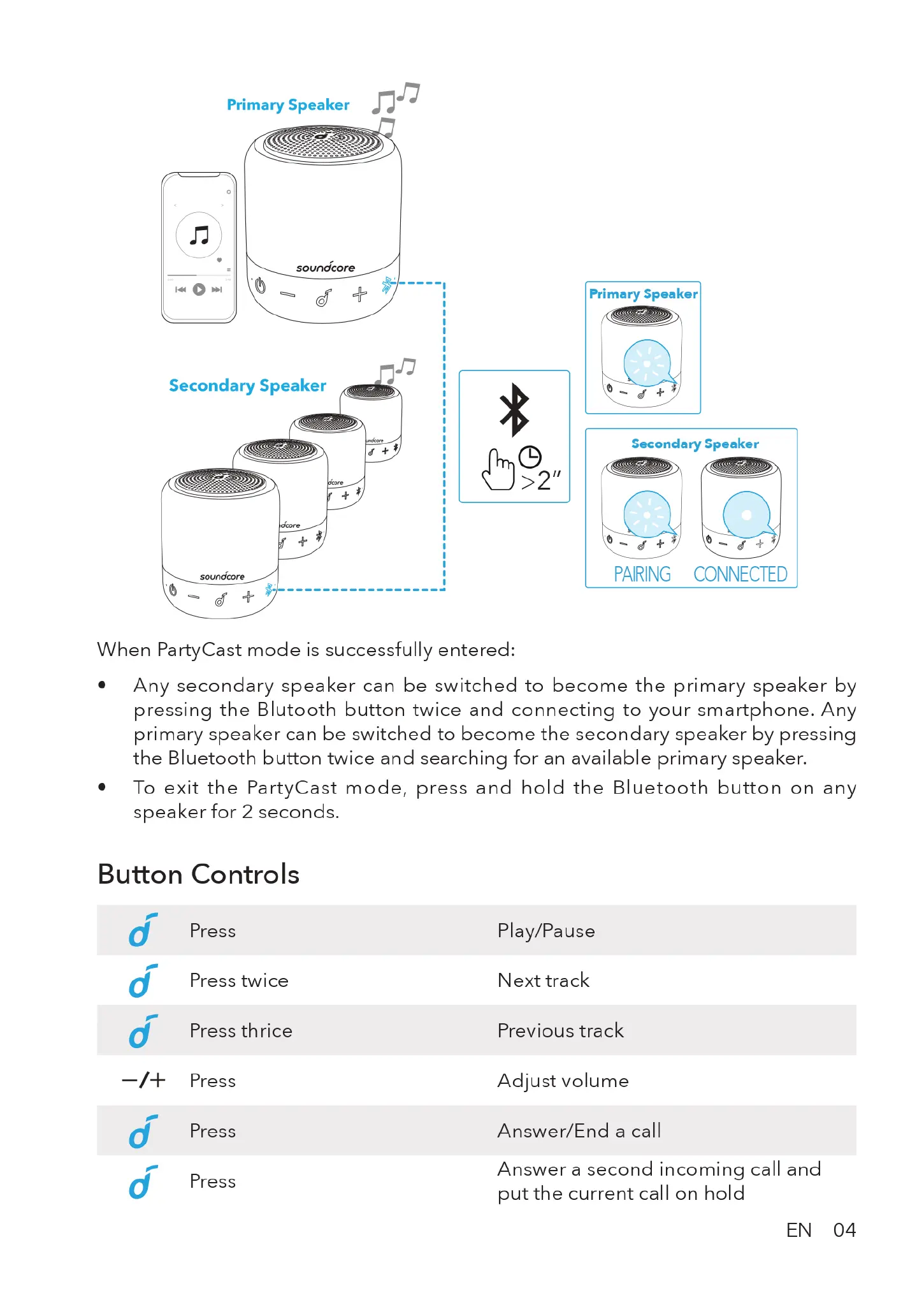
When
PartyCast
mode
is
successfully
entered:
®
Any
secondary
speaker
can
be
switched
to
become
the
primary
speaker
by
pressing
the
Blutooth
button
twice
and
connecting
to
your
smartphone.
Any
primary
speaker
can
be
switched
to
become
the
secondary
speaker
by
pressing
the
Bluetooth
button
twice
and
searching
for
an
available
primary
speaker.
e
To
exit
the
PartyCast
mode,
press
and
hold
the
Bluetooth
button
on
any
speaker
for
2
seconds.
Button
Controls
-
d
Press
-
d
Press
twice
d
Press
thrice
—/+
Press
Press
=
d
Press
~
(o)
Play/Pause
Next
track
Previous
track
Adjust
volume
Answer/End
a
call
Answer
a
second
incoming
call
and
put
the
current
call
on
hold
EN
04

Related product manuals