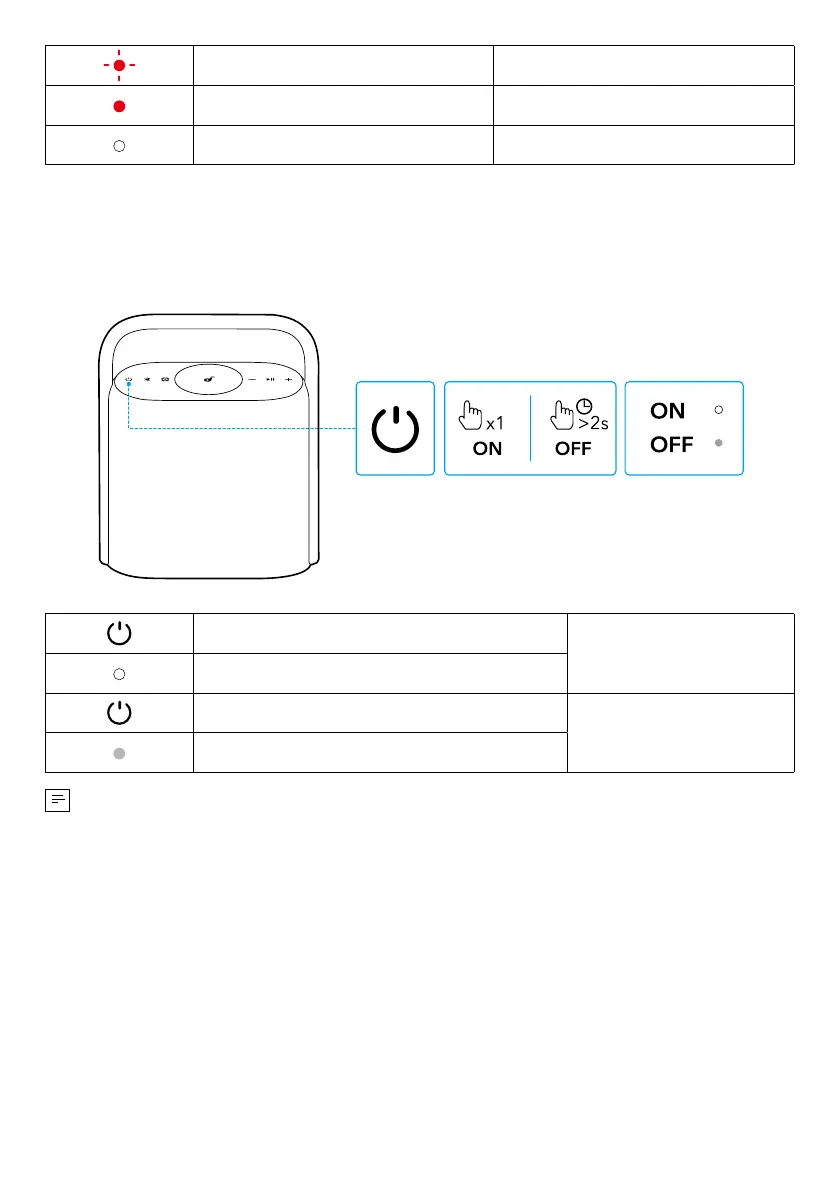
Flashing Red Low Battery
Steady Red Being Charged
Steady White Fully Charged
Powering On / Off
Press
Power On
Steady White
Press and Hold for 2 Seconds
Power Off
Light Off
• This speaker will power off automatically after 20 minutes if no device is
connected.
• You can also set an auto-power-off time in the Soundcore app.
Using Your Speaker
Bluetooth Mode
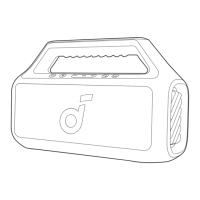
Press the Bluetooth button to enter Bluetooth pairing mode, then select
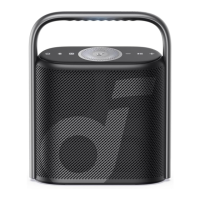
"soundcore Motion X500" from the Bluetooth list to connect.








 To Next Page