03 English English 04
EN EN
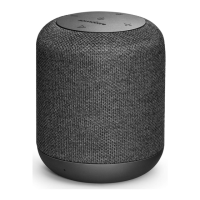
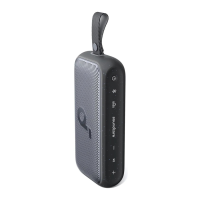
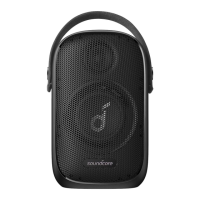
Using Your Soundcore Motion+
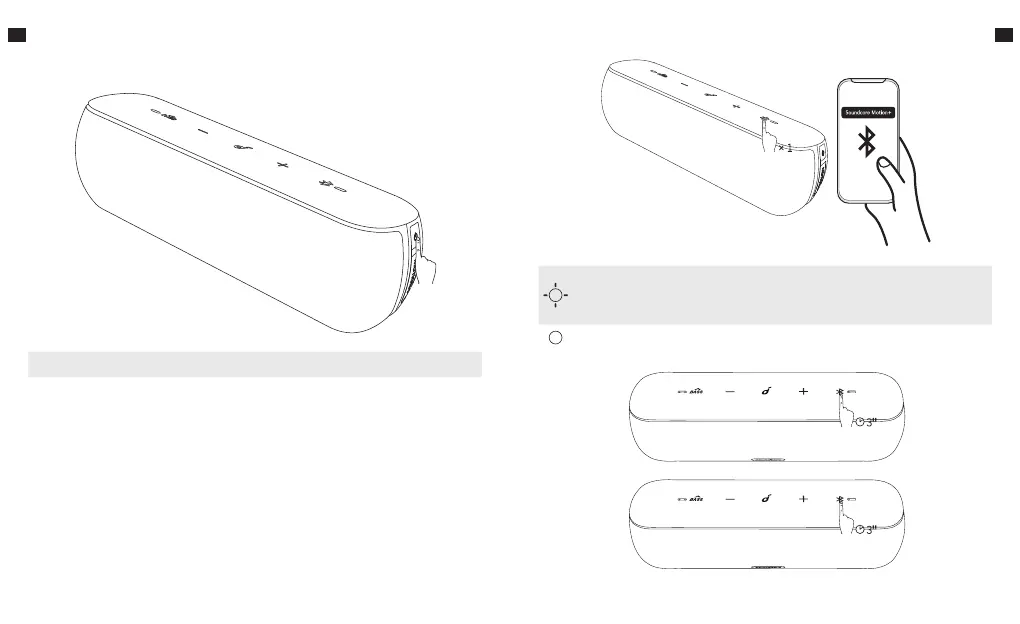
1. Turn On / O
ON Press once
OFF Press and hold for 2 seconds
Soundcore Motion+ is equipped with High-Resolution Audio. This specialty gives
the speaker a better sound quality by referring to digital processes that allow
playback of music using higher sampling rates.
Note: Soundcore Motion+ supports Qualcomm® aptX™.
a. Bluetooth mode
Slowly Flashing Blue
(Fade in and out)
Bluetooth Pairing Mode
Note: starts to connect to previous connected
mobile device when speaker is turned on.
Solid Blue Connected to a device









 To Next Page