EN 01
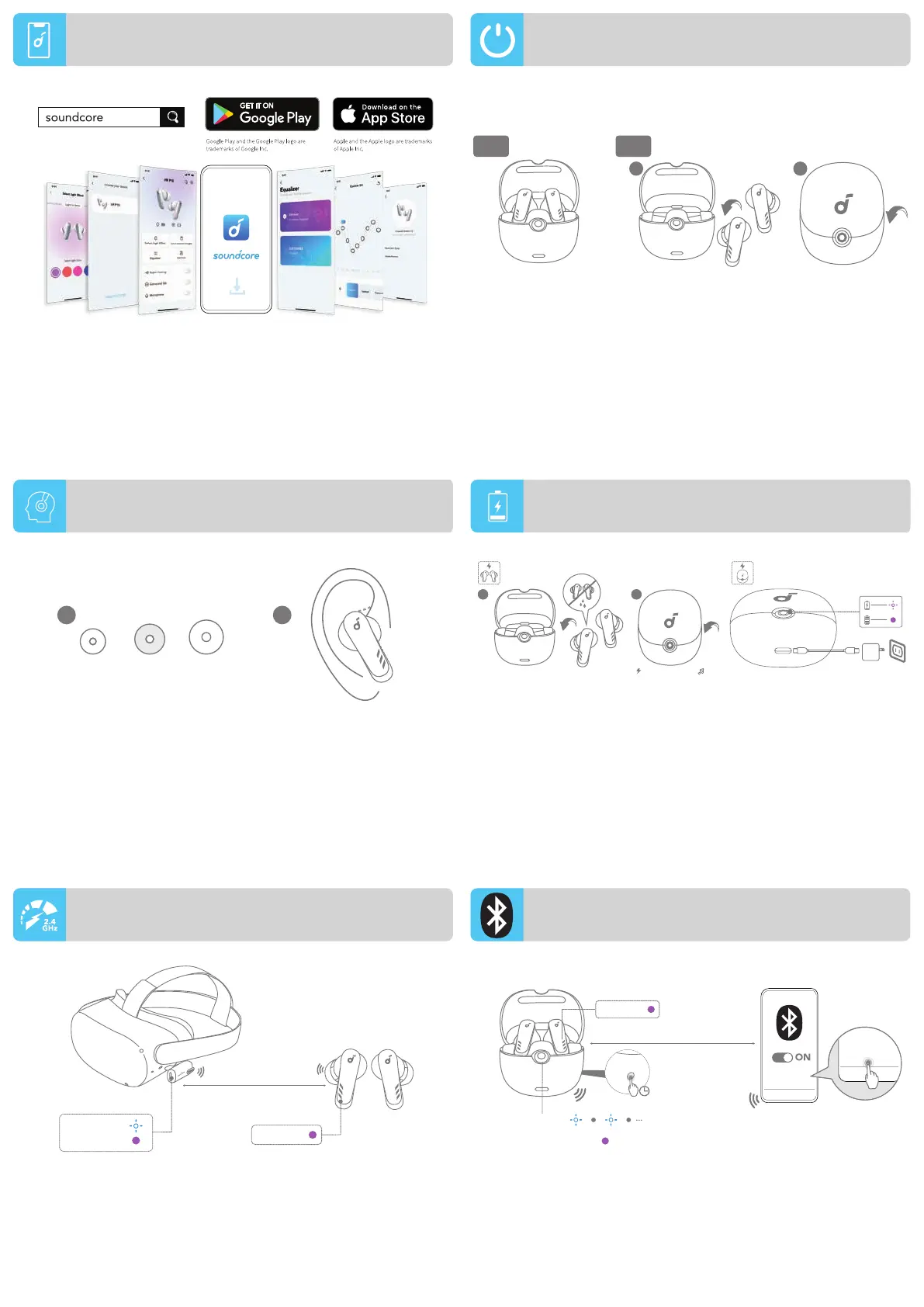
Download the soundcore app to enhance your experience (firmware
update, dongle switching, EQ tuning, gaming mode, and more).
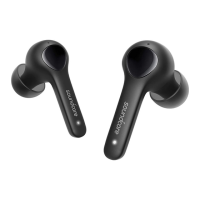
Open the charging case, the earbuds will automatically power on.
Place the earbuds in the charging case and close the case, the
earbuds will power off.
• To manually power on, place both earbuds in the charging case
and leave the case open, press the button on the charging case.
• The earbuds will power off after 30 minutes if they are not
connected with Bluetooth devices or with the dongle.
1. Choose the Ear Tips that fit your ears best.
2. Insert the earbuds into the inner canal of your ears and turn gently
until you find the most comfortable and secure position.
• Fully dry off the earbuds and the USB-C charging port before
charging.
• Fully charge both the earbuds and the charging case before the
first use.
1. Place the earbuds in the charging case and close the case.
2. Connect the charging case to the power supply by using a
certified USB-C charging cable.
Open the charging case, then press and hold the button on the charging
case for 3 seconds to enter Bluetooth pairing mode. Select “soundcore VR
P10” from your device's Bluetooth menu to connect.
*During Bluetooth pairing, the connection between the earbuds and the
dongle might break temporarily. The connection of dongle will resume
when the Bluetooth pairing succeeds or when you return the earbuds in the
charging case, then close and open the case.
When the dongle is plugged into the USB-C port of your VR headset
or gaming console, the earbuds will automatically connect with it
and be ready to use.
POWERING ON/OFF
PAIRING VIA DONGLE
BLUETOOTH PAIRING
APP
WEARING
CHARGING
L
S M
1 2
8m/26ft
CONNECTED
CONNECTED
CONNECTING
soundcore
VR P10
soundcore
VR P10
PAIRING
CONNECTED
10m/33ft
CONNECTED
3s




 To Next Page