BR80 / English Manual
1
OPERATING ELEMENTS
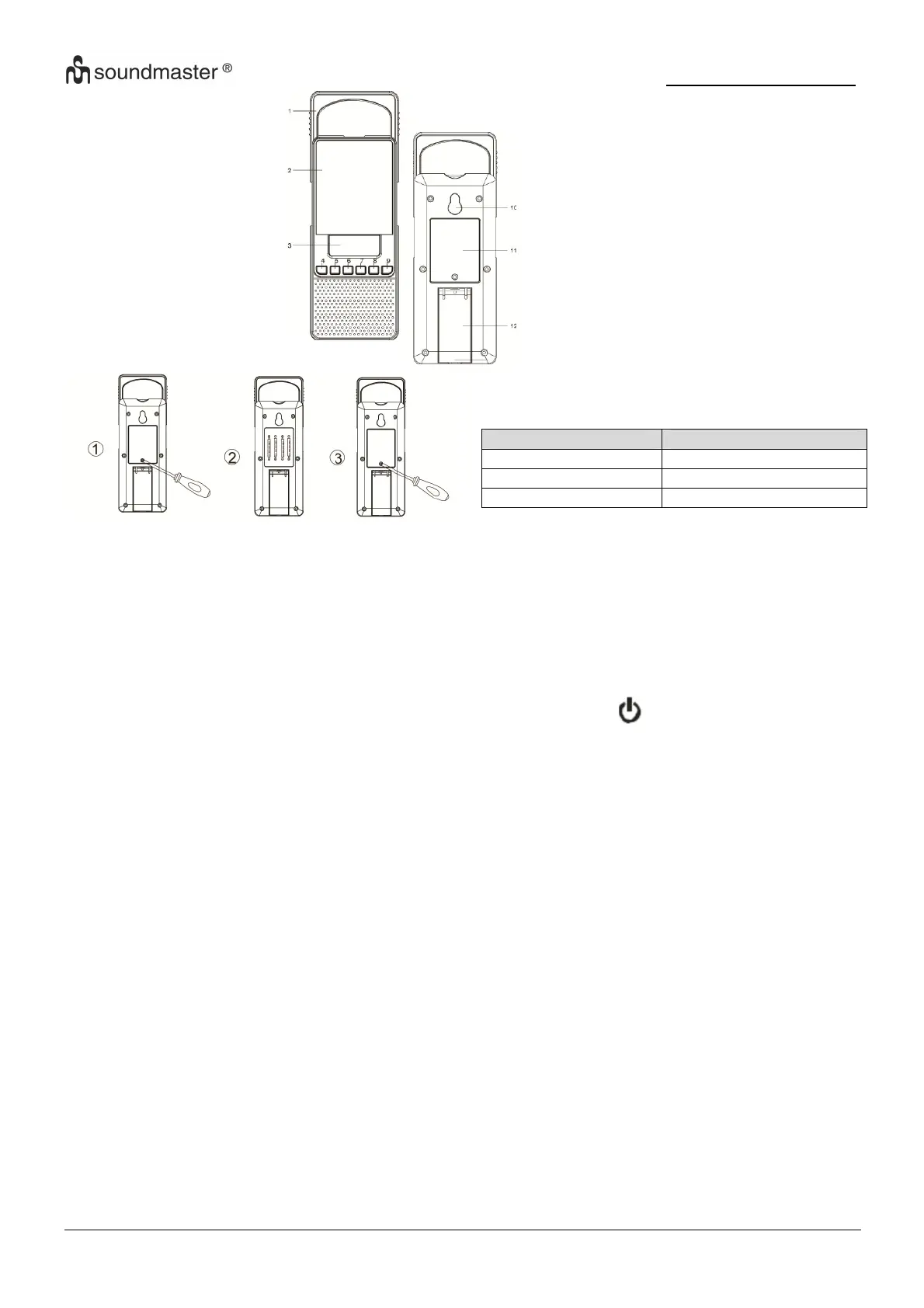
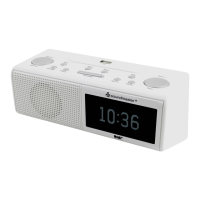
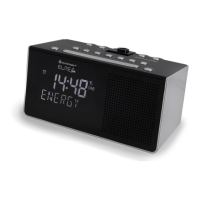
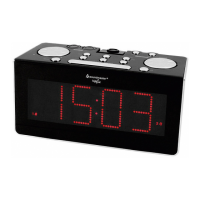
1. Handle
2. Mirror
3. Display
4. Down
5. Up
6. Power
7. Mode
8. Vol- / AL1
9. Vol+ / AL2
10. Hanger Slot
11. Battery door
12. Adjustable Stand
1) Loosen the screw with a screwdriver and
remove the battery cover.
2) Install batteries to its correct polarity.
3) Replace the covert to fasten the screw.
SET THE CLOCK
1. Press <Mode> once when the unit stays in
clock display mode. Hour goes flashing.
2. Press <Up> or <Down> to adjust the hour.
3. Press the <Mode> button. Minute goes
flashing. Press <Up> or <Down> to adjust
the minute
4. Press the <Mode> button once in minute
setting mode. The 12/24 hour goes
flashing. Press <Up> or <Down> to
select 12/24 hour..
5. Confirm the setting by pressing the
<Mode> button. When no key has been
pressed for 10 seconds, the current setting
is confirmed and it switches to auto-run
mode.
SET THE ALARM (Standby Mode)
1. Press <Vol- AL1> or <Vol+ AL2> once,
“Alarm1” or “Alarm2” the icon and alarm
time goes flashing.
2. Press <Vol- AL1> or <Vol+ AL2> once,
“Alarm1” or “Alarm2” again, the current
setting hour of alarm goes flashing.
3. Press <Up> or <Down> to adjust the hour.
Press <Vol- AL1> or <Vol+ AL2> once to
set minute for alarm.
4. Press <Up> or <Down> to adjust the
minute. Press <Vol- AL1> or <Vol+ AL2>
once to set the type of alarm.
5. Press <Up> or <Down> to to select the
type of alarm.
6. Confirm the setting by pressing the <Vol-
AL1> or <Vol+ AL2>.
Beep sound „A“ symbol goes solid
Radio output „b“ Symbol goes solid
Disable „OFF“ symbol goes solid
7. Bestätigen Sie die Eingabe mit der <Vol-
AL1> Taste.
Notice
* When alarm becomes active, press any key to
terminate the currently active alarm.
* The duration of alarm is 10 minutes.
RADIO
1. Press the button to turn on/off the
radio..
2. Press the <Down> or <Up> button to
change the receiving frequency up by 1
step. Press and hold the <Down> or <Up>
button to search the next radio station.
3. Press the <Vol- AL1> or <Vol+ Al2>
button to decrease/increase the volume..
TECHNICAL SPECIFICATION
DC Battery supply: 6V 4x UM-4/AAA 1.5V
FM Frequency: 87.5 – 108MHz
Technische Änderungen und Druckfehler vorbehalten
Copyrights by Wörlein GmbH, 90556 Cadolzburg, Germany
Vervielfältigung oder Kopie dieser Anleitung nur mit ausdrücklicher
Genehmigung durch Wörlein GmbH.



 To Next Page