DAB650SI / English Instruction Manual
5
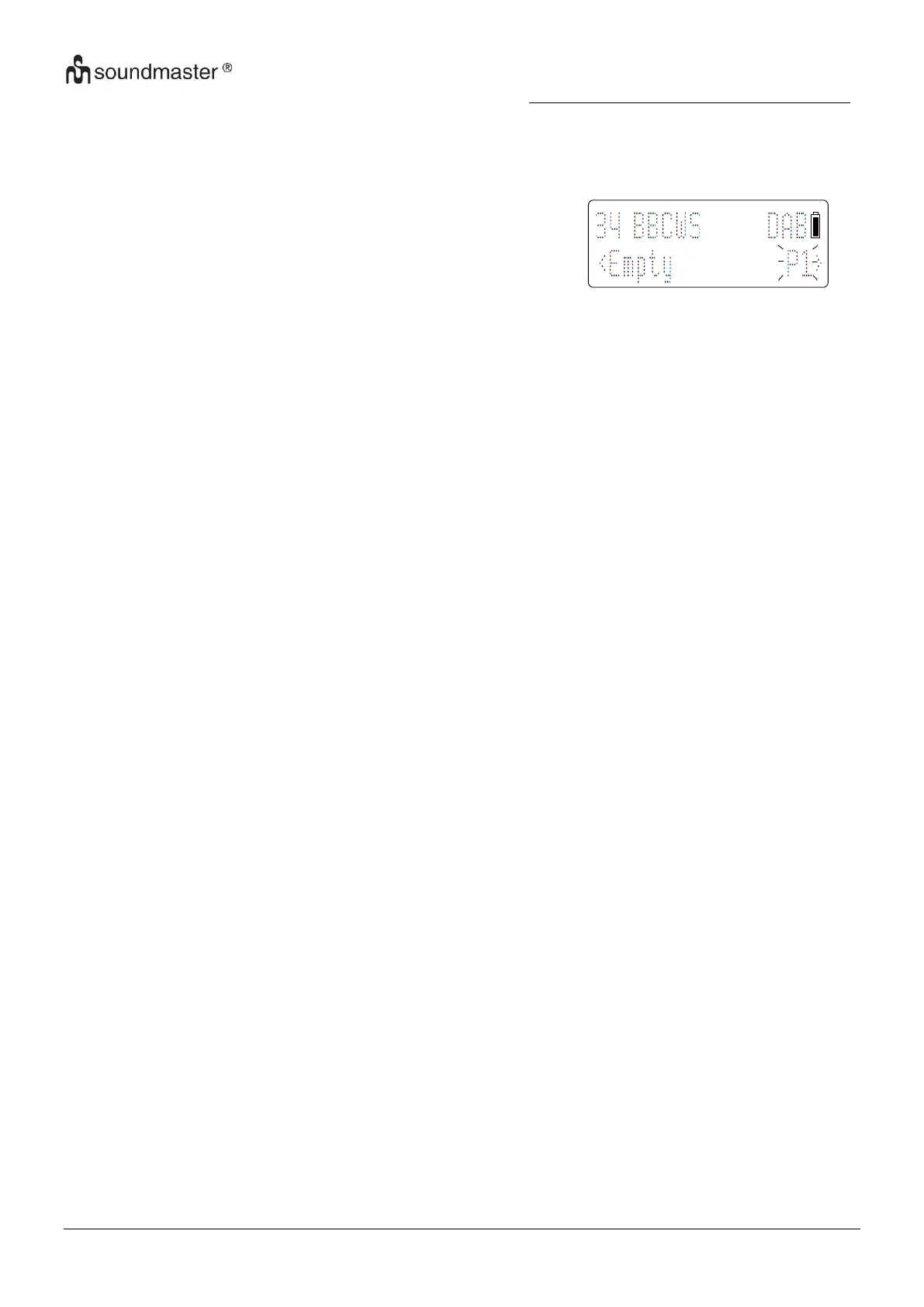
Store DAB radio stations manually
Note: You can store a maximum of 10 preset DAB radio stations.
1. Tune to a DAB radio station.
2. Press and hold PRESET button in 3 secs, then press TUNE +/- to select a preset number.
Display show P1 and briefly.
3. Press SELECT to confirm.
4. Repeat steps 1-3 to store other DAB stations.
Show DAB information
During DAB radio broadcast, press INFO button repeatedly to scroll through the following
information (if available):
- Station name
- Channel and frequency
- Audio bit rate
- Signal strength
- Time/ Date
- Dynamic label segment (DLS)
- Program type (Prg Type)
Use DAB menu
1. In DAB mode, press MENU button to access the DAB menu
2. Press TUNE +/- to scroll through the menu options:
- [Full scan]: scan all the available DAB radio stations
- [Manual tune]: tune to a specific channel/frequency manually and add it to the station list.
- [DRC]: add or remove a degree of compensation for the differences in the dynamic range
between radio stations.
- [Language]: English / German
3. To select an option, press SELECT button.
4. Repeats steps 2-3 if any sub-option is available under an option.
Main Menu
[SYSTEM]
- Clock setup: Set time synchronization by radio or manual; set time and date.
- SW version: know the software version of the unit.
- Factory Reset: reset all the settings to factory default.
Note: If no button is pressed within 15 seconds, the menu exits.
This is not a mal-function.














 To Next Page