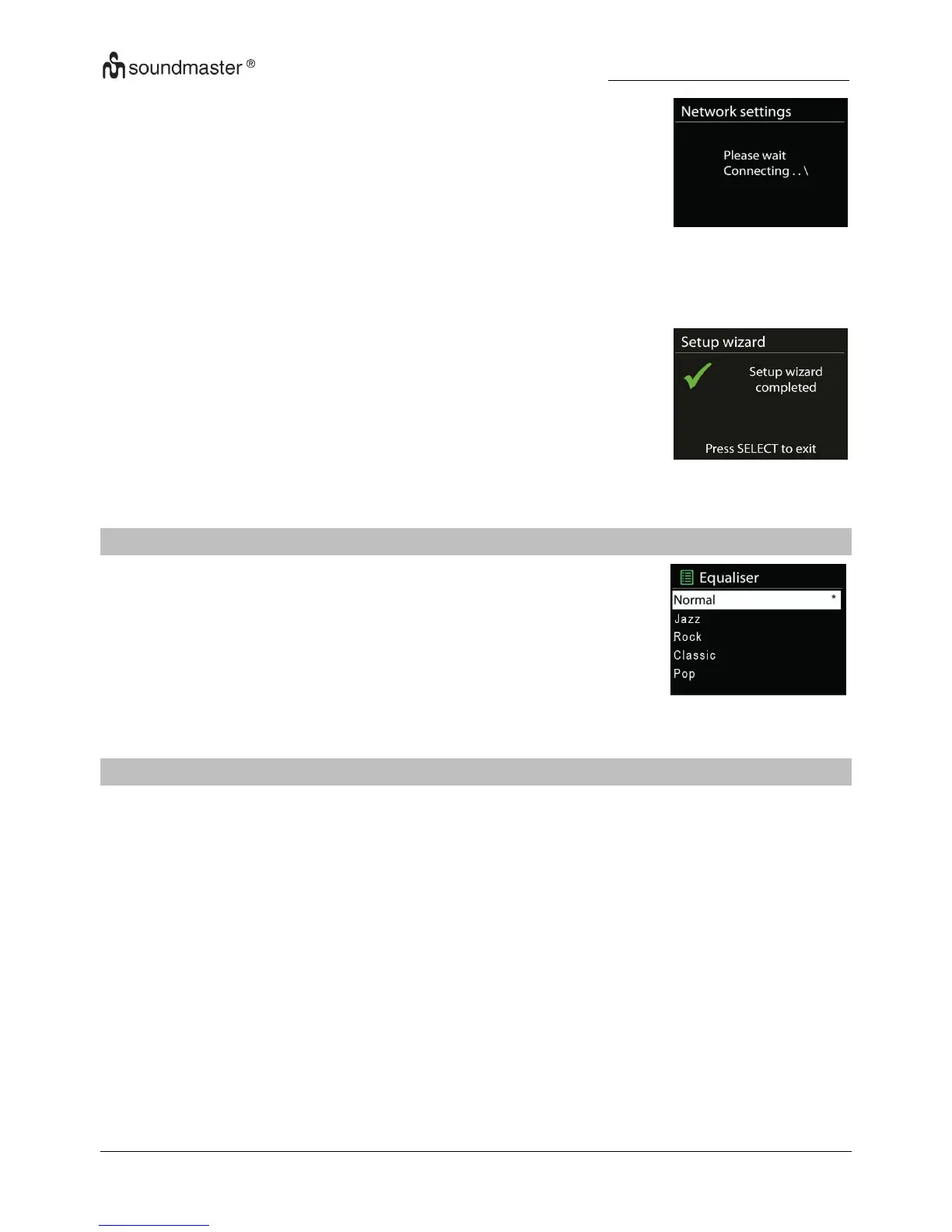
It will show connected if the setup is successful. If
connecting fails,
ICD2020 returns to a previous screen to try again.
Press “OK” to quit the setup wizard.
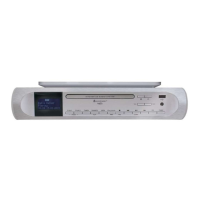
Several preset EQ modes are available: Normal, Jazz, Rock, Classic,
Pop and My EQ.
In the My EQ settings, you can create your own EQ with custom bass
and treble settings.
NETWORK
Network wizard
Enter to search AP SSID, then input the WEP / WPA key or choose Push
Button/Pin/Skip WPS to connect to the wireless network.
PBC Wlan setup
Push Button Configuration, it is to connect the AP that supports WPS (Wi-Fi
Protected Setup).
View settings
View the information of current connected network: Active connection, MAC address,
Wlan
region, DHCP, SSID, IP address, Subnet mask, Gateway address, Primary DNS and
Secondary DNS.


 To Next Page