EasyManua.ls Logo

SOUNDMASTER IR43DAB - User Manual

SOUNDMASTER IR43DAB
42 pages
Print Icon
To Next Page IconTo Next Page
Loading...
IR43DAB / English Manual
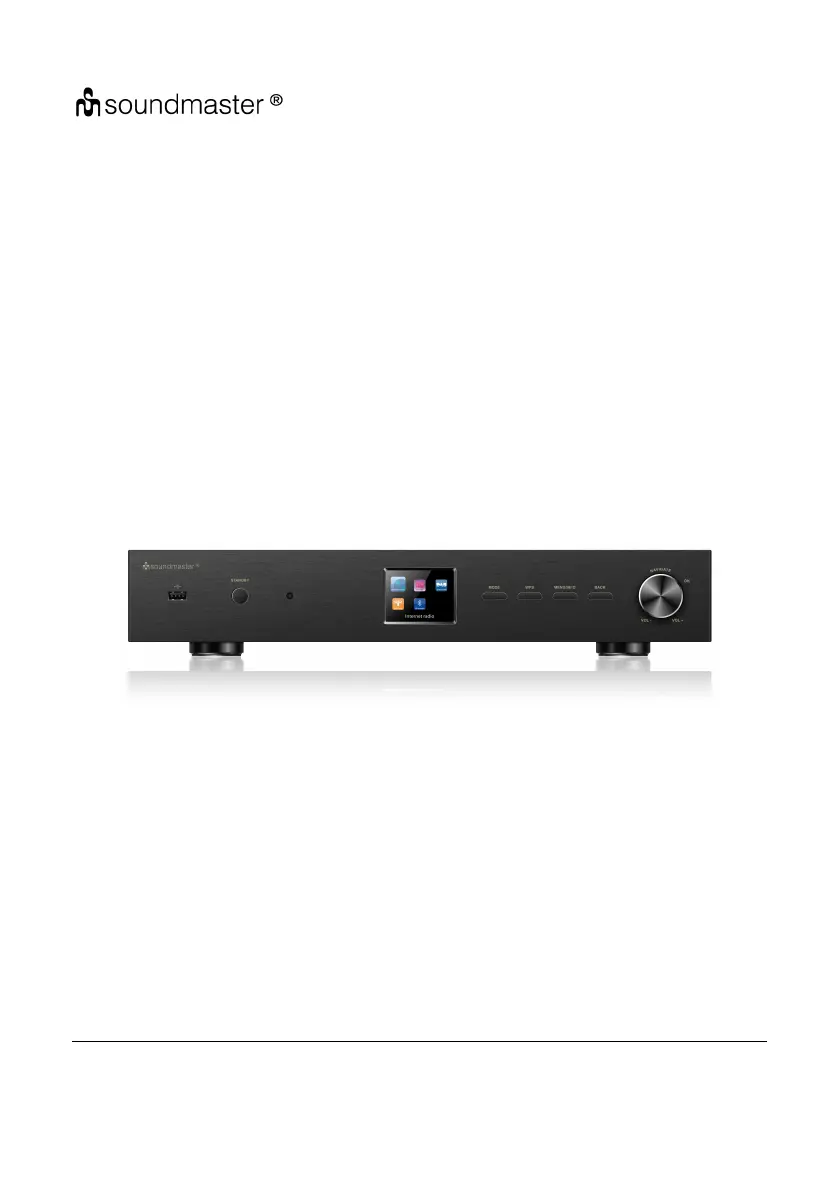
19inch Tuner
IR43DAB
User Manual
Thank you very much for buying the Tuner. In order to let you freely operate the product and
fully enjoy the overbalancing happiness it brings you, we have introduced each function of the
player in detail in this user manual. Please carefully read this user manual before use and keep
for future reference.

Questions and Answers

  • E
    Edward AdamsSep 9, 2025
    What to do if my SOUNDMASTER Tuner has no network connection?
    • M
      Mark BellSep 9, 2025
      If your SOUNDMASTER Tuner isn't establishing a network connection, verify the LAN cable or the WLAN function. Try setting an IP address on the device. Activate the DHCP function on the router and try connecting again. Ensure that the firewall on the network allows access. As a last resort, reboot the router.
  • H
    haley59Sep 8, 2025
    How to fix a SOUNDMASTER Tuner that does not switch on?
    • C
      charlesjordanSep 8, 2025
      If your SOUNDMASTER Tuner doesn't switch on, the first thing to check is whether the power adapter is properly connected.
  • M
    Margaret SpearsSep 7, 2025
    What to do if there is no sound on my SOUNDMASTER Tuner?
    • J
      Jennifer ClarkSep 7, 2025
      If your SOUNDMASTER Tuner isn't producing any sound, first, ensure that the sound isn't muted. If it is, unmute it. Next, try increasing the volume. Lastly, if headphones or speakers are connected, disconnect them from the connector jack.
  • R
    Roger HahnAug 22, 2025
    What to do if my SOUNDMASTER IR43DAB Tuner has no sound?
    • R
      rwilsonAug 22, 2025
      If your SOUNDMASTER Tuner isn't producing any sound, here are a few things you can try: 1. Make sure the sound isn't muted by turning the volume up. 2. Increase the volume level. 3. Check to see if headphones or speakers are plugged into the connector jack and remove them.
  • D
    Dawn GonzalesSep 5, 2025
    What to do if SOUNDMASTER IR43DAB Tuner normal function of the product may be disturbed by strong Electro-Magnetic Interference?
    • D
      Diana ShahSep 5, 2025
      If strong electromagnetic interference is disturbing the normal function of your SOUNDMASTER Tuner: * Reset the product to resume normal operation by following the instruction manual. * If the function doesn't resume, use the product in another location.
  • M
    michaelcookSep 3, 2025
    Why are there no stations available, or burbling/intermittent sound in DAB mode on my SOUNDMASTER IR43DAB?
    • A
      Andrew LeeSep 3, 2025
      If you're experiencing issues such as no stations, burbling, or intermittent sound in DAB mode on your SOUNDMASTER Tuner: 1. Try moving the radio to a different location. 2. Rescan for local stations only (high-strength). 3. Check the local DAB coverage in your area.
  • C
    Caroline DurhamSep 2, 2025
    Why does my SOUNDMASTER IR43DAB have hiss in FM mode?
    • H
      Hunter NguyenSep 2, 2025
      If you're experiencing a hiss in FM mode on your SOUNDMASTER Tuner: 1. Check or move the FM antenna. 2. Try moving the radio to a different location.
  • P
    pyoungSep 1, 2025
    What to do if SOUNDMASTER Tuner wired connection cannot be established?
    • S
      Sharon WilliamsSep 1, 2025
      If a wired connection cannot be established on your SOUNDMASTER Tuner: 1. Check the availability of the LAN network on the access point. 2. Reconnect or replace the LAN cable.
  • T
    timothy86Aug 31, 2025
    Why is SOUNDMASTER Tuner NetRemote not showing or connecting to IR43DAB?
    • R
      robert69Aug 31, 2025
      If the NetRemote isn't showing or connecting to your SOUNDMASTER Tuner IR43DAB: 1. Reopen the App. 2. If multiple devices are streaming simultaneously, it may cause a crash. Reboot the IR43DAB and/or your device.
  • C
    coliverAug 30, 2025
    What to do if SOUNDMASTER IR43DAB USB driver or MP3 player is not detected?
    • J
      Jonathan LeeAug 30, 2025
      If your SOUNDMASTER Tuner isn't detecting the USB driver or MP3 player: 1. Check if the USB driver or MP3 player is properly plugged in. 2. Some USB hard disks require an external power supply; ensure it's connected. Note that not all MP3 players can be read directly by the device; try using a USB drive instead.

SOUNDMASTER IR43DAB Specifications

General IconGeneral
Power SupplyMains
Internet RadioYes
Presets20
BluetoothYes
USBYes
Headphone JackYes
EthernetNo
Wi-FiYes
DLNANo
UPnPNo
Alarm ClockYes
Remote ControlYes
Frequency RangeDAB: 174-240 MHz, FM: 87.5-108 MHz
DisplayLCD
FeaturesDAB+/FM Radio