EasyManua.ls Logo

SOUNDMASTER IR43DAB - User Manual

SOUNDMASTER IR43DAB
42 pages
Print Icon
To Next Page IconTo Next Page
Loading...
IR43DAB / English Manual
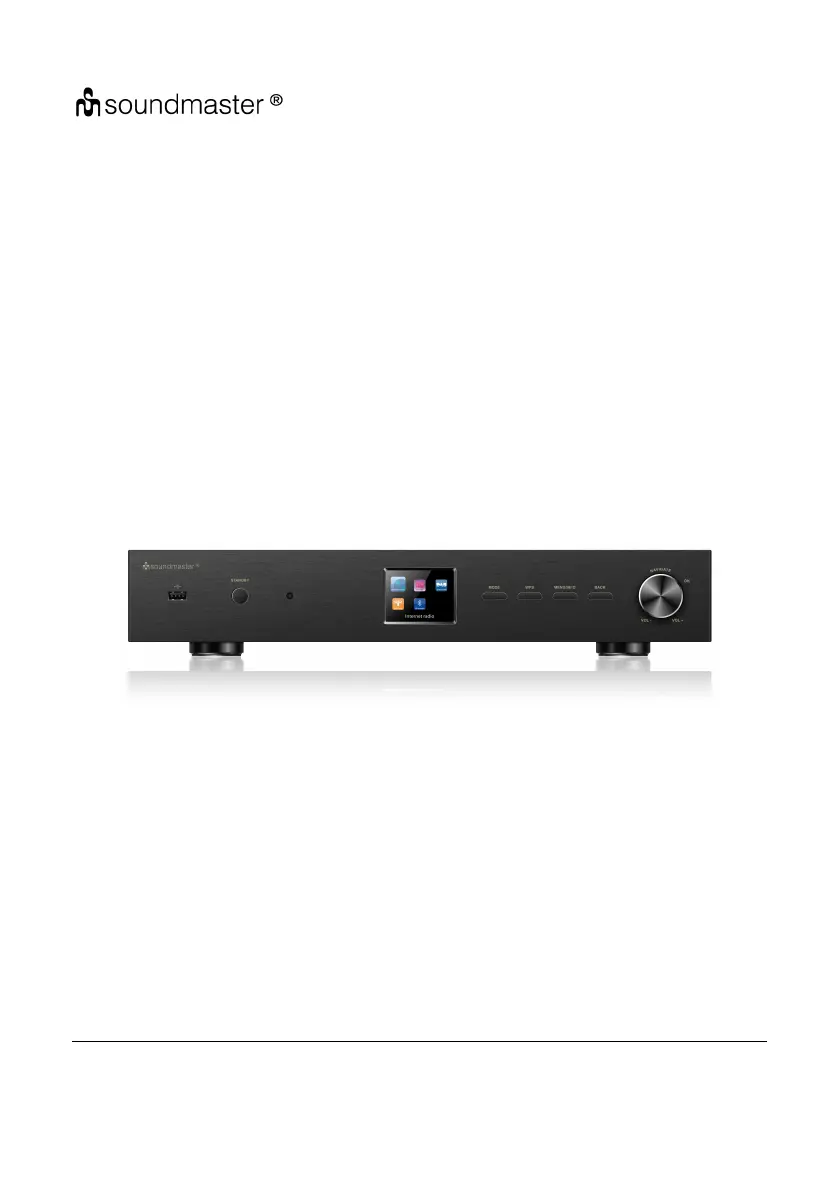
19inch Tuner
IR43DAB
User Manual
Thank you very much for buying the Tuner. In order to let you freely operate the product and
fully enjoy the overbalancing happiness it brings you, we have introduced each function of the
player in detail in this user manual. Please carefully read this user manual before use and keep
for future reference.

Questions and Answers

  • M
    maryvargasAug 28, 2025
    How to fix SOUNDMASTER Tuner when no network connection can be established?
    • C
      Christina MackAug 28, 2025
      If your SOUNDMASTER Tuner can't establish a network connection: 1. Check the LAN cable or the WLAN function. 2. Try setting an IP address on the device. 3. Activate the DHCP function on the router and try connecting the device again. 4. If a firewall is active on the network, configure the firewall program to allow access, then reboot the router.
  • D
    Dr. Robert CarterAug 27, 2025
    How to fix SOUNDMASTER IR43DAB Tuner when WiFi connection cannot be established?
    • V
      victoria25Aug 27, 2025
      If you're having trouble establishing a WiFi connection with your SOUNDMASTER Tuner: 1. Make sure the WLAN network is available on your router. 2. Try placing the device closer to the router. 3. Verify that you're using the correct password.
  • M
    Maria RobertsonAug 27, 2025
    Why is my SOUNDMASTER IR43DAB Tuner not finding any stations?
    • S
      shelby04Aug 27, 2025
      If your SOUNDMASTER Tuner isn't finding any stations: 1. Check the network, access point, and firewall. 2. The station may be temporarily unavailable; try again later or select another station. The station's link may have changed, or the station may no longer be transmitting. Contact the provider for more information. 3. If you manually added a station, ensure the link is correct and re-enter it.
  • C
    Christopher Johnston DDSAug 25, 2025
    What to do if SOUNDMASTER Tuner alarm does not work?
    • A
      alexlawrenceAug 26, 2025
      If the alarm on your SOUNDMASTER Tuner isn't working: 1. Ensure that the alarm is switched on. 2. If the alarm source is set to a station but there's no network connection, either change the alarm source or reconfigure the network connection. This issue may also be related to the volume setting; in that case, refer to the solutions for 'No sound' to resolve the problem.
  • D
    David GarciaAug 25, 2025
    How to fix SOUNDMASTER IR43DAB when it does not switch on?
    • C
      christophercortezAug 25, 2025
      If your SOUNDMASTER Tuner isn't turning on, verify that the power adapter is correctly connected.

SOUNDMASTER IR43DAB Specifications

General IconGeneral
Power SupplyMains
Internet RadioYes
Presets20
BluetoothYes
USBYes
Headphone JackYes
EthernetNo
Wi-FiYes
DLNANo
UPnPNo
Alarm ClockYes
Remote ControlYes
Frequency RangeDAB: 174-240 MHz, FM: 87.5-108 MHz
DisplayLCD
FeaturesDAB+/FM Radio