MCD1700 / English instruction manual
ENG 1
BATTERY REPLACEMENT
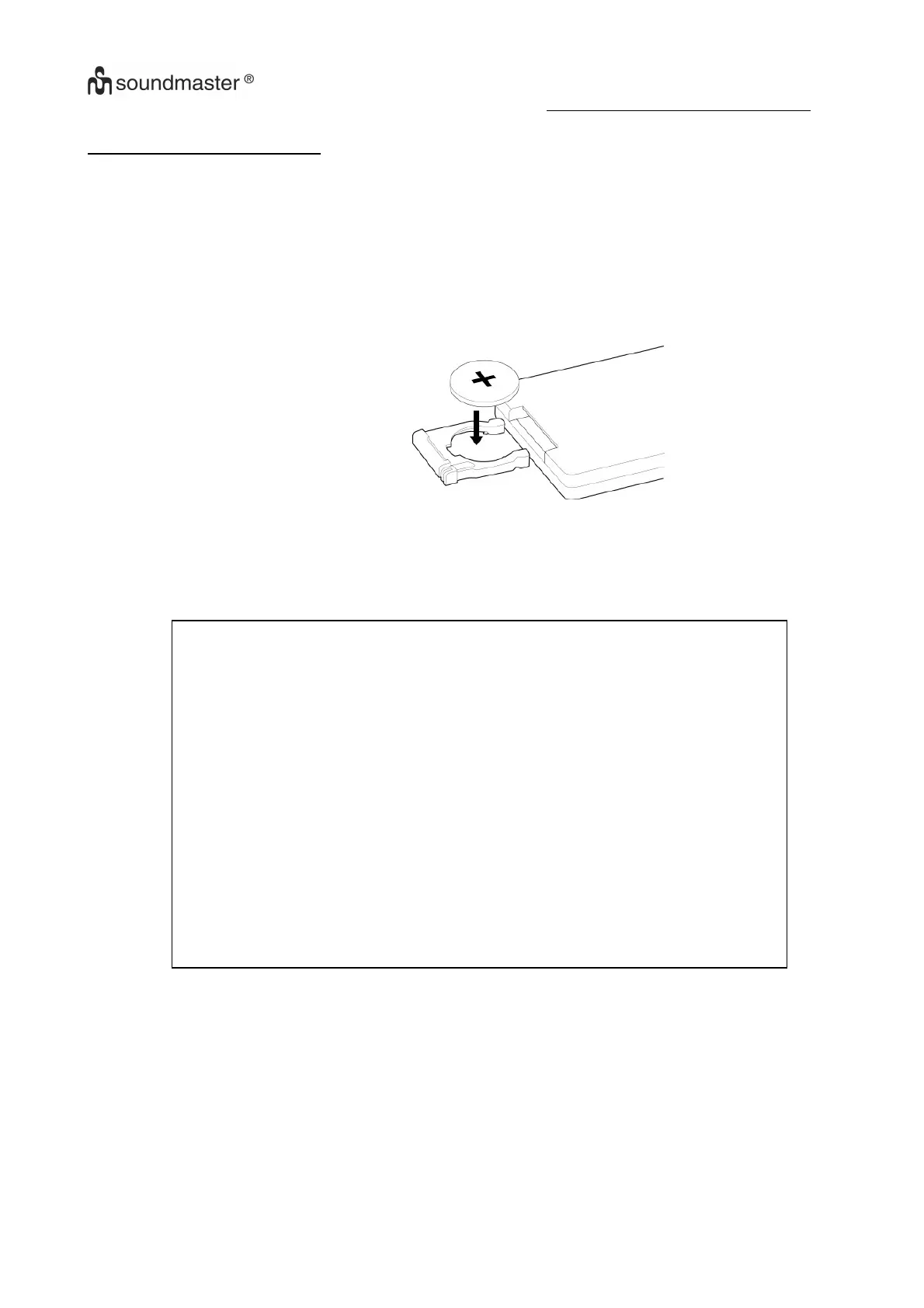
The battery compartment is located on the back of the remote control.
1. Remove the battery compartment door by pressing in on the tab and lifting it off.
2. Insert one (1) CR2032 size batteries into the battery compartment following the polarity
markings inside the battery compartment.
3. Replace the battery compartment door.
Battery Precautions
Replacement of batteries must be done by an adult.
Do not mix old and new batteries.
Do not mix alkaline, standard (carbon-zinc) or rechargeable
(nickel-cadmium) batteries.
The supply terminals are not to be short-circuited.
Non-rechargeable batteries are not to be recharged.
Exhausted batteries are to be removed.
Only batteries of the equivalent type are to be used.
Batteries are to be inserted with the correct polarity.
Dispose of batteries properly. Do not dispose of batteries in fire. The
batteries may explode or leak.















 To Next Page