5
Repeat/Random mode
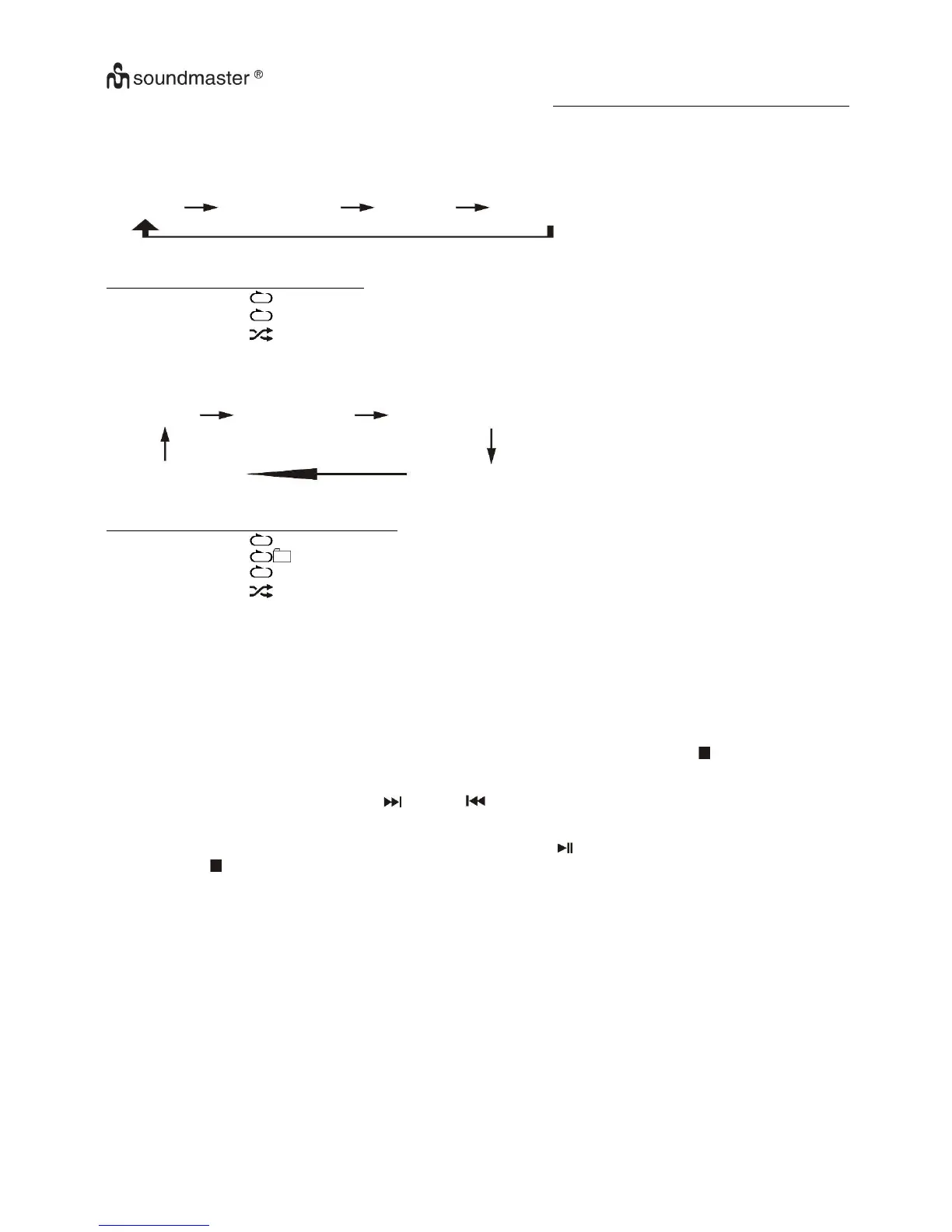
Press the “Play Mode” button (11) during playback to select repeat and random function, a single track, all the tracks repeat or
folder repeat(MP3 only) and random can be played in difference mode as follow:
For CD
(1) repeat 1 (2) repeat all track (3) random (4) off mode
Repeat play
You can listen to the desired track, folder (for MP3 only) or whole disc repeat by this function.
Random play
You can listen to all the tracks in a random order by this function.
CD programming
Up to 20 tracks can be programmed for disc play in any order. Before use, be sure to press the “stop ” button (8).
1. Set in CD mode & stop the CD playback.
2. Press the “Mem/Clk-Adj” button (21) and “MEM” will appear on LCD display (6).
3. Select a desired track by pressing skip up or down button (14/15).
4. Press the “Mem/Clk-Adj” button (21) to store the track into memory.
5. Repeat steps 3 and 4 to enter additional tracks into the memory if necessary.
6. When all the desired tracks have been programmed, press “Play/Pause ” button (12) to play the disc in assigned order.
7. Press “Stop ” button (13) to stop playback, press Stop button again to clear all stored memory.
The programming mode will automatically stop if no button is being pressed in a period of about 10 seconds after pressing
the “Mem/Clk-Adj” button.








 To Next Page