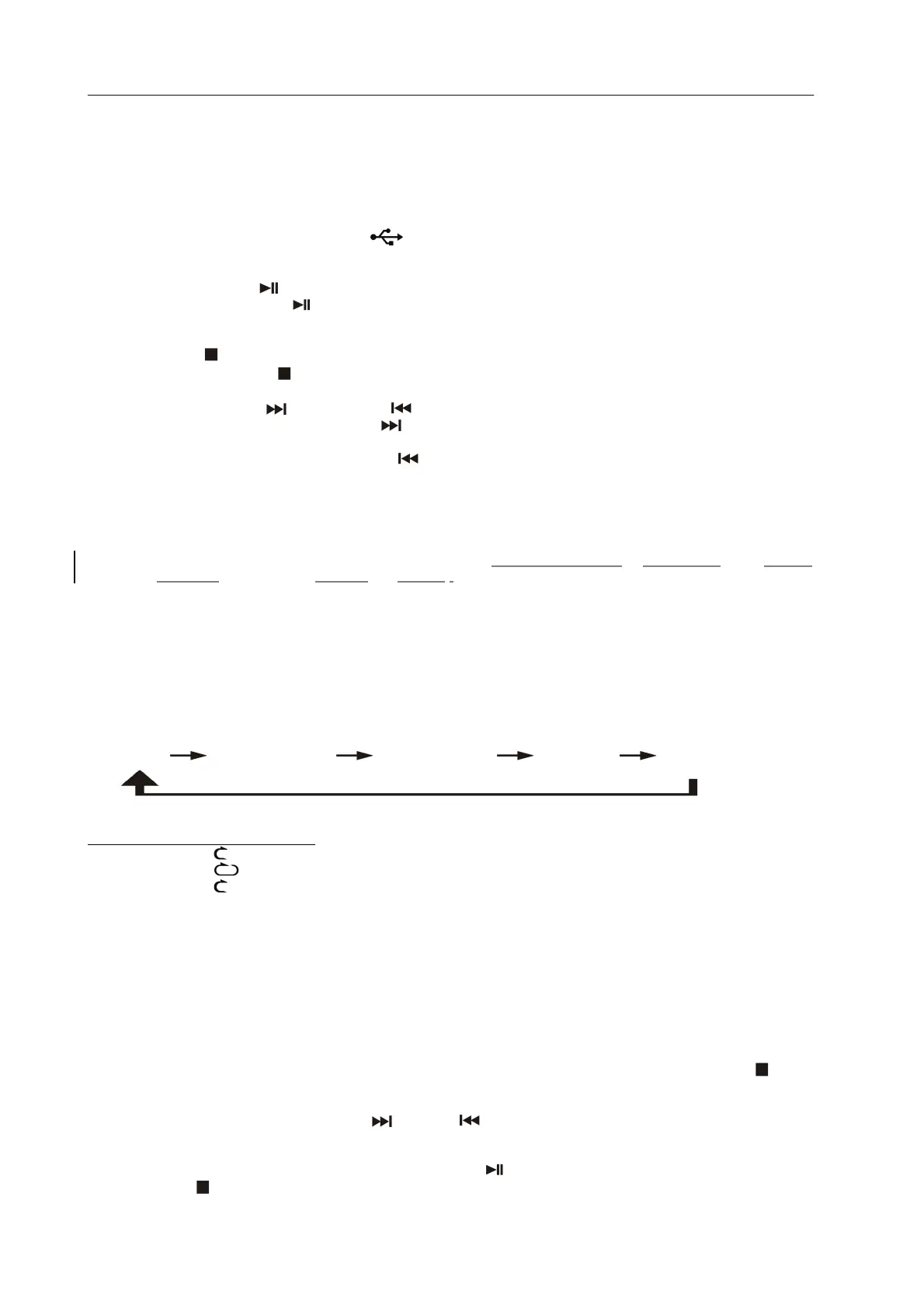
Playback of MP3 song via USB storage media
Connecting
The system is able to decode and playback all MP3 file which stored in the memory media with USB connecting port (21).
1. Set the system at standby mode first or other function except USB mode.
2. Plug-in the USB pen-drive with the face up & make sure it going into completely or insert the memory card in the direction
of the arrow as shown in the label on the underside of the memory card slot. Insert straight without bending..
z Connecting the USB upside down or backwards could damage the audio system. Check to be sure the direction
is correct before connection.
3. Press Functions button (5/45) to select “
“ USB mode.
4. The system will start reading the storage media automatically after connecting, and LCD display (3) will show the total
number of MP3 files being detected.
z Play / pause mode
1. To interrupt, press the USB “ ” button (44) once, and the playing time will be freeze & flashing on the LCD display (3).
Press again to resume normal playback.
z Stop mode
1. Press and the USB stop button (44) during play or pause mode, system will go to stop mode.
z Skip mode (skip up / skip down )
1. During play or pause mode, if “USB skip up ” button (16/44) is pressed. It will go to next track and display the track no.
And then remain the play or pause mode.
2. During play or pause mode, if “USB skip down
” button (16/44) is pressed. It will go to the previous track and change to
play mode.
5
Remark
- The system can detect and read the file under MP3 format only though the USB port.
- If connect the system to MP3 player via the USB socket, due to variances in MP3 encoding format, some MP3
player may not be able to play via the USB socket. This is not a malfunction of the system.
- USB port does not support connection with USB extension cable and is not designed for communication with
computer directly
MP3 track format requirement:-
- MP3 bit rate : 32 kbps~256 kbps.
- The performance of playing MP3 file is various from the quality of recording disc and the method of recording.
z Play mode
Press the play mode button (44) during playback to select repeat and random function, a single track, single folder or all the
tracks can be played in difference mode as follow:-
(1) repeat 1
(2) repeat all track (3) repeat folder (4) random (5) off mode
Indicator
Play mode on LCD display
Repeat 1 track
Repeat all
Repeat folder FOLDER
Random RAN
Off mode --------------
z Repeat play
You can listen the desired tracks or folder repeatedly by this function.
z Random play
You can listen all the tracks in a random order by this function
USB programming
Up to 30 tacks can be programmed for MP3 play in any order. Before use, be sure to press the “ USB stop “ button (44)
1. Set in USB mode & stop the playback.
2. Press the “mem/clk-adj” button (44) , “ MEM “ will appear on LCD display (3). Moreover, it will indicate program no. P- 01 .
3. Select a desired track by pressing skip up or down buttons (16/44).
4. Press the“ mem/clk-adj ” button (44) to store the track into memory.
5. Repeat steps 3 and 4 to enter additional tracks into the memory if necessary.
6. When all the desired tracks have been programmed, press “
” button (44) to play the disc in assigned order.
7. Press “ stop
” button (44) to terminate program play.
EN-6











 To Next Page