INITIAL USE
Before operation, please make sure that the VOLTAGE mentioned on the power supply is same
as the voltage of your local area.
Mains Power:
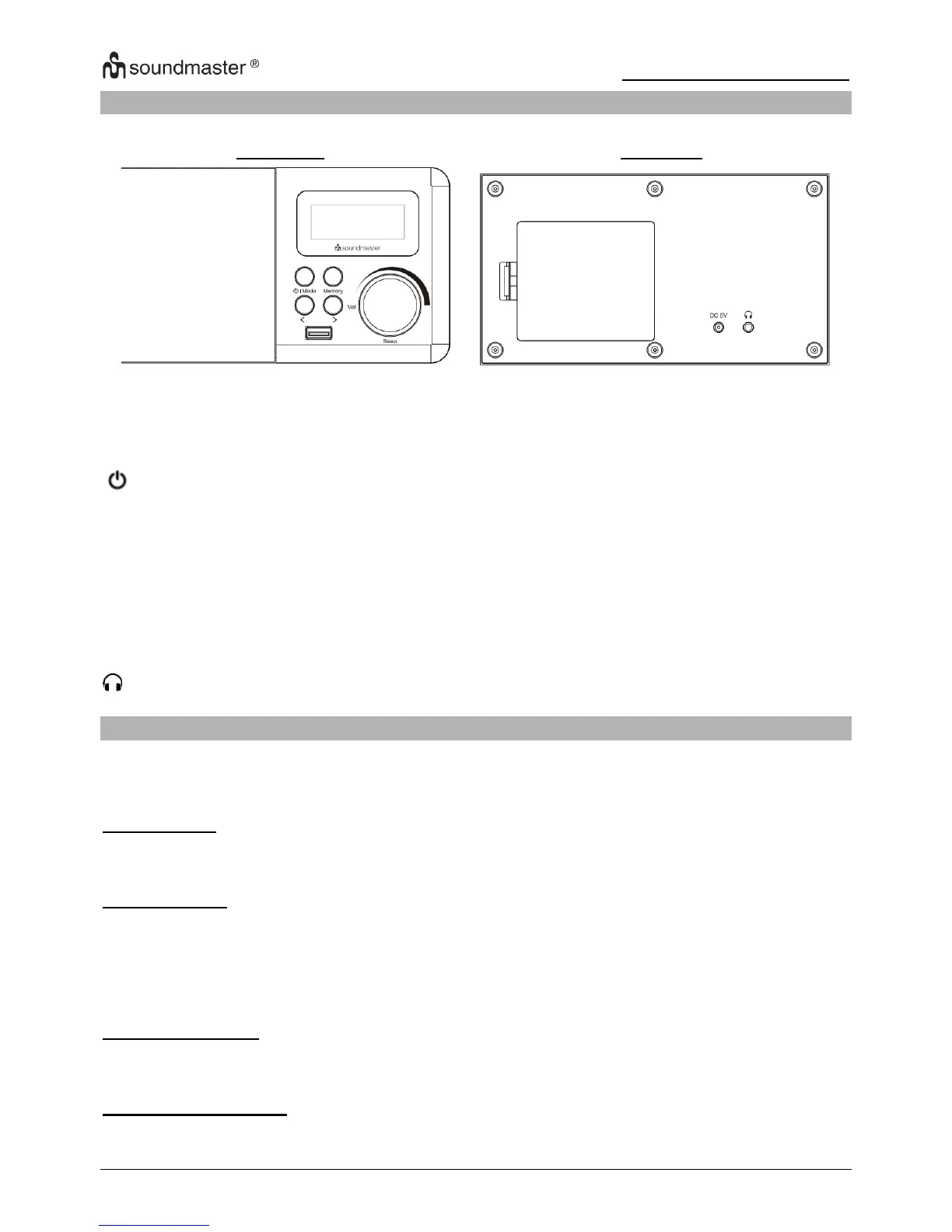
Connect the mains adapter (included) to the DC 5V IN socket and the mains socket. Disconnect
the mains adapter from the mains socket if you want to switch the unit off completely.
Battery Power:
Insert 4*AA batteries (Not included) correctly by following the polarity (+ or -) indications in the
battery compartment.
When DC power supply is connect to DC IN batteries are disabled, If no batteries are inserted
unit will lost settings in power failure.
Clock Display time
For initial use, the unit will automatically display time "0:00" in standby mode.
Auto return to clock display mode when no operation in 30 s.
Display protection foil
Pls. remove the display protection foil from the screen at the first use.














 To Next Page