ETCPRSP01 0718
1.800.338.7337 / www.soundoffsignal.com
Pg. 7
SLIDE SWITCH SETTINGS:
1. Press and hold Auxiliary Push-Button “1” and “4” until slide switch #2 indicator LED ashes.
2. Press Auxiliary Push-Button “1”, “2” or “3” depending on which conguration for the slide
switch is required.
HIGH
LOW 2
65
3
7
4
Setting PA Volume:
1. Press and Hold Auxiliary Push-Button “1” and “2” until slide switch #2 and #3 indicator LED
ashes.
2. Depress and hold PA switch on microphone and press Push-button “1”-“8” depending on
volume required. When correct volume is determined, press Radio Rebroadcast and
the volume setting will be permanently stored.
BACKLIGHT INTENSITY:
While pressing Radio Rebroadcast Button,
press Auxiliary Button 1-8 to adjust backlight intensity.
Button 1 = Lowest intensity, Button 8 = Highest intensity.
Backlight must be enabled by the Gray wire on CN6.
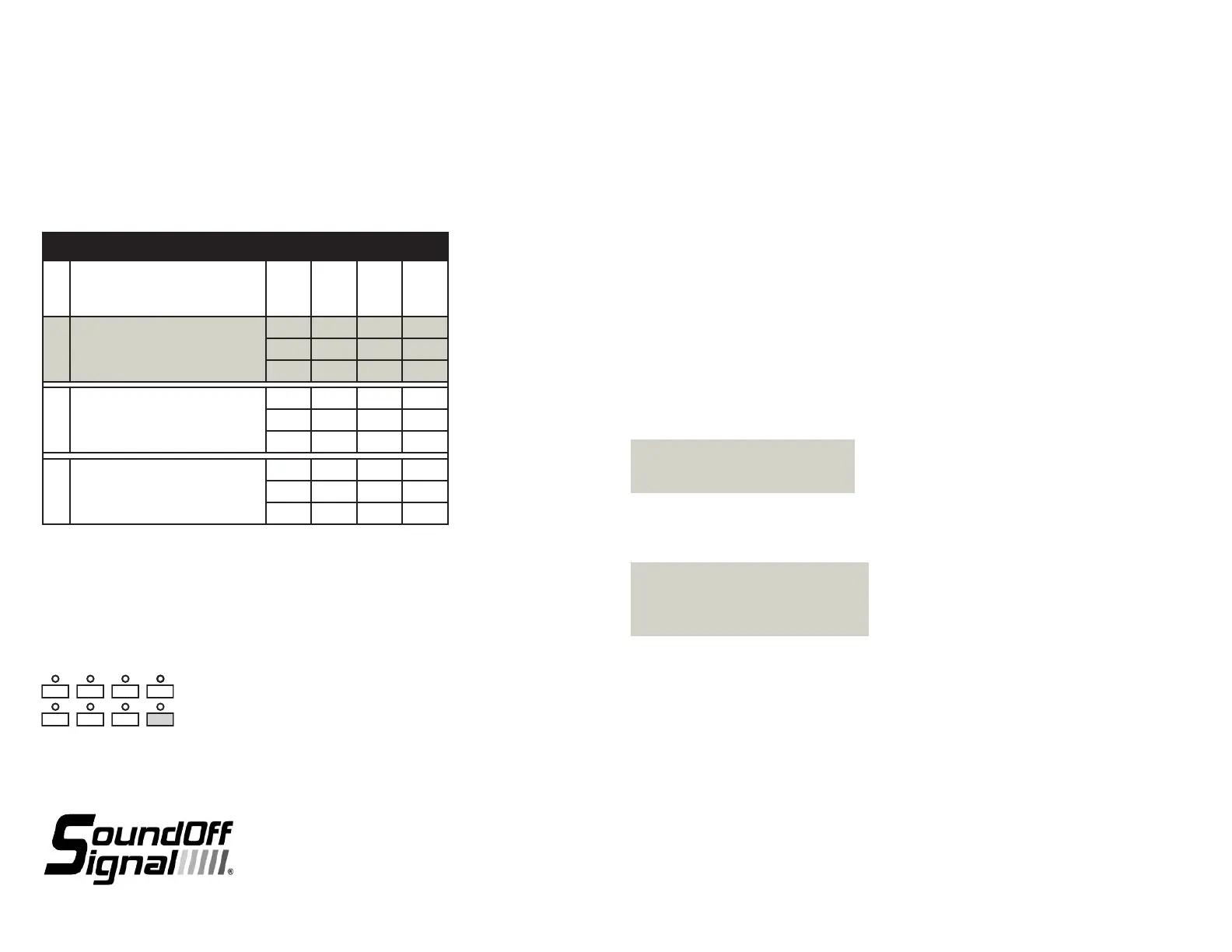
SLIDE SWITCH SETTINGS
MODE
RELAY
OUTPUT
#1
RELAY
OUTPUT
#2
RELAY
OUTPUT
#3
SLIDE
SWITCH
POSITION
1 AUXILIARY PUSH-BUTTON ‘1’ IS SELECTED
1
2
3
2 AUXILIARY PUSH-BUTTON ‘2’ IS SELECTED
1
2
3
3 AUXILIARY PUSH-BUTTON ‘3’ IS SELECTED
1
2
3
AUXILIARY SWITCH SETTINGS:
Refer to Siren Amplier Diagnostic Indicator Chart below for Button and LED locations and
terminology
1. Press and Hold Auxiliary Button #1 and #8 until slide switch #1 LED ashes.
2. Press the button which setting is going to be viewed/changed 1 time.
3. Monitor the 5 LED’s for the arrow controller to determine setting
- *Arrow Controller (Left, Right, Center, OFF), Dual Output; 1 & 9
- Alternate Action Switch (Press ON / Press OFF)
- Momentary Action Switch (ON only when depressed)
- 8 Second ON Time (ON for 8 seconds when depressed)
- Level 1 Disable (Turns OFF Level 1 Output)
- Level 2 Disable (Turns OFF Level 2 Output)
- Left Arrow, Single Output
- Right Arrow, Single Output
- Center Arrow, Single Output
- Warning Bar Output
4. Press and release button until desired mode is selected.
5. Continue steps 2-3 for any other buttons that need to be programmed.
*Can only be programmed to one button
and will disable Left, Right and Center
Arrow Single Outputs if they are used.
PROGRAMMING MODES
Default Settings:
Button #1: Arrow Controller
Button #2-7: Alternate Action Switch
Button #8: 8 Second Gun Lock
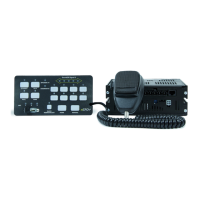
REMOTE CONTROL PANEL
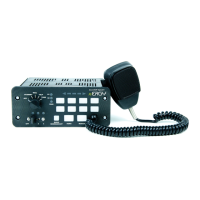
ETCPRSP01 - 8 Button Controller w/ Radio Rebroadcast and Slide Switch


 To Next Page
 Loading...