First Time of Use
< Settings
Bluetooth
Bluetooth
DEVICES
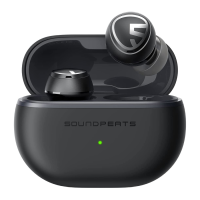
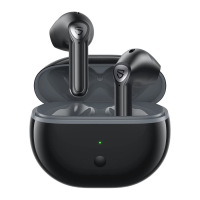
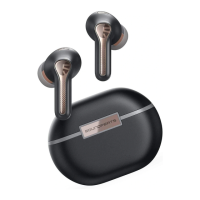
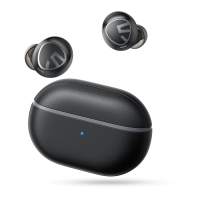
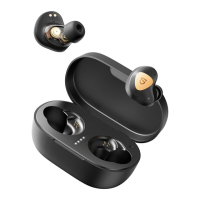
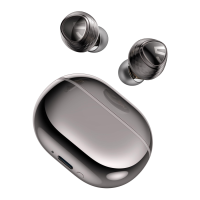
1 Please open the lid of the charging case to take out the headphones,
remove the insulating film from the top of both headphones, then put both
headphones back into the charging case. Press and hold the button at the
bottom of the charging case for 3 seconds until the indicator light inside
the charging case fashes white. They are in pairing mode then
2. Turn on your device's Bluetooth and select SOUNDPEATS Engine 4 from the
Bluetooth listto complete the pairing

 Need help?
 General


 To Next Page