Pairing of a Second Device
SOUNDPEATSEngine earphones can be paired simultaneously with two
devices. How to connect: Once the earphones are paired with device A,
turn off the Bluetooth of device A Repeat the pairing operation to connect
the earphones to device B. When the pairing is completed, please turn on
the Bluetooth of device A to complete the pairing
Reset
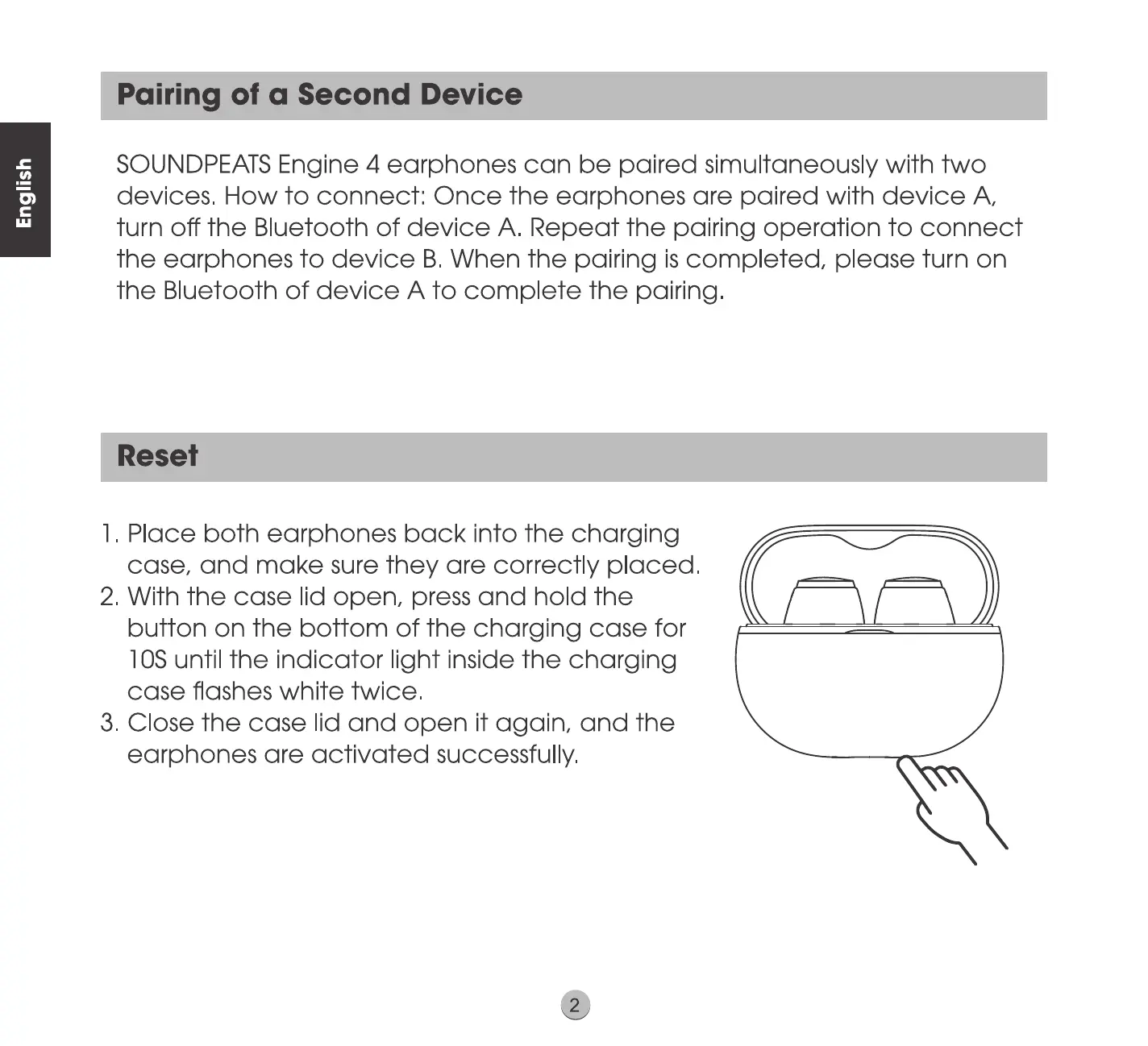
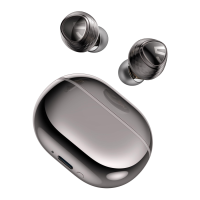
1 Place both earphones back into the charging
case, and make sure they are correctly placed
2 With the case lid open, press and hold the
button on the bottom of the charging case for
IOSuntil the indicator light inside the charging
case flashes white twice
3 Close the case lid and open it again, and the
earphones are activated successfully.



 To Next Page