Source Technologies, LLC ST9630 Secure MICR Printer User’s Guide
9
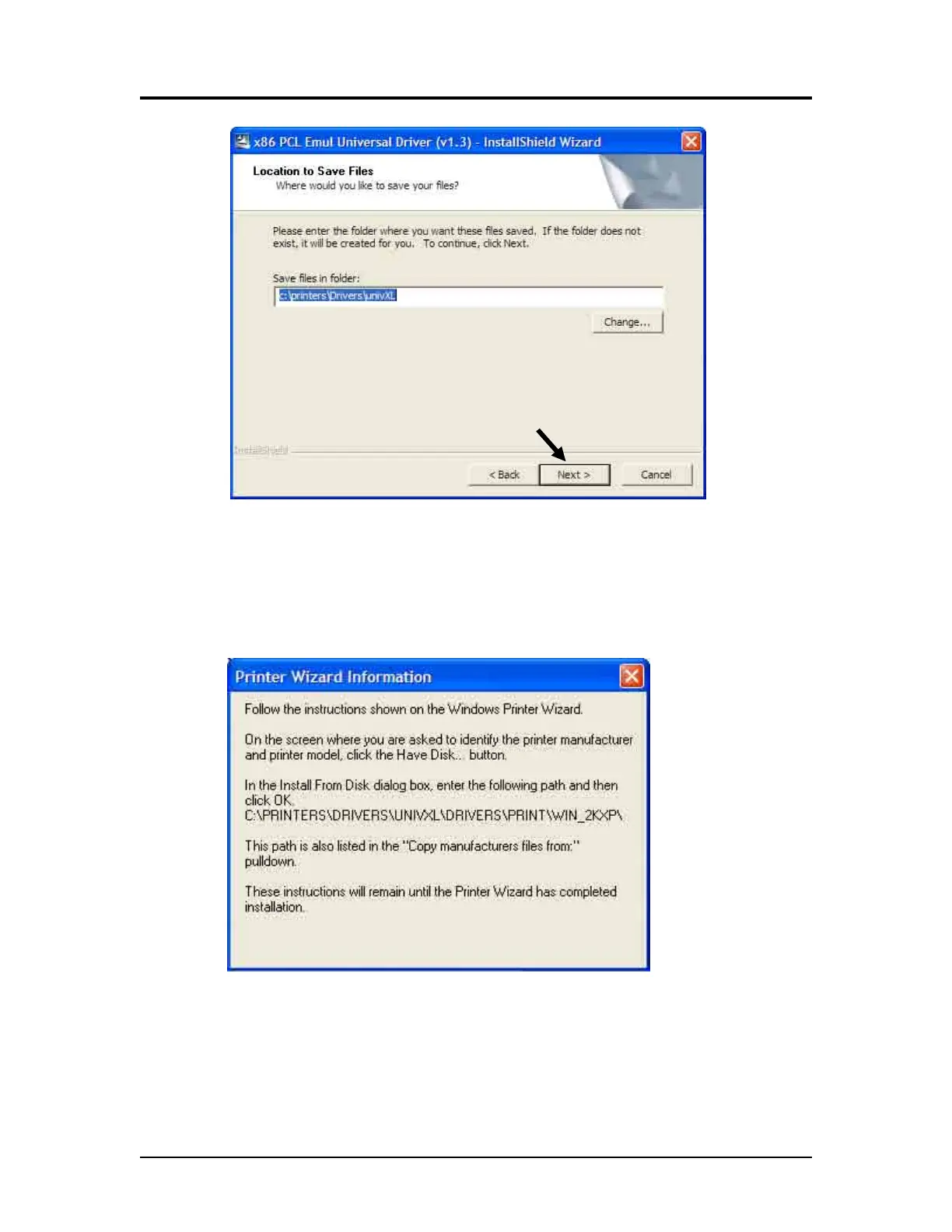
4. Leave the “Save files in folder” option as shown above then click Next >.
5. After the installation program installs the necessary files, the following
message will be displayed revealing the next steps required to install the
driver. At the same time, an “Add Printer Wizard” will run as shown in the next
step.
Printer and Driver Installation | 1



 To Next Page