EasyManua.ls Logo

Southwire 10031S - Testing Batteries; Measurement Procedure; Replacing the Multimeter 9 V Battery; Safety Warning

Southwire 10031S
12 pages
Print Icon
To Next Page IconTo Next Page
To Previous Page IconTo Previous Page
Loading...
Operation cont.
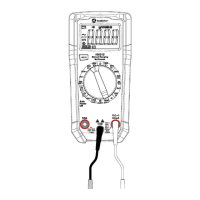
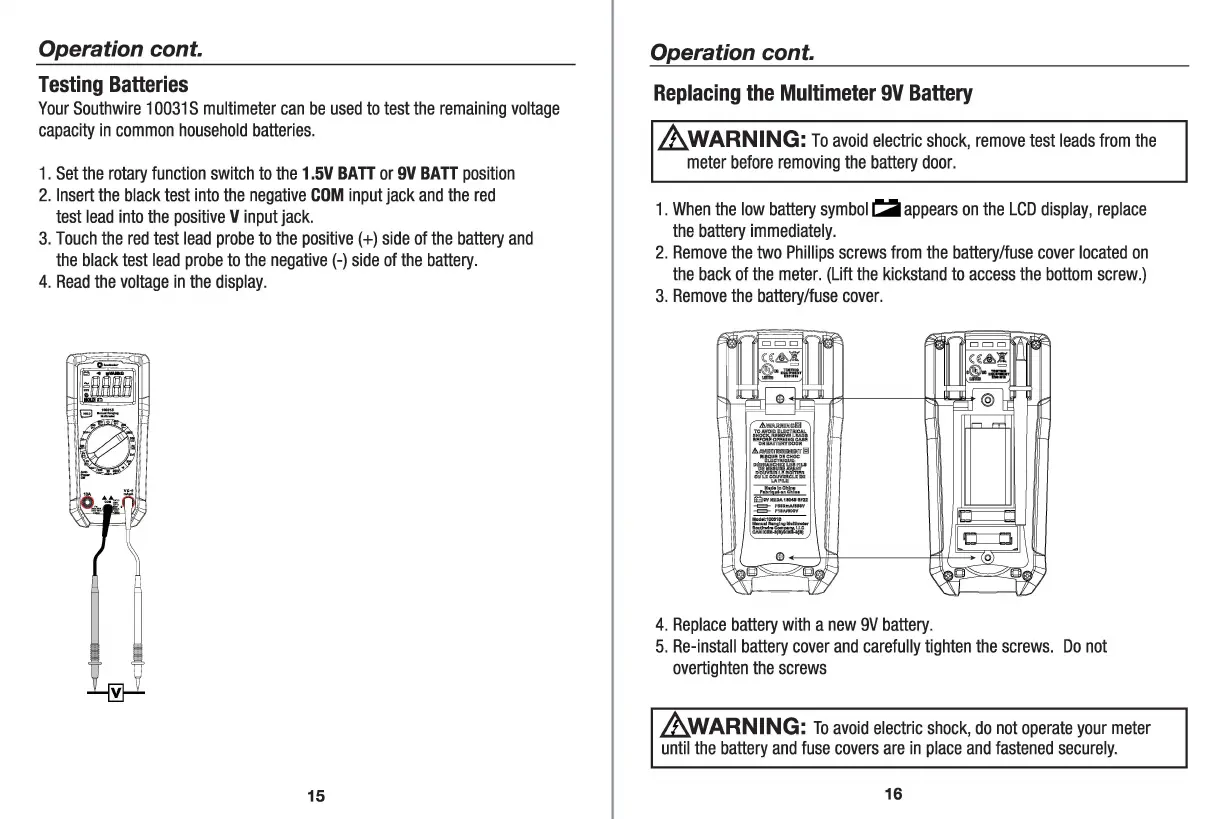
Testing
Batteries
Your
Southwire
10031
S
multimeter
can
be
used
to
test
the
remaining
voltage
capacity
in
common
household
batteries.
1.
Set
the
rotary
function
switch
to
the
1.5V
BA
TT
or
9V
BA
TT
position
2.
Insert
the
black
test
into
the
negative
COM
input
jack
and
the
red
test
lead
into
the
positive
V
input
jack.
3.
Touch
the
red
test
lead
probe
to
the
positive(+)
side
of
the
battery
and
the
black
test
lead
probe
to
the
negative(-)
side
of
the
battery
.
4.
Read
the
voltage
in
the
display.
15
Operation cont.
Replacing
the
Multimeter
9V
Battery
_&.WARNING:
To
avoid
electric
shock
,
remove
test
leads
from
the
meter
before
removing
the
battery
door
.
1.
When
the
low
battery
symbol
i:a
appears
on
the
LCD
display,
replace
the
battery
immediately.
2.
Remove
the
two
Phillips
screws
from
the
battery/fuse
cover
located
on
the
back
of
the
meter.
(Lift
the
kickstand
to
access
the
bottom
screw.)
3.
Remove
the
battery/fuse
cover
.
0::::::0
4.
Replace
battery
with
a
new
9V
battery
.
5.
Re-install
battery
cover
and
carefully
tighten
the
screws
.
Do
not
overtighten
the
screws
_&.WARNING:
To
avoid
electric
shock,
do
not
operate
your
meter
until
the
battery
and
fuse
covers
are
in
place
and
fastened
securely
.
16