18
50
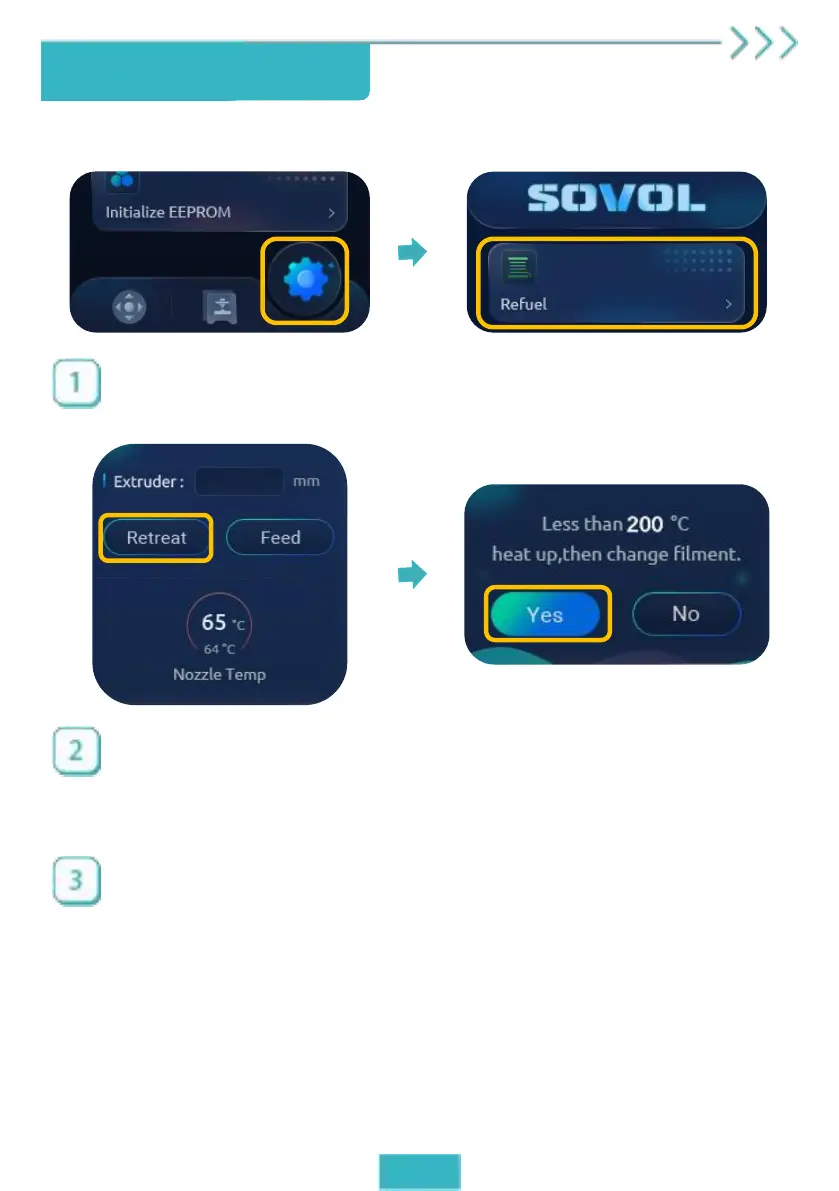
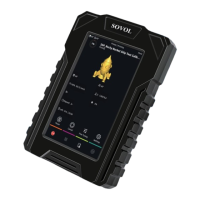
Main interface → Click the gear icon to enter the setting
interface → Click “Refuel”.
Enter “50” and click “Retreat”. If the nozzle temperature is too
low, it will prompt you to heat up. Please click “Yes”.
Wait until the temperature rises to the target value, click
“Retreat” again, the machine will withdraw to the feed port
automatically, then insert new filament to start printing.
Replace filament


 To Next Page