BIOS Setup Utility
SY-5EHM/5EH5 V1.3
39
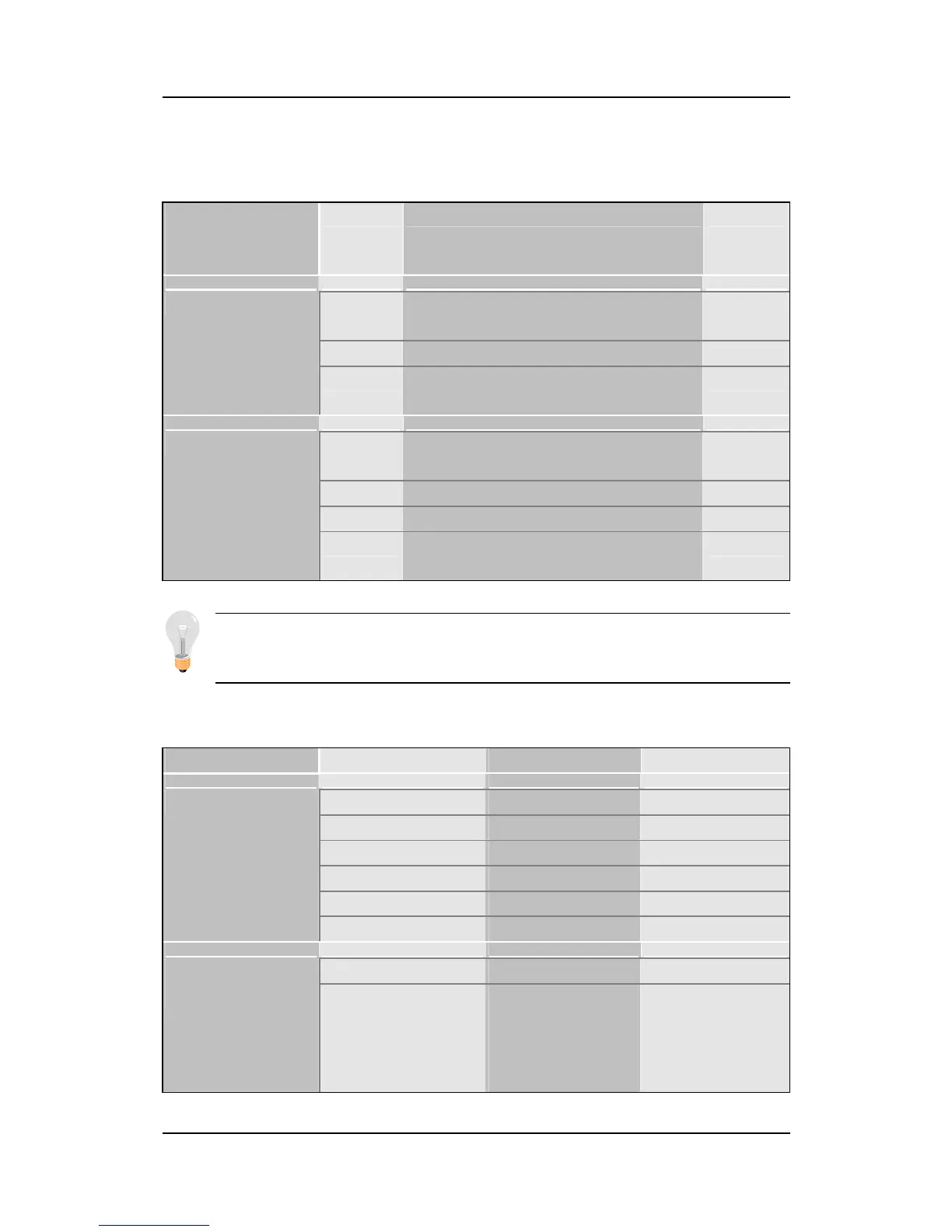
3-1.2 Hard Disks Type & Mode
Choose the type and mode for the hard disks that you have already
installed.
Primary
(Secondary)
Master & Slave
Setting Description Note
Auto BIOS detects hard disk type
automatically.
Default
1-47 Selects standard hard disk type.
Type
User User defines the type of hard
disk.
Auto BIOS detects hard disk mode
automatically.
Default
Normal Normal IDE hard disk <528MB
LBA Enhanced IDE hard disk >528MB
Mode
Large Large IDE hard disk (for certain
hard disk)
Note: If you have any questions on your hard disk type or
mode, ask your hard disk provider or previous user for details.
3-1.3 Floppy Drives
Floppy Drives Setting Description Note
360KB, 5.25 in.
1.2MB, 5.25 in.
720KB, 3.5 in.
1.44MB, 3.5 in. Default
2.88MB, 3.5 in.
Drives A & B
None Not installed
Disabled Default Floppy 3-Mode
Support
Drive A
Drive B
Both
Supports 3-mode
floppy diskette:
740KB/1.25MB/1.
44MB on selected
disk drive.
Special disk
drive commonly
used in Japan


 To Next Page
 Loading...







