Drivers Installation
SY-5EHM/5EH5 V1.3
66
Chapter 4
DRIVERS INSTALLATION
Your SY-5EHM/5EH5 V1.3 Motherboard comes with a CD-ROM labeled
"SOYO CD." The SOYO CD contains (1) the user's manual file for your
new Motherboard, (2) the drivers software available for installation, and (3)
a database in HTML format with information on SOYO Motherboards and
other products.
Step 1. Insert the SOYO CD into the CD-ROM drive
The SOYO CD will auto-run, and the SOYO CD Start Up Menu will be as
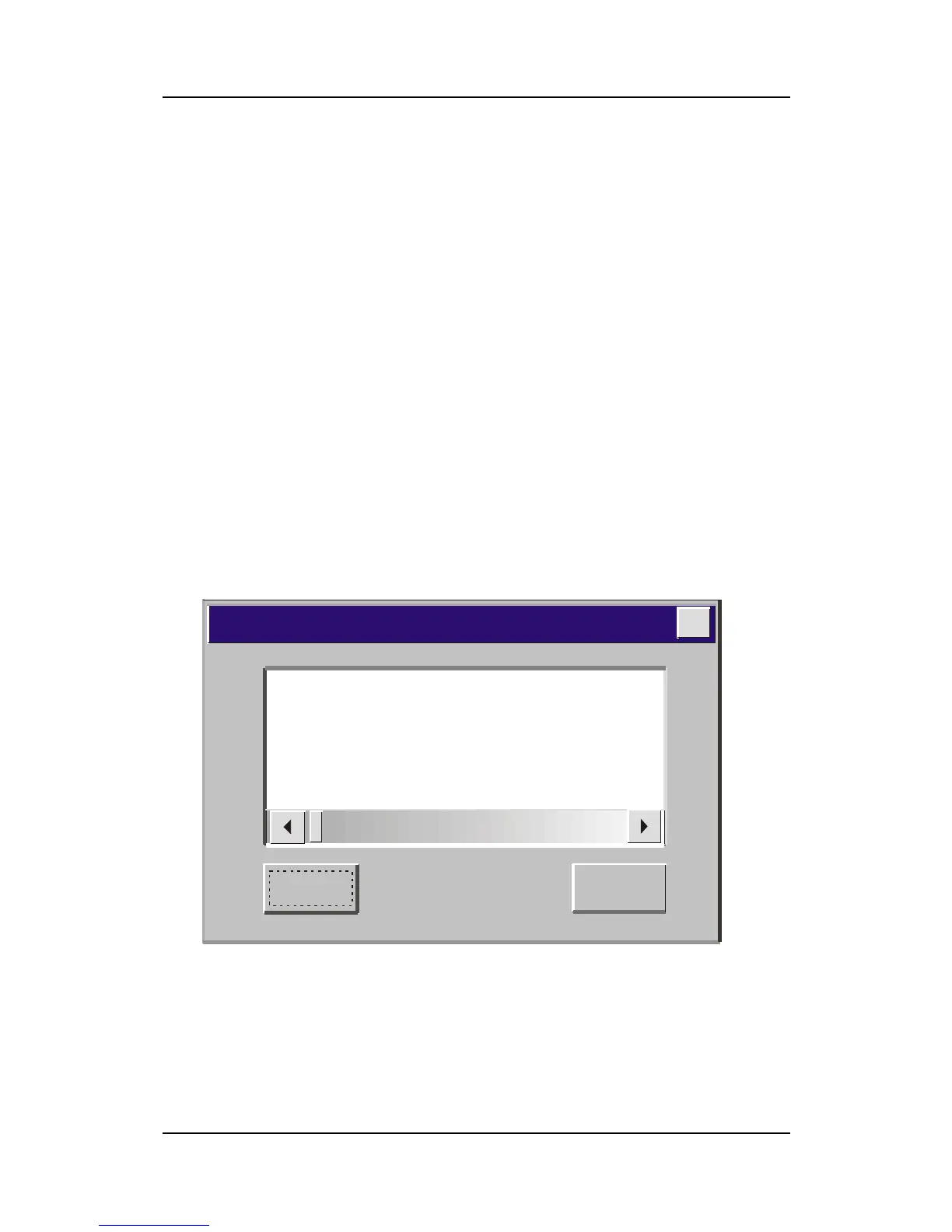
shown. If you use Windows NT, the SOYO-CD will not detect your
motherboard type. In that case the following dialog will pop up, please
choose your motherboard and press OK. Now the SOYO-CD Start Up Menu
will be shown.
(SOYO CD Start Up Program Menu)
If you use Windows 95/98/ME, the SOYO CD Start Up Program
automatically detects which SOYO Motherboard you own and displays the
corresponding model name.
7IWA-F
7IWA-F V1.0
6IWM/L
6IWM
6IWA
LI-7000
7IWB
7IWB V1.0
7IWM
7IWM/L V1
Please Select Your Board
OK
Cancel
X


 To Next Page
 Loading...






