Hardware Installation
SY-K7VEM+
28
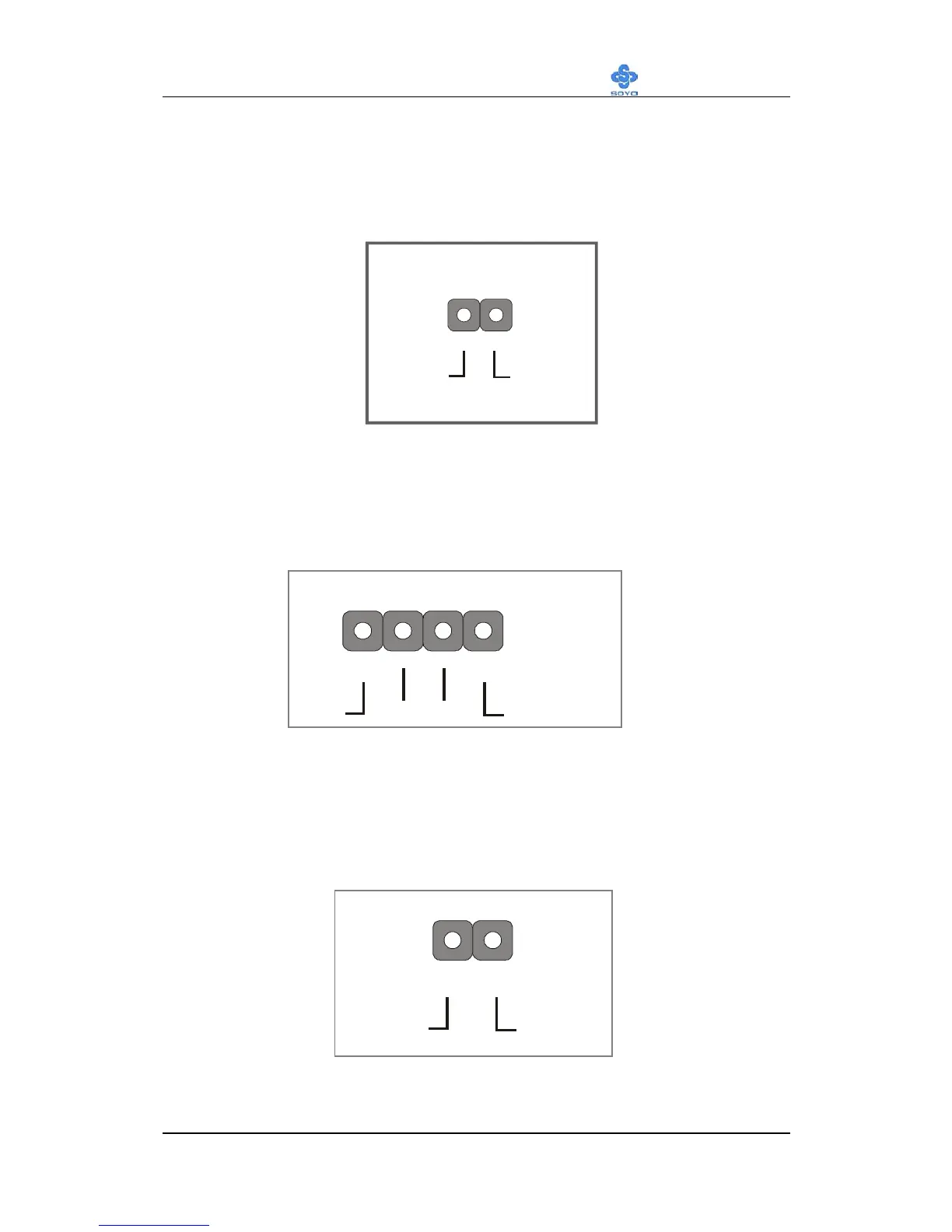
2. Reset
Plug the Reset push-button cable into the 2-pin Reset header on the
Motherboard. Pushing the Reset button on the front panel will cause the
system to restart the boot-up sequence.
3. Speaker
Attach the 4-pin PC speaker cable from the case to the Speaker header on
the Motherboard.
4. IDE LED
Attach the 2-pin IDE device LED cable to the corresponding IDE LED
header on the Motherboard. This will cause the LED to light up when an
IDE (HDD, CD-ROM) device is active.
Speaker Pin Assignment
+
_
+5V
Speaker out
NC NC
HDD LED Pin Assignment
+
_
LED Anode LED Cathode
PWRBT Pin Assignment
Control GND
1



 To Next Page