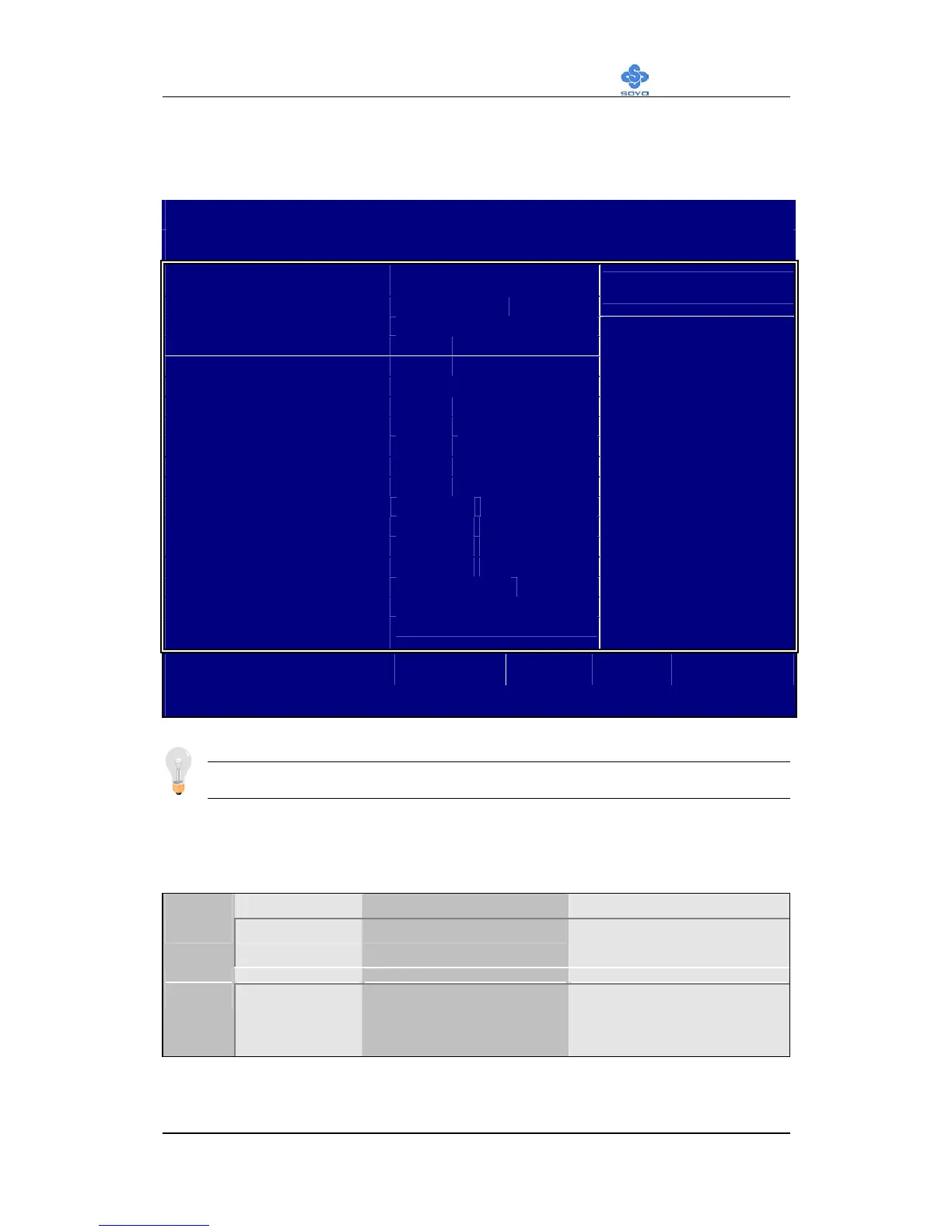
BIOS Setup Utility
SY-K7VEM+
48
This Main Menu function automatically detects the hard disk type and
configures the [Standard CMOS Features] accordingly.
CMOS Setup Utility – Copyright ( C ) 1984-2001 Award Software
IDE Primary Master
IDE HDD Auto-Detection Press Enter
Item Help
IDE Primary Master Auto
Capacity 0 MB
Access Mode Auto
0
Cylinder 0
Head 0
Precomp 0
Landing Zone 0
Sector
Menu Level
:Move
Enter:Select +/-/PU/PD:Value F10:Save ESC:Exit F1:General Help
F5:Previous Values F6:Fail-Safe Defaults F7: Optimized Defaults
Note: This function is only valid for IDE type of hard disk drives.
3-1.1 Date & Time
Display Setting Please Note
Date
mm/dd/yyyy Type the current date You can also the
PUp/PDn keys to toggle
Time
hh:mm:ss Type the current time 24-hour clock format
3:15 PM is displayed as
15:15:00



 To Next Page