Operation
1-5
Modem Speed and Compatibility Issues
The 90207 and 90217 operate Hayes-compatible modems only. You can identify your model type by
plugging the communications cable into your 90207/90217 unit and looking at the numbers on the
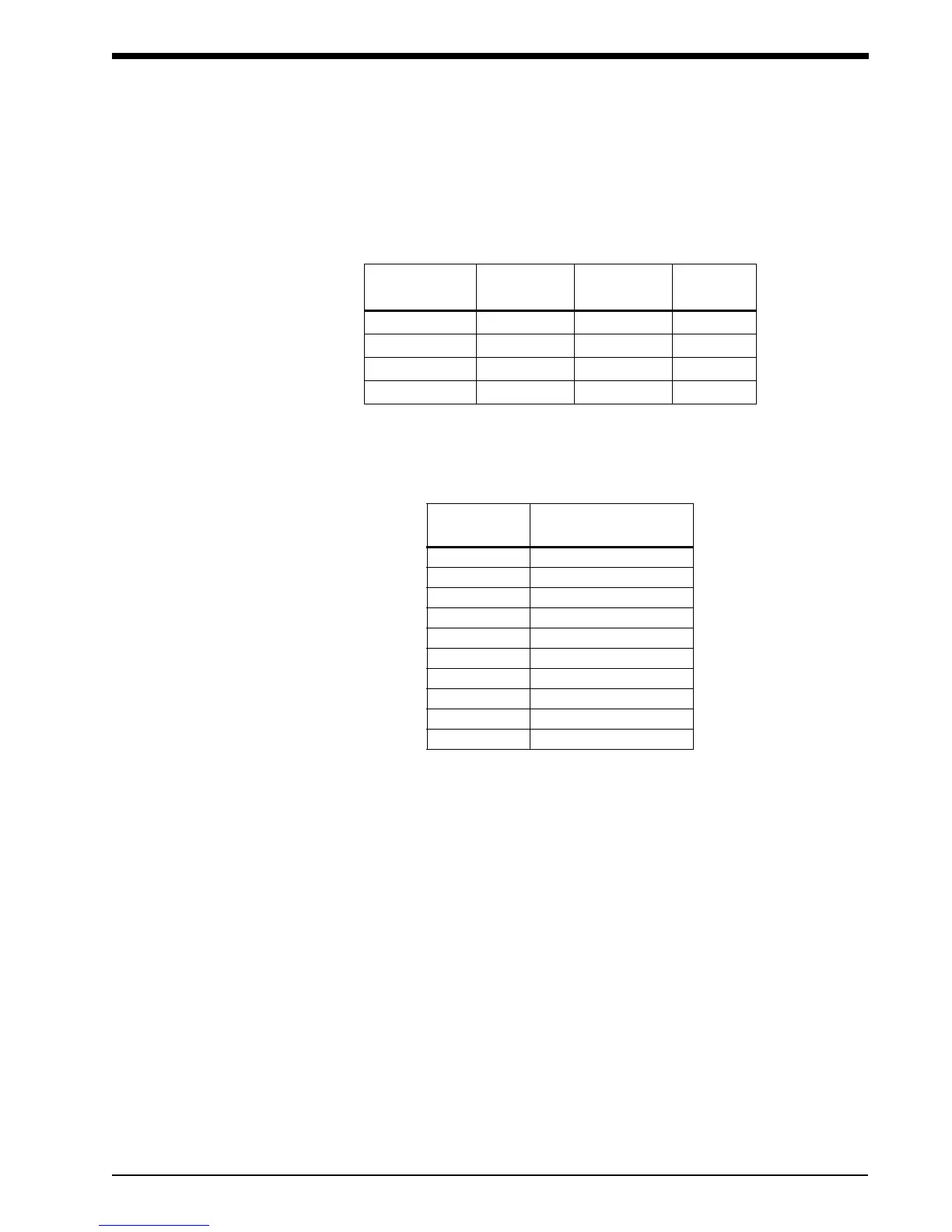
display. The acceptable modem types and maximum speeds of 90207/90217 units are summarized
below:
Connection Procedure
1. If you are using an older 90207 with a 1200 modem, set the switches on the modem as follows:
2. Connect the serial port cable (P/N 012-0096-00) between the monitor and the modem.
To initialize the monitor for remote connection:
1. Contact the base station by telephone (for remote operation only).
2. Ask the base station operator to initialize the monitor. Give the following information to the
operator:
• Patient's name
• Patient ID number
• Whether monitor display is to be active or not
• Time of day (12- or 24-hour format)
• Whether to display measurement (systolic/diastolic and heart rate)
MODEL TYPE MAX SPEED
MODEMS
ACCEPTED
DISPLAY
Older 90207 1200 1200 only 9999
Newer 90207 1200 Any Hayes 1999/9999
Older 90217 up to 9600 up to 9600 2999/9999
Newer 90217 9600 Any Hayes 0999/9999
SWITCH #
SETTING AT
MONITOR SITE
1down
2up
3down
4down
5down
6up
7up
8down
9up
10 up
!
• If call waiting or call forwarding are options on a telephone used to transfer data,
ensure that both are deactivated or modem communications may be interrupted.
In addition, telephone systems such as CBX or PBX can cause interference with
the modem or the modem can cause interference with the switching system.



 To Next Page