Operation
1-3
Lithium Battery Replacement (90207 only)
The lithium battery is located in the battery compartment under a pry-off cover to the right of the AA
batteries.
1. Turn the monitor off, and remove the door over the battery compartment.
2. Remove the pry-off cover, and note the polarity of the battery and socket indicators.
3. Remove the old lithium battery by carefully prying it out (curved forceps are recommended).
4. Install the new lithium battery and replace the pry-off cover. The underside of this cover is divided
into two unequal-sized compartments. Install the cover with the smaller compartment oriented
over the lithium battery.
5. Gently replace the battery compartment cover and secure the latch.
Initializing the Monitor
The ABP monitors must be initialized prior to the start of patient monitoring. Initialization specifies
the monitoring period, patient information, time format, measurement interval, monitor tone on/off
during selected periods, event code display, and whether or not to display pressure values. To
initialize the monitor, connect it to one of the following analysis systems.
Connecting Directly to a Local Report Generator
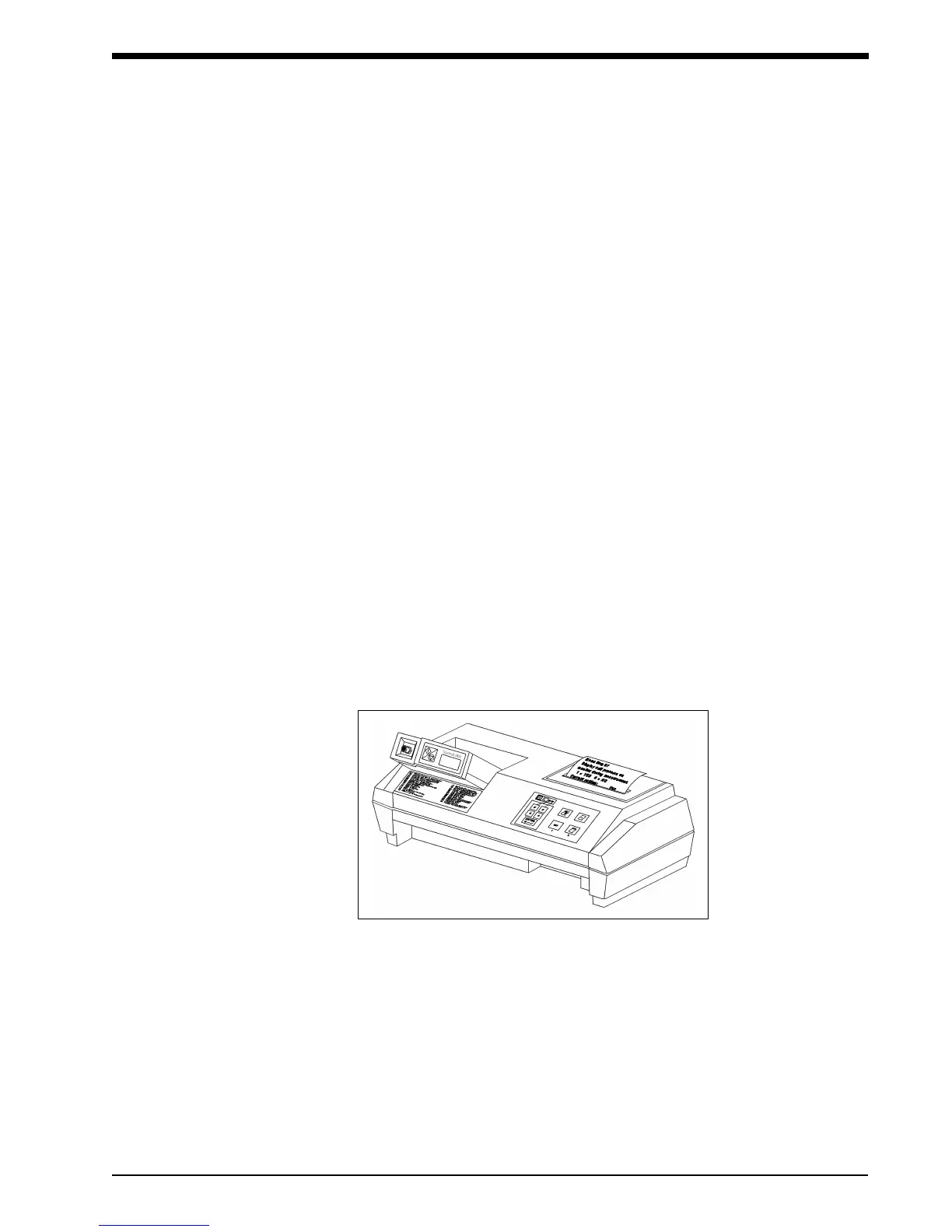
For a direct connection to the 90207 or 90217 monitor, place the monitor into the chute on the
Report Generator (Model 90239A or equivalent) as shown below.
!
• Once the lithium battery has been completely discharged, it is considered non-
hazardous and can be safely discarded.
LOCAL REPORT CONFIGURATION



 To Next Page