– 16 –
Inverter Air-to-Water Heat Pump
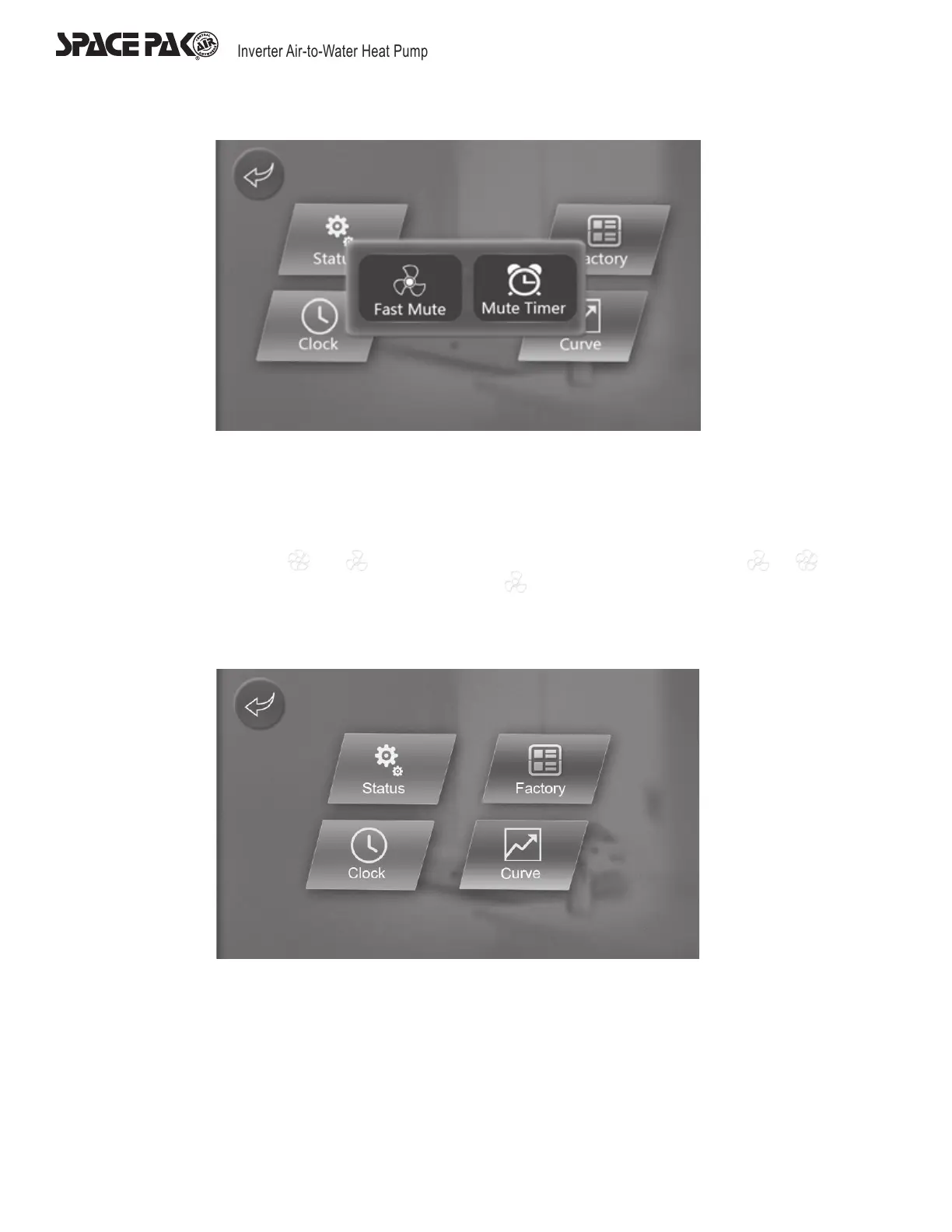
1. Press ‘Operation Mode’ in the above illustration to check the current running parameter.
2. Press ‘Factory’ in the above illustration and enter the correct code to enter the factory parameter setting interface or the unit
status parameter interface.
3. Press ‘Clock’ button in the above illustration to set the the system time.
4. Press ‘Mute timer’ button to activate the quick mute function and timing mute mode. When the unit’s quick mute function are
activated, the icon will turn from to , while when this function is turned off, the icon will turn from to . When
the unit is in mute mode with the fan running, the display will show rotation animation.
5. Press ‘Curve’ button to check the inlet and outlet water temperature.
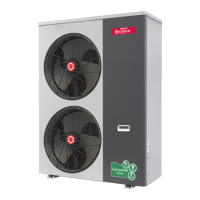
6. If a unit is without mute function, after clicking the main display window and arrive at the setting page, the ‘Mute settings’ will not
be found,as show in the folowing picture:


 To Next Page