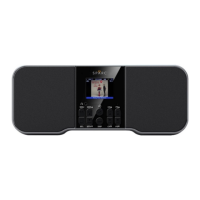
How to use your Radio
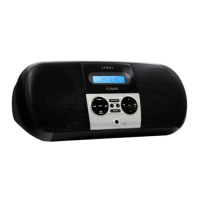
Controlling the Radio with the Buttons
Various buttons are available for controlling the Radio’s array of
functions.
POWER
Press the POWER button to “Power On” / “Power Off” the Radio.
“Power Off” with Emergency Alerts Monitoring ON: Radio will
continue to scan the background for alerts.
“Power Off” with Emergency Alerts Monitoring OFF: Extends
battery life.
SOURCE
Press SOURCE to change radio modes: AM HD Radio Mode or FM
HD Radio Mode.
Press SOURCE to access Bluetooth Mode or to access AUX Audio
Input Mode.
For more information on Bluetooth or AUX Audio, look to the
relevant sections in this Owner’s Manual.
Play / Pause and ENTER
In Radio Mode, press to select a choice from a list of options: press
to save the settings and exit the screen.
In Bluetooth Mode, press to play or pause the audio stream.
MENU
Press the MENU button to access and view the various screens with
their options and settings: press MENU to exit the screen without
saving the settings.
While in any screen or menu, press-and-hold the MENU button to
exit.
SNOOZE
Press SNOOZE to answer or end a phone call in Bluetooth Mode, to
snooze an alarm, or to snooze/ignore an Emergency Alert.
With voice prompts enabled, press SNOOZE to announce the time.


 To Next Page