EasyManua.ls Logo

Sparx ES100 - User Manual

Sparx ES100
36 pages
Print Icon
To Next Page IconTo Next Page
Loading...
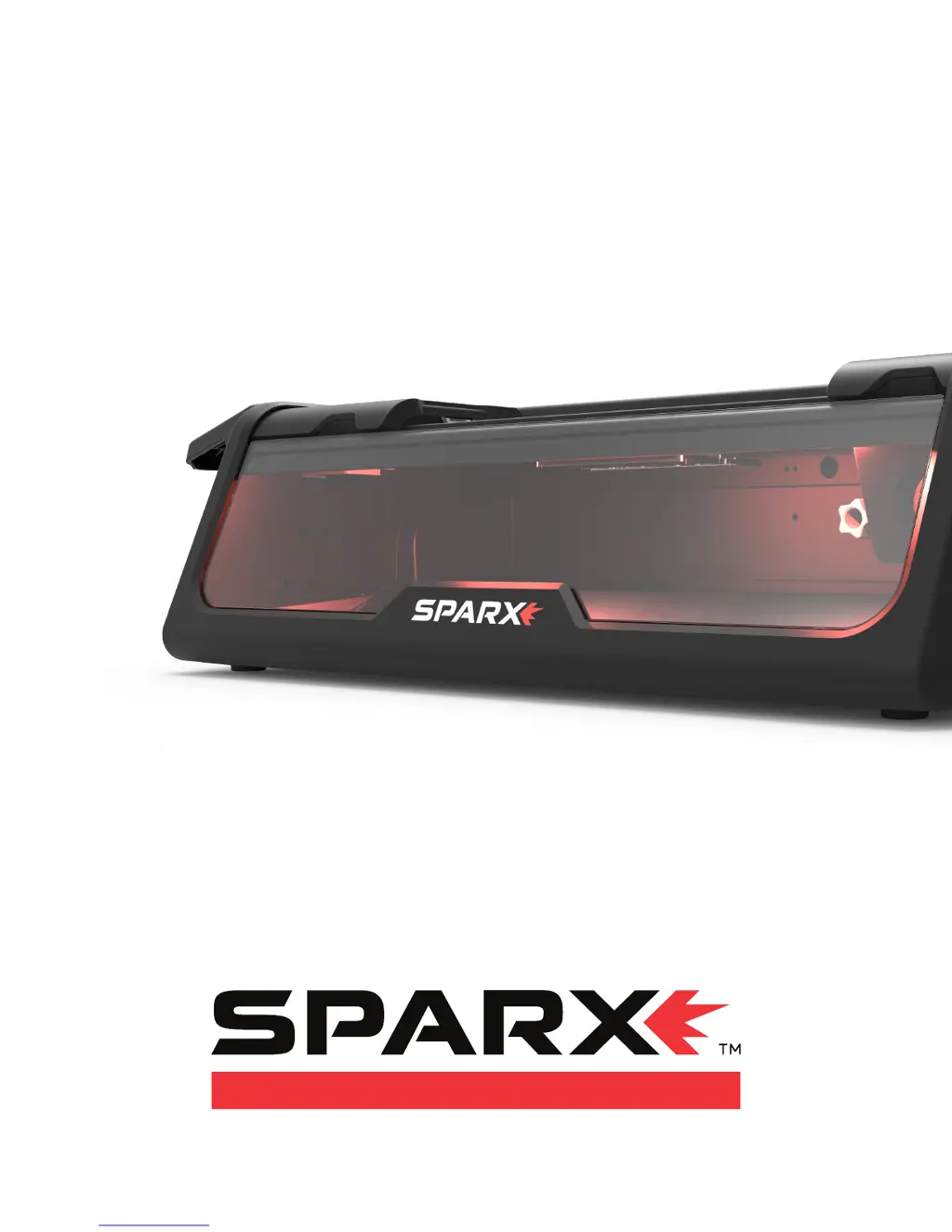
OPERATING MANUAL
ES100 SKATE SHARPENER

Questions and Answers

  • A
    Anthony StevensAug 2, 2025
    What to do if Air Filter Button is illuminated red on Sparx Power Tool?
    • H
      hilllawrenceAug 2, 2025
      If the Air Filter Button is illuminated red, it means the Air Filter is either not installed or requires attention. Install the Air Filter. Alternatively, press and hold the button for two seconds until you hear two beeps to reset the Air Filter’s life.
  • J
    jenniferromeroAug 6, 2025
    Why is Grinding Ring Life Indicator circle blinking red/white on Sparx Power Tool?
    • B
      Brooke BatesAug 7, 2025
      The Grinding Ring Life Indicator blinking red/white indicates that the Grinding Ring has insufficient life remaining for the selected sharpening operation. The sharpener will reset the Cycle Count to the maximum available cycles. You should run the sharpener with the new value or a lower one.
  • R
    Russell VelezAug 12, 2025
    What to do if Interior case light is blinking red on Sparx Power Tool?
    • D
      Denise AllenAug 12, 2025
      If the interior case light is blinking red, it means the Dust Tray is missing. Reinstall the Dust Tray to resolve this issue.
  • L
    Lori JohnsonAug 16, 2025
    Why is Grinding Ring Life Indicator circle blinking red on Sparx Power Tool?
    • D
      Donna SchmidtAug 17, 2025
      The Grinding Ring Life Indicator blinking red indicates that the Grinding Ring is either not found or empty. To fix this, install a valid Grinding Ring.
  • D
    Destiny ScottAug 22, 2025
    How to fix Left Protective Slot Cover blinking on Sparx Power Tool?
    • K
      Katelyn PollardAug 22, 2025
      If the Left Protective Slot Cover is blinking when you're trying to sharpen a skate, it means the cover isn't securely engaged. Adjust the skate and Protective Slot Covers until they make contact with both ends of the installed skate, ensuring the LEDs on the Protective Slot Covers are off. If the skate is too small, use Youth Skate Adapters.
  • A
    Alexander MontgomeryAug 27, 2025
    How to fix Right Protective Slot Cover blinking on Sparx Power Tool?
    • K
      Karen MartinezAug 27, 2025
      If the Right Protective Slot Cover is blinking while sharpening a skate, it indicates that the cover is not securely engaged. Adjust the skate and Protective Slot Covers to ensure contact at both ends of the installed skate, and the LEDs on the Protective Slot Covers should turn off. If the skate is too small, use Youth Skate Adapters.

Summary

SAFETY

Safety Precautions

General safety guidelines for operating the Sparx Skate Sharpener.

INTRODUCTION

OPERATION

Loading a Skate

Step-by-step guide on how to properly place a skate into the Sparx Sharpener clamp.

Adjusting the Grinding Ring Height

Instructions on how to set the correct grinding ring height for optimal skate sharpening.

Sharpening skates

The process of initiating and performing a skate sharpening cycle.

TROUBLESHOOTING

Error Types

Categorization of errors encountered by the sharpener and how they are displayed.

User Interface Prompts

Explains common interface messages, their causes, and corrective actions.

Error Codes

A detailed list of error codes, their causes, and recommended solutions.

Sparx ES100 Specifications

General IconGeneral
BrandSparx
ModelES100
CategoryPower Tool
LanguageEnglish

Related product manuals