Chapter 3 Validating and Enhancing Data
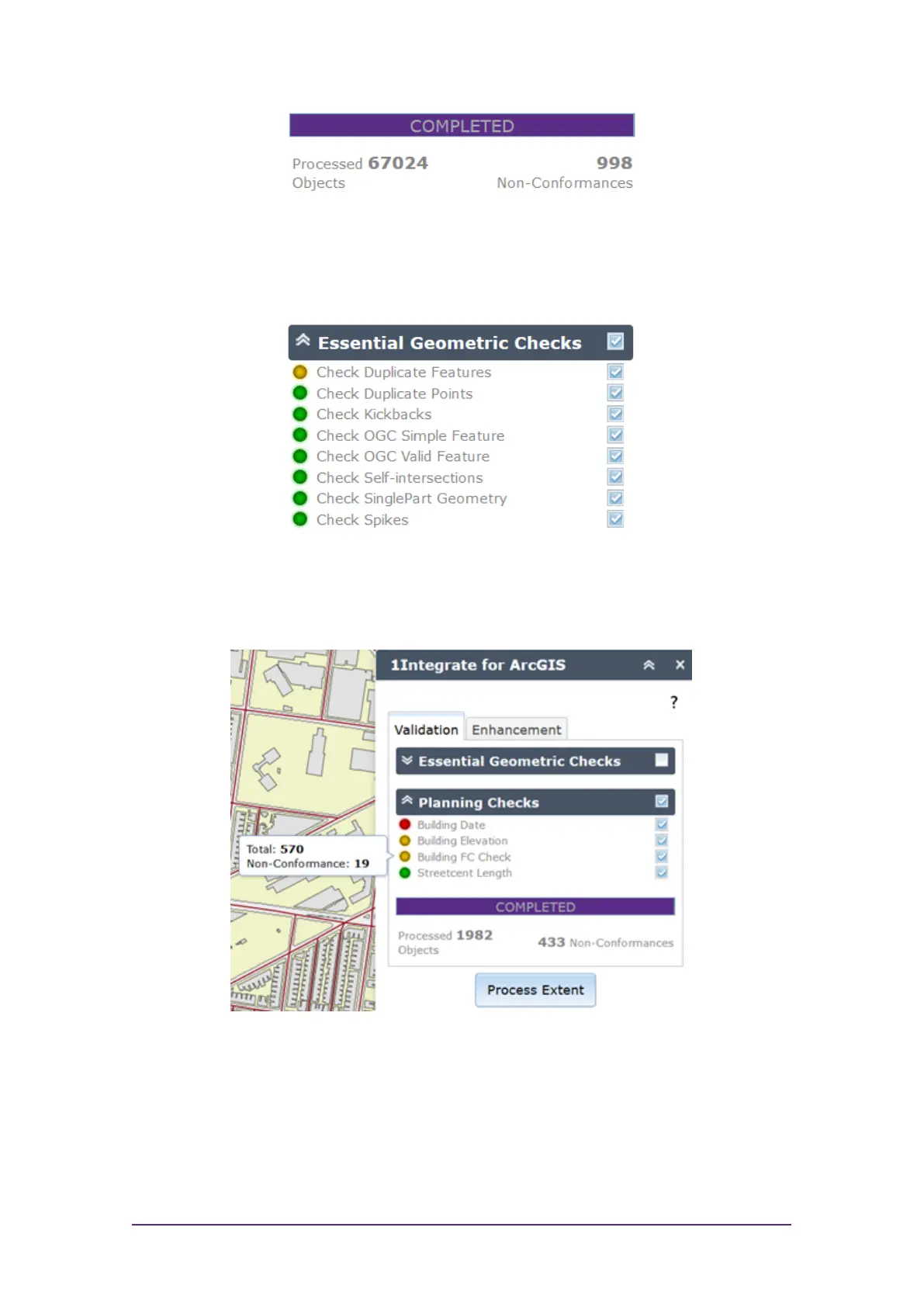
Figure 3-4: Validation results
A traffic light next to each rule will also indicate where large numbers of
features failed (red) or where most features passed (green).
Figure 3-5: Traffic light rating
By hovering the mouse over each traffic light icon, a summary for than rule can
be displayed.
Figure 3-6: Traffic light summary for a rule
Layers of Pins
All non-conformances are marked in your dataset with a pin.
Quick Start Guide - 11 - v 1.2.3



 To Next Page