Chapter 3 Validating and Enhancing Data
Quick Start Guide - 10 - v 1.2.3
Run rules over a selected region:
1. Select one or more rules by clicking on their checkboxes.
Packages (groups)of rules can be selected using the group checkbox.
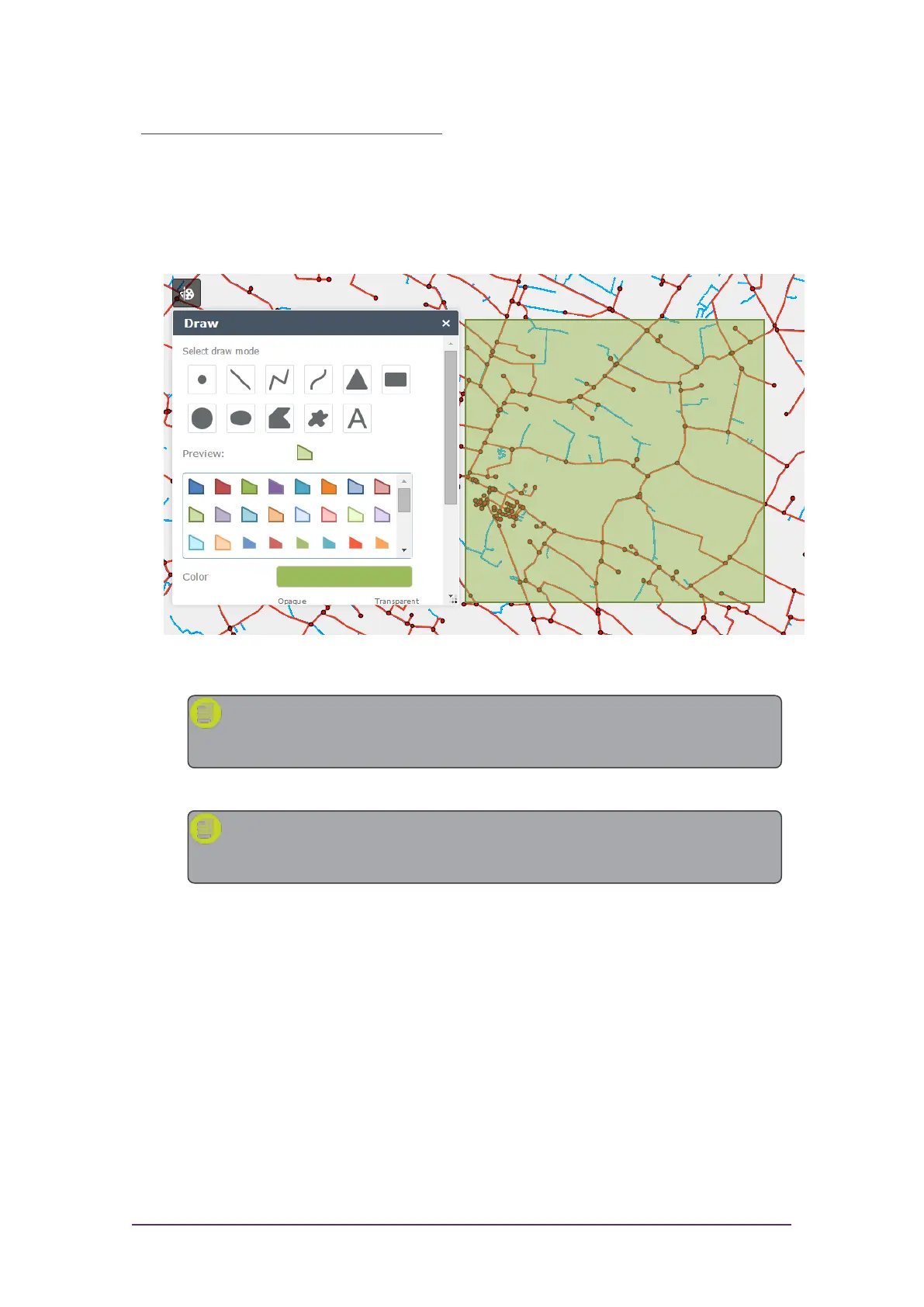
2. Use the Draw tool to define an area of your data to be processed (an
"extent").
Figure 3-3: Using the Draw tool to define an extent
Note: If multiple areas are drawn, only the most recently drawn
area will be processed.
3. Click Process Extent to run the selected rules across the defined area.
Note: If at any time you wish to cancel the current process, press
the Stop button.
A progress bar will display whilst the rules are being run.
Viewing Validation Results
Once your rules have finished running, the progress bar will display
"COMPLETED" and the results will be displayed.
Beneath this progress bar is a count of the number of objects processed, and
the number of features that failed the rules ("non-conformances").



 To Next Page