Chapter 2 Free Rulesets
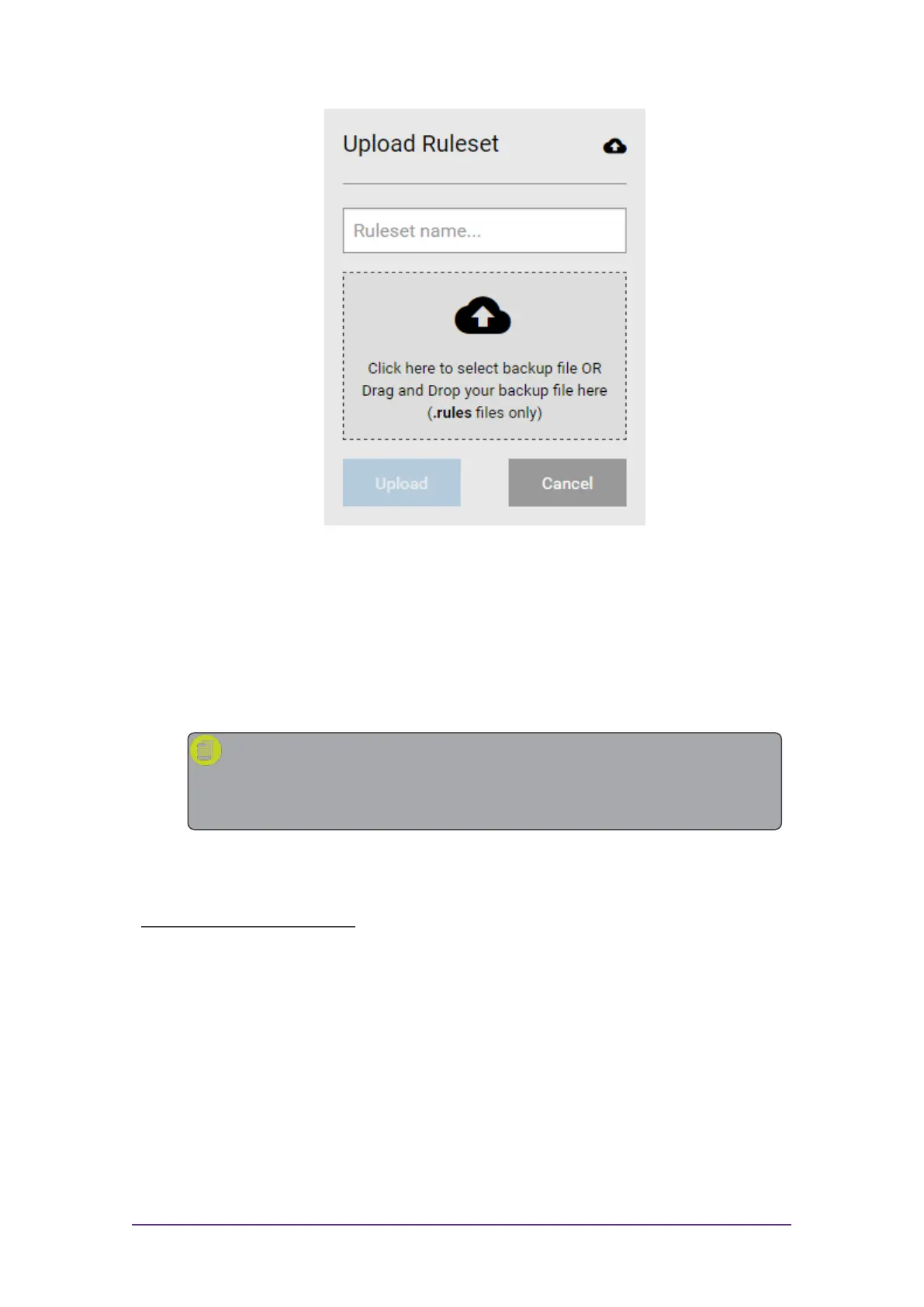
Figure 2-2: Select a ruleset to upload
4. Either drag and drop your .rules file onto the Upload Ruleset box, or
click on the box and navigate to your file.
5. Click Upload.
A confirmation message is displayed once the ruleset has been
successfully uploaded.
Note: An error message may display if the corresponding
schema cannot be found. See Managing Schemas for
information on how to upload a corresponding schema.
Once uploaded, your ruleset must be published before it can be used in the
application Add-ins or the web app widget.
Publish a Free Ruleset:
1. Right-click on the required ruleset.
2. Click Publish.
A confirmation message is displayed once the ruleset has been
successfully published.
Quick Start Guide - 6 - v 1.2.3



 To Next Page