UNIT OPERATION
TURN ON / OFF THE PLAYER
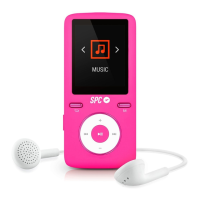
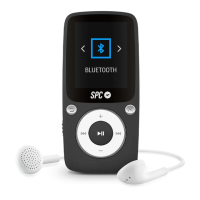
Turn the player on by moving the ON/OFF switch (11) to ON
position, or if it’s already in this position, by holding down
on
(4).
First time you access, you will see a menu with different
languages. Use the keys
(3) and (6) to choose the
one you want, and press
(4) to conrm. After system
is started, the player will show the menus in the selected
language.
Turn the player off by holding down on
(4) or by moving
the ON/OFF switch (11) to OFF position, but this will cut
total power, so, the personal settings will be deleted.


 To Next Page