36
INSTALLATION ANS COMMISSIONING
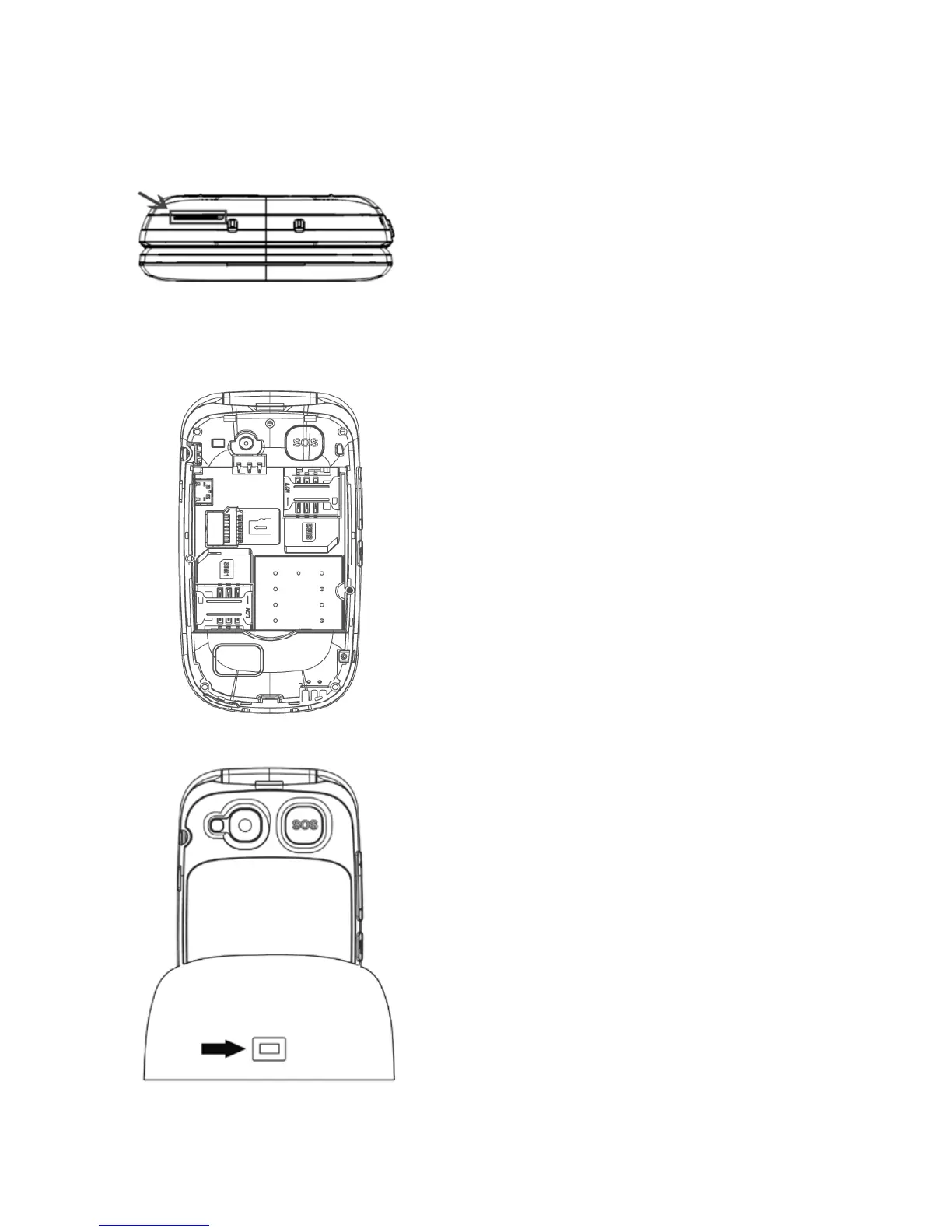
Lift the battery cover by using the
tab at the bottom of the phone,
along with the charging contacts.
Enter the SIM cards matching the
gold contacts of the phone and
card (s)
Insert the battery by matching the
gold contacts of the phone and the
battery
To charge the terminal, connect
the power supply to the charging
base with any plug at your home.
Check the orientation of the
connector and do not force the
connection if it is not nearby. Place
the phone on the charging base.



 To Next Page