D1BD User’s Guide
Rev. 1.0 (Dec 6, 2013)
19
4.2. Cannot connect to the Video
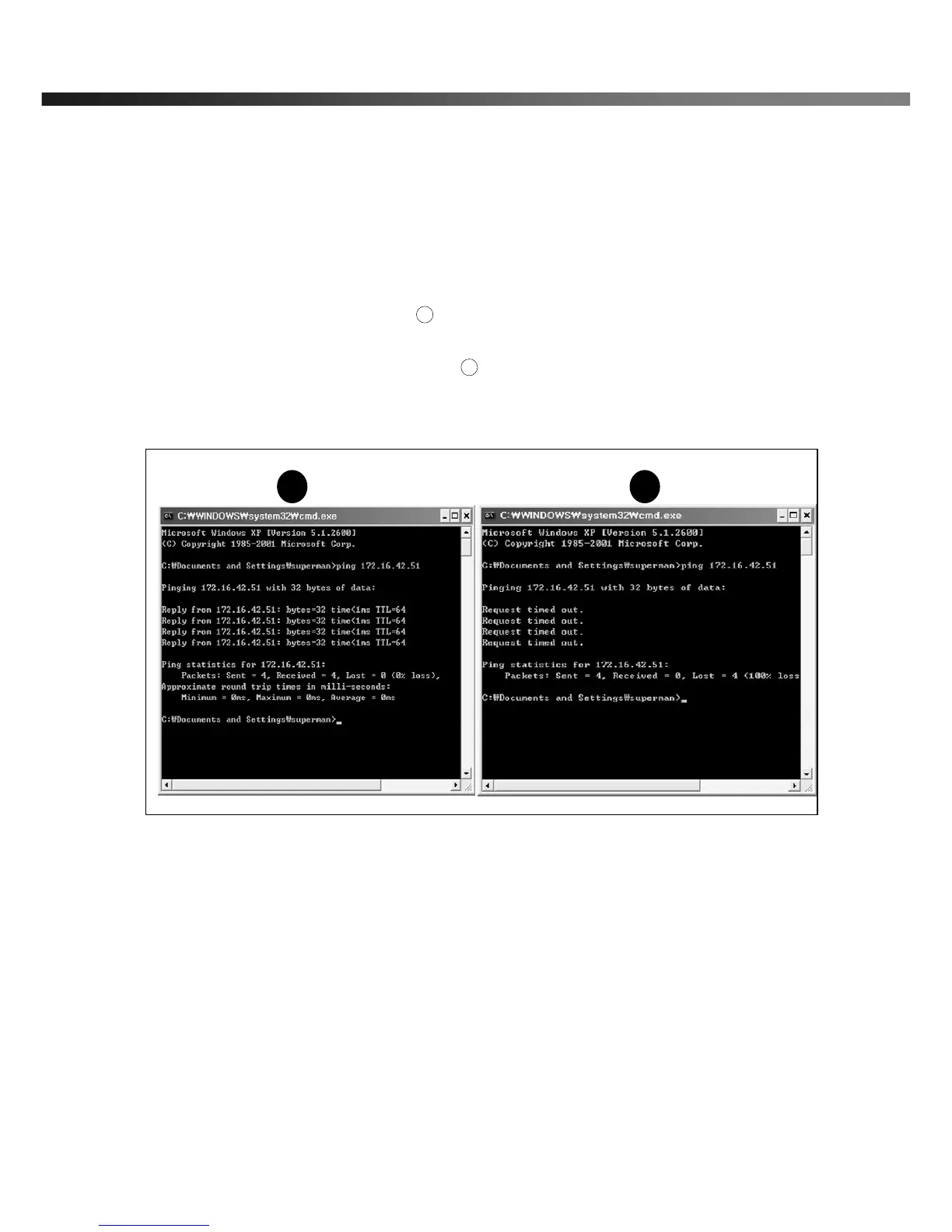
Check the status of the network connection through PING test.
Try the following on your PC:
- Start > Run > Cmd > Ping IP address (Ex : Ping 172.16.42.51)
- If “Reply from ~” message is returned ( in the figure below), the network connection is in normal state.
Try connection to the video again. If the problem persists, or refer to other troubleshooting notes.
- If “Request timed out” message is returned ( in the figure below), the network connection or network
setting is not in normal state. Check the network cable and settings.



 To Next Page