33
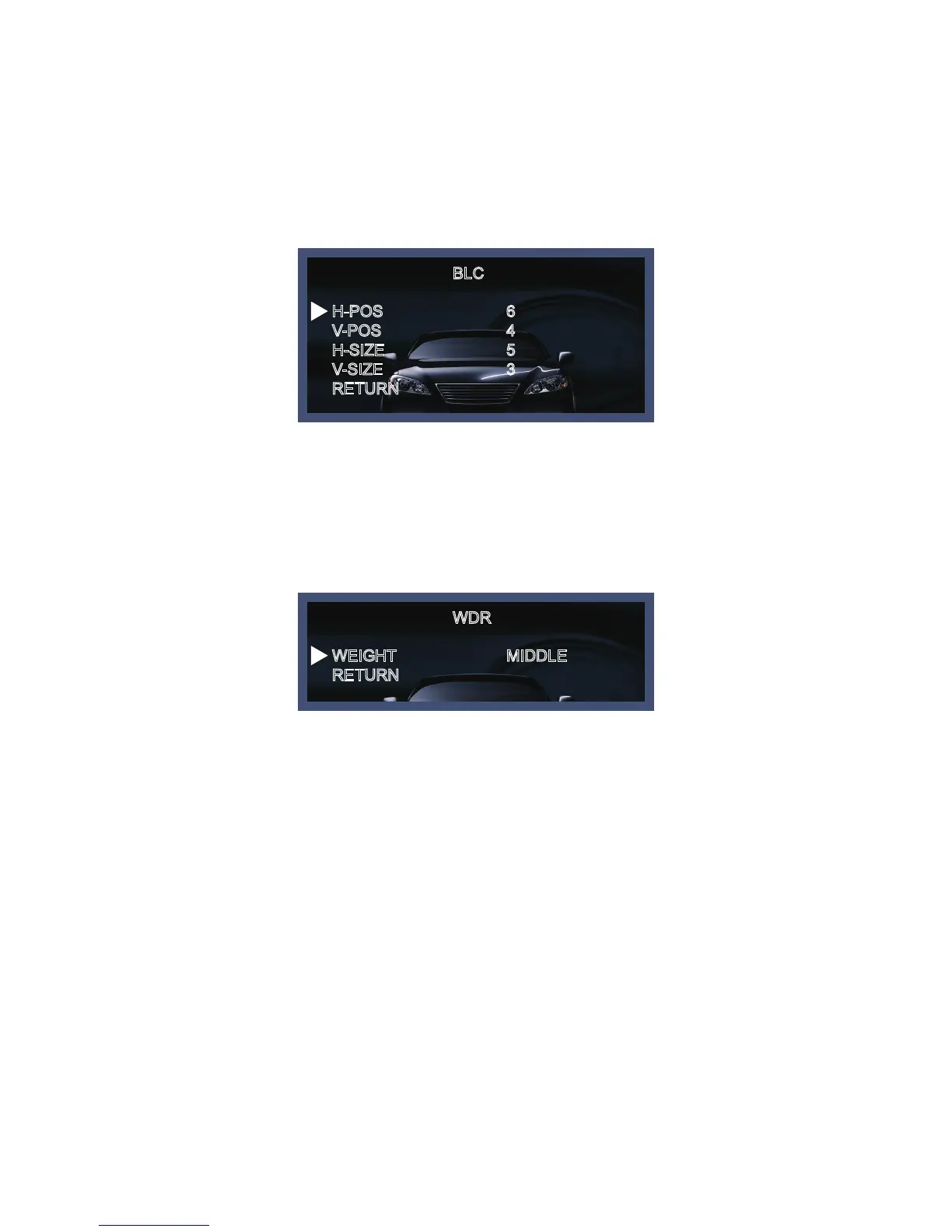
BLC
WDR
H-POS
V-POS
H-SIZE
V-SIZE
RETURN
WEIGHT
RETURN
6
4
5
3
MIDDLE
◆ BLC : This fuction is used to counterbalance the screen image by increasing the brightness so that a
subject which appears dark due to a strong backlight can be displayed in more detail. If you select BLC,
a submenu appears where you can make finer adjustments.
- H-POS/V-POS/H-SIZE/V-SIZE : Define the position and size of the area of interest by changing the position
& size.
◆ WDR : The WDR (Wide Dynamic Range) fuction works to correct excessive light within the frame to
produce a usable image. When the image has simultaneous bright and dark areas, it makes both areas
distinct. If you select WDR, a submenu appears where you can make finer adjustments.
- WEIGHT [MIDDLE, HIGH, LOW] : Select the WDR level of the camera.



 To Next Page