34
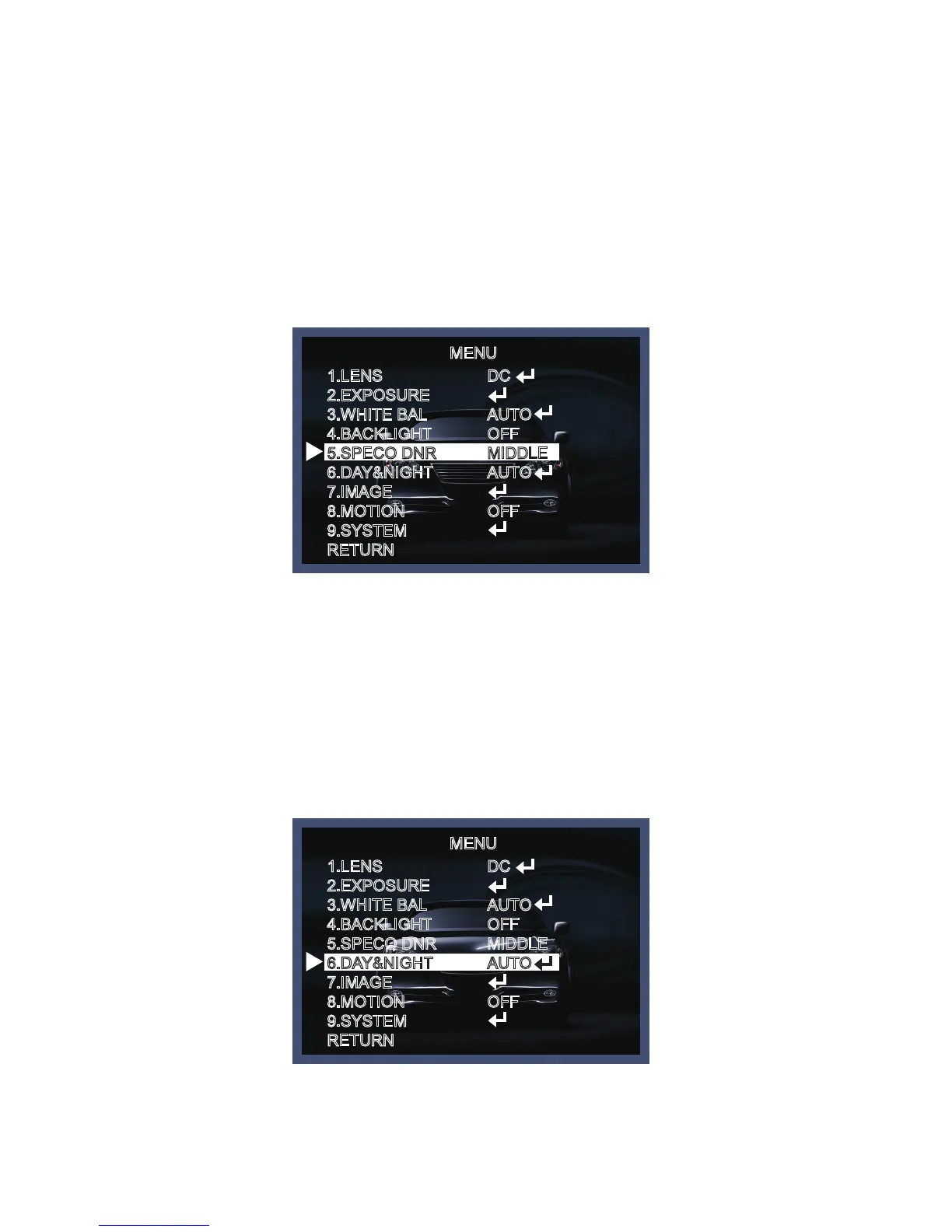
SPECO DNR
This fuction is used to improve the picture quality by filtering the noise which is generated under low bright
light conditions. You can set different levels here.
1. Move the triangular indicator to SPECO DNR by useing the Up and Down button.
2. Select the mode to use by pressing the left or Right button and LOW/MIDDLE/HIGH level selectable.
MENU
MENU
1.LENS
2.EXPOSURE
3.WHITE BAL
4.BACKLIGHT
5.SPECO DNR
6.DAY&NIGHT
7.IMAGE
8.MOTION
9.SYSTEM
RETURN
1.LENS
2.EXPOSURE
3.WHITE BAL
4.BACKLIGHT
5.SPECO DNR
6.DAY&NIGHT
7.IMAGE
8.MOTION
9.SYSTEM
RETURN
DC
AUTO
OFF
MIDDLE
AUTO
OFF
DC
AUTO
OFF
MIDDLE
AUTO
OFF
Day&Night
You can change the color mode of color or black / white by setting up the mode.
1. Select Day&Night using the Up or Down button on the Set Up menu screen.
2. Select the desired mode using the Left or Right buttons.



 To Next Page