45
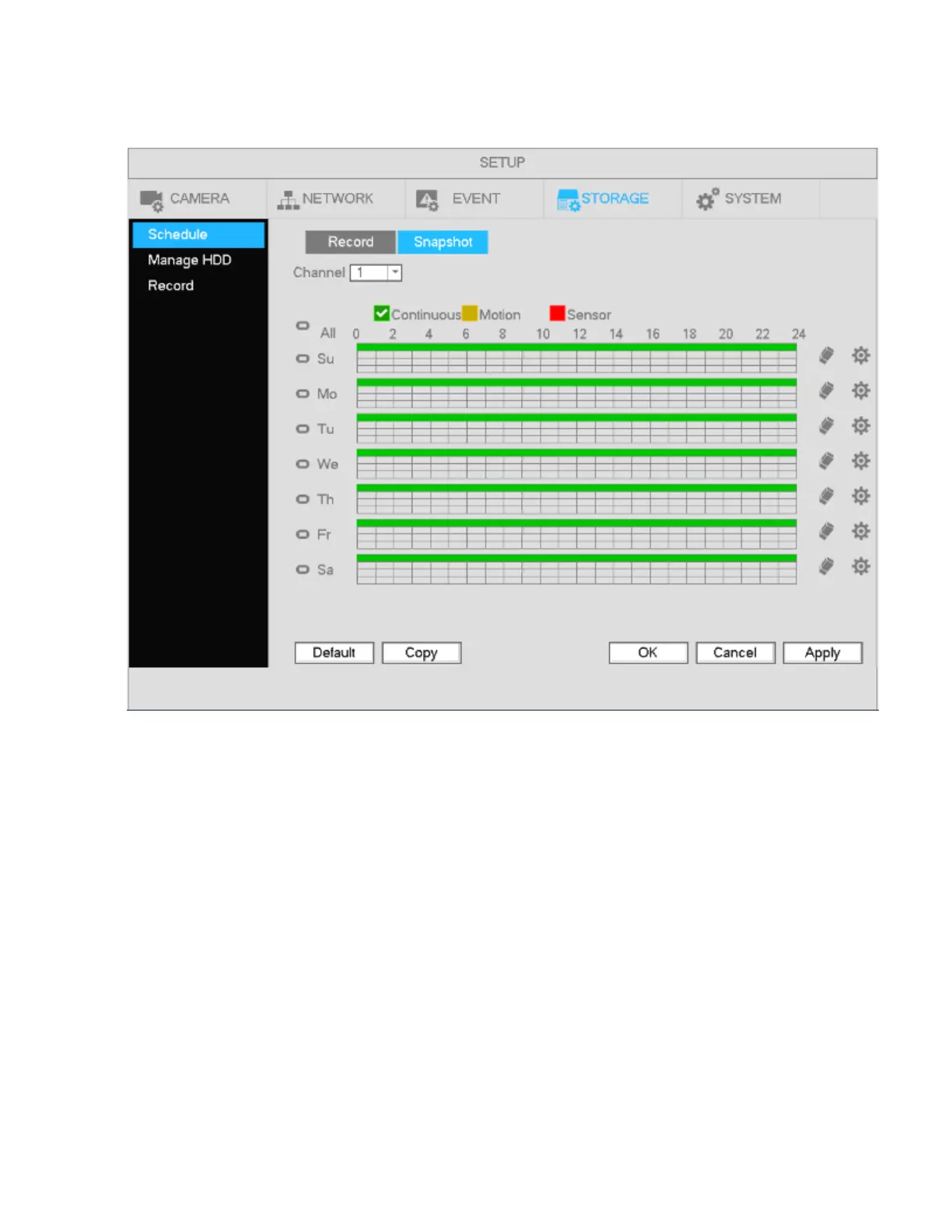
To set up the schedule for snapshots, go to Main Menu->Setup->Storage->Schedule. Refer to the
screenshot below. Please refer to chapter 4.6.2.1 for detailed setup information.
Figure 4-34
Note
Please note that a snapshot for an event has higher priority than continuous. If both are enabled, the
NVR will activate the event snapshot when an alarm occurs, and will just operate the continuous mode
otherwise.



 To Next Page