53
4.7 Playback and Search
4.7.1 Instant Playback
The NVR supports instant playback on any channel during live view. On any channel, hover the mouse
pointer near the top of the channel display to bring up the pop-up menu. Select the left-most icon to start
instant playback.
4.7.2 Search Interface
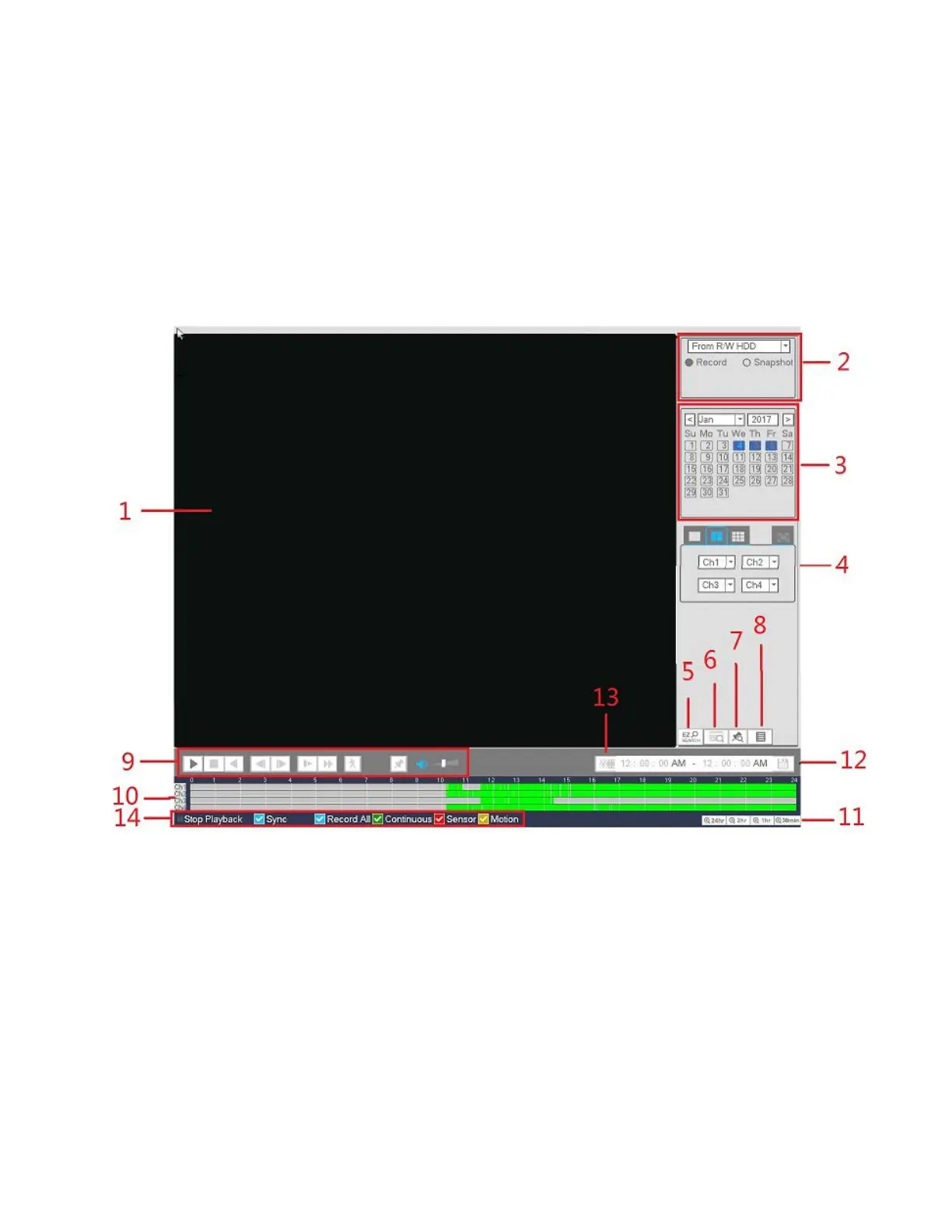
To start playback, go to Main menu->Search, or right click and then select Search from the live view screen.
See Figure 4-45 for the playback interface.
Figure 4-45



 To Next Page