54
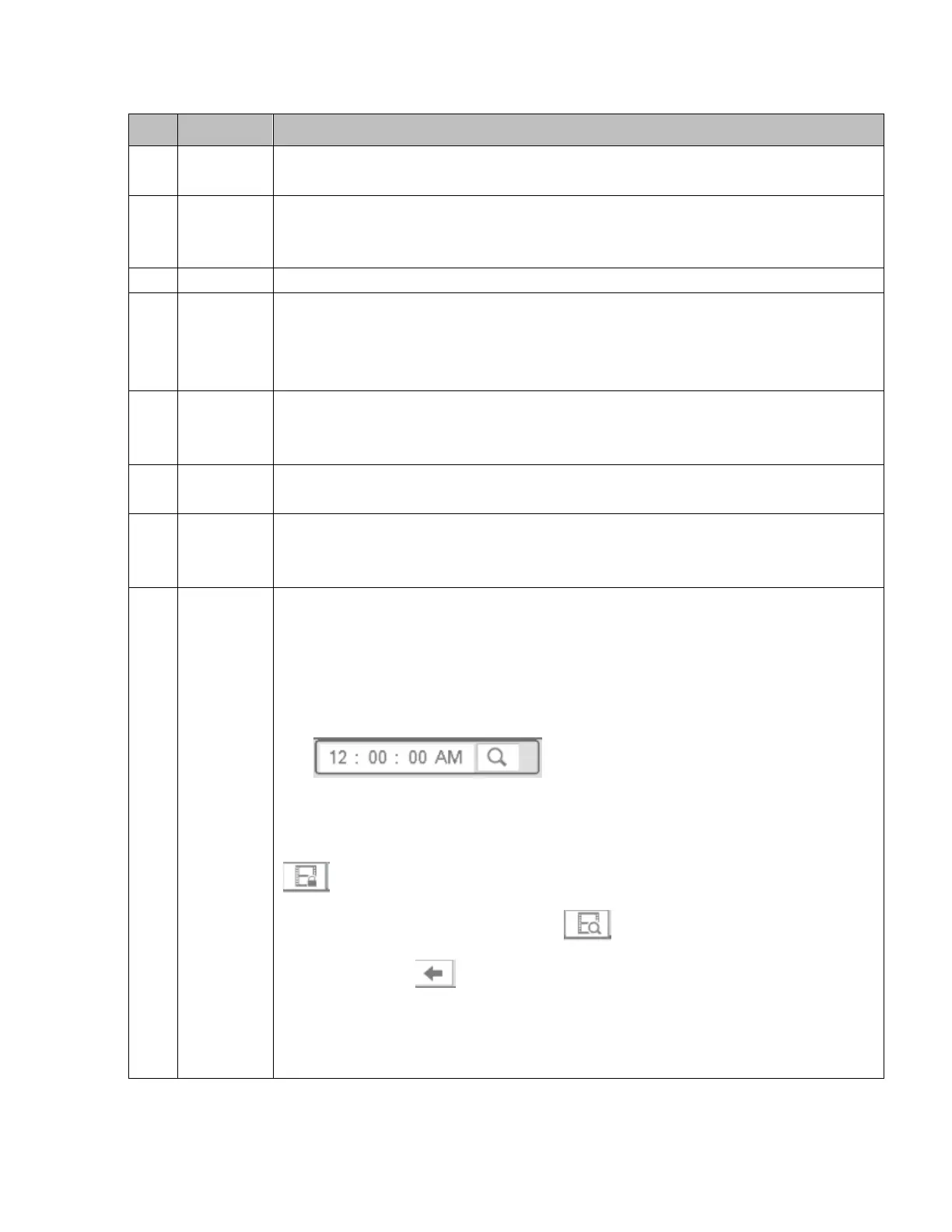
Please refer to the following table for more information.
Displays camera channels for playback.
Supports 1/4/8 channel views.
Select video recording or snapshot for playback.
Select the internal HDD or an external storage device to search for recordings.
Dates highlighted in blue means that there are recordings for those days.
Playback mode:1/4/8 channel views.
In single window mode: select the desired channel to view.
In 4-channel mode: select the 4 channels to view.
In 8-channel mode: all channels will be displayed.
Displays thumbnails at time intervals (every hour and then every 2.5 minutes).
Select the desired time to start playback for the chosen channel. Note that EZ
Search can operate only in single-channel mode.
Displays the bookmark pin list of the chosen channel.
Click to view the file list of the selected date and channel
The duration of the files correspond to the value of “Pack Duration” that is set
in Setup->System->General.
Maximum of 128 files can be displayed at once. Double click on a file to start
playback.
Enter a time in the following search box to start playback for a specific time.
File types that can be listed:C—continuous recording; S—sensor recording;
M—Motion recording.
File lock: Check the box the file to lock and then click the file lock button
. A locked file cannot be overwritten.
Search locked file: Click the button to view locked files.
Return: Click , to return to the calendar and channel setup interface.
Note:
A file that is currently being written and has not finished the pack duration
period cannot be locked.



 To Next Page