4 Web Operation
This device supports viewing and management via a web browser on a PC.
4.1
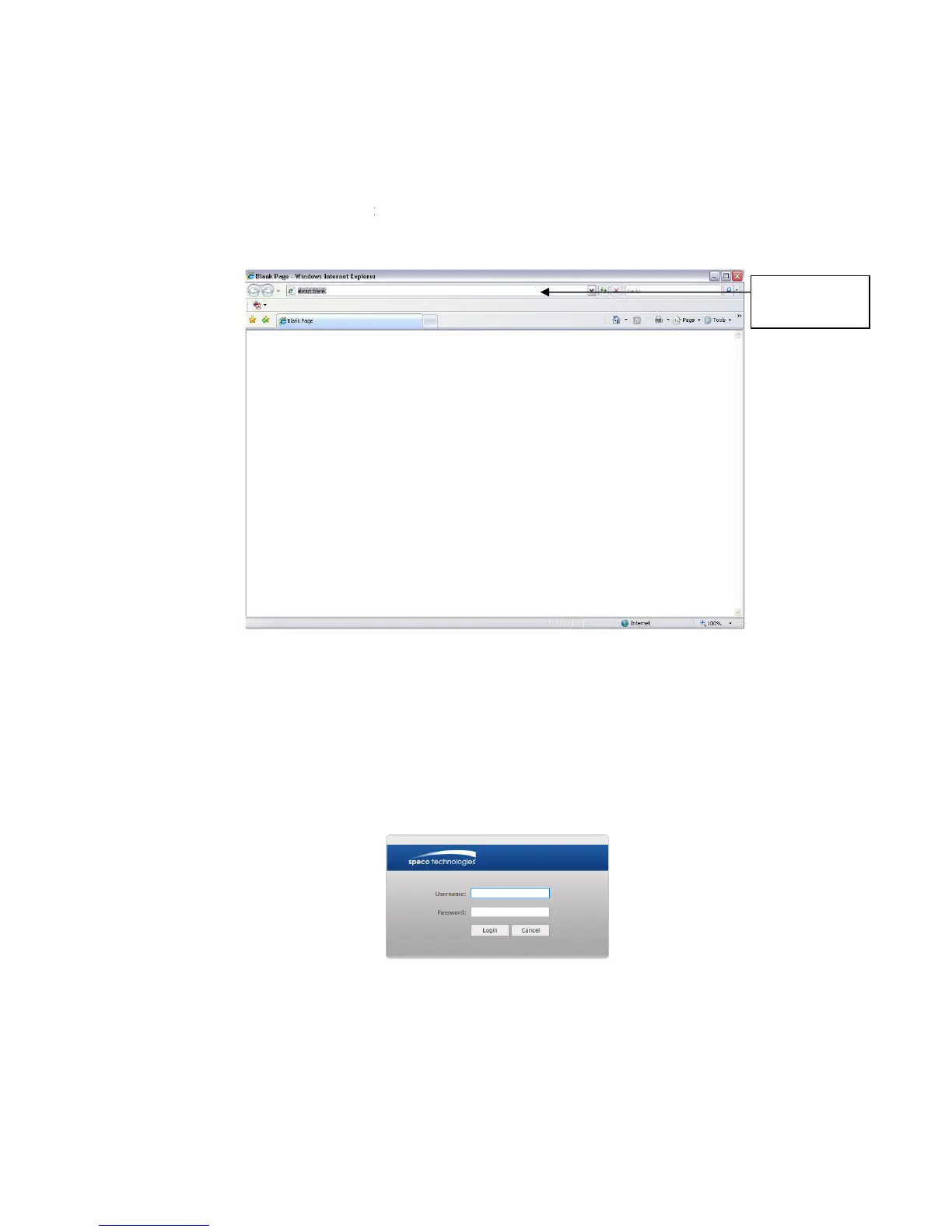
Open the browser and input network camera address in the address bar or double click the
device in IP Scanner. See
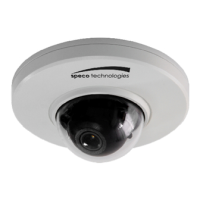
The login interface is shown as below. See
Please input your user name and password.
Default user name is
admin
Note: For security purposes, please change the password after initial login.
After logging in, follow direction
This device supports viewing and management via a web browser on a PC.
Open the browser and input network camera address in the address bar or double click the
- 1.
Figure 4- 1 IP address
The login interface is shown as below. See
Figure 4- 2.
Please input your user name and password.
1234
.
Note: For security purposes, please change the password after initial login.
Figure 4- 2 Web login
After logging in, follow direction
s to install applicable plugins.
Open the browser and input network camera address in the address bar or double click the
Note: For security purposes, please change the password after initial login.
Input your IP


 To Previous Page