Spectralink 7502 Handset User Guide
Spectralink 7502 Handset User Guide.docx
April 2023 23
5. Press the left and right side of the navigation key to adjust backlight delay.
Note:
If adjusting backlight delay to maximum, then the backlight never turns off!
6. Press Set.
Navigating the Handset
The main part of the functions of the handset are grouped into different menus. In the
following sections you will find a description of how to navigate these menus.
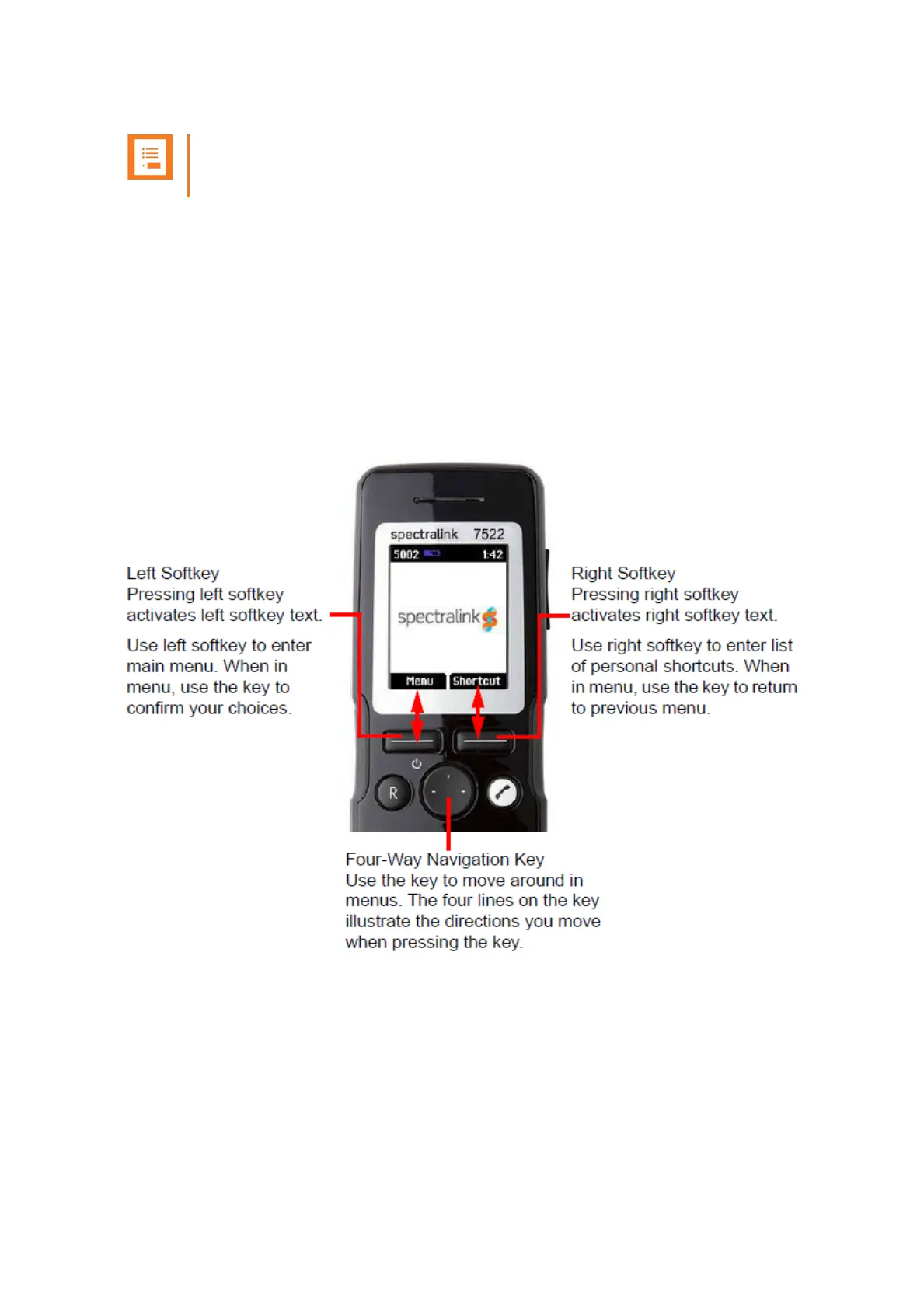
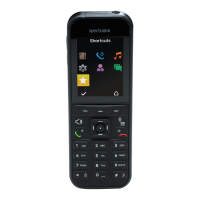
You navigate the handset using two softkeys and a four-way navigation key. The following
figure illustrates the connection between these keys and the text shown in the display.
The handset also offers both personal and predefined shortcuts to selected functions in the
menu.
Entering Main Menu
• To enter main menu, press Left Softkey to activate Menu.
Exiting Main Menu
• To exit main menu, press R.



 To Next Page