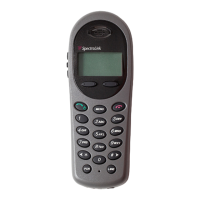
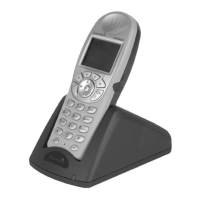
Need help?
Do you have a question about the SpectraLink Butterfly and is the answer not in the manual?
Offers crucial instructions and precautions for handling handset batteries.
Guides users on navigating menus and using softkeys and navigation keys.
Instructions for powering the handset on and off.
Procedures for locking and unlocking the handset keypad.
Steps for making internal and external calls, including dialling methods.
Detailed steps for performing blind and attended call transfers.
Procedures for placing calls on hold and managing call waiting.
How to enable and disable unconditional call forwarding.
How to turn the speakerphone on or off during a call.
How to mute or unmute the microphone during a call.
Adding, editing, or deleting contacts in the phone book.
Assigning numbers to speed dial keys for quick access.
Viewing and managing a list of incoming calls.
Viewing and managing a list of outgoing calls.
Viewing and managing a list of missed calls.
Step-by-step guide to composing and sending messages.
How to check the remaining battery capacity.
How to turn auto answer on/off and change its settings.
Solutions for common handset problems like freezing or no ringing.
Safety guidelines for handling and charging batteries.
 General
| Wireless Technology | DECT |
|---|---|
| Display | LCD |
| Type | Wireless Telephone |
| Frequency Band | 1.9 GHz |
| Range | Up to 300 meters outdoors |
| Compatibility | DECT systems |

 To Next Page