Need help?
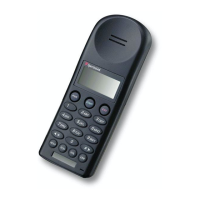
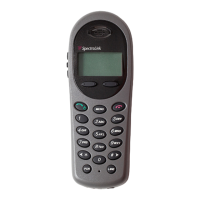
Do you have a question about the SpectraLink PTB410 and is the answer not in the manual?
Explains a dedicated UCLA number and standard features for a single line.
Details service with up to eight UCLA numbers using Norstar and standard features.
Describes a dedicated UCLA number using Norstar and standard telephone features.
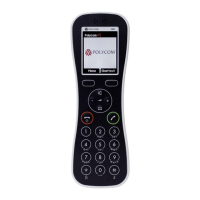
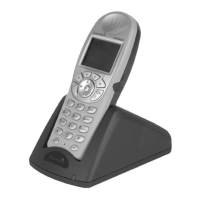
Overview of the telephone's keys and their functions for operation.
Explains indicators like NO SVC, BATT, and MSG on the telephone display.
Describes various audible tones indicating call status and feature access.
Details how to select and change the telephone's ring type from available options.
Explains how to adjust the handset volume level on the pocket telephone.
Instructions for powering the pocket telephone on and off.
Steps to receive an incoming call within the service area.
Guide on how to make outgoing calls from the pocket telephone.
Procedures for placing a call on hold and retrieving it.
Instructions for activating and deactivating the microphone mute function.
Explains dialing plans for UCLA campus and Extended Campus Service (ECS) numbers.
Steps to access the pocket telephone line and dial a campus number.
Instructions for making local calls within the 310 area code.
Guide for making toll and long-distance calls using the pocket telephone.
Procedure for making calls using a credit card number.
Steps to make collect calls and provide billing information to an operator.
Instructions for making person-to-person calls and providing details.
Guide for placing international calls directly using country and city codes.
Steps for making international collect or credit card calls.
Instructions for making international person-to-person calls.
Numbers for UCLA Campus Information, Medical Center Page Operator, and Local/Long Distance Operators.
How to obtain conference call reservations and numbers.
Contact information for UCLA Campus Emergency (UCPD), Information Hotline, and Radio.
Steps to use authorization codes for placing non-campus calls.
Explanation of outbound calling party number identification service.
Instructions on how to block your caller ID for a duration of a call.
Instructions on how to unblock your caller ID for a duration of a call.
Overview of features activated using the Function (FNC) key.
Allows forwarding incoming calls to another telephone number.
Procedures for transferring calls to on- or off-campus numbers.
Steps to establish a three-way conference call with multiple parties.
Function to redial the last number called from the pocket telephone.
Step-by-step guide on how to safely remove the pocket telephone battery.
Instructions on how to charge the pocket telephone battery and indicator lights.
Guide on how to properly align and insert the battery back into the telephone.
 General
| Model | PTB410 |
|---|---|
| Wireless Technology | DECT |
| Talk Time | Up to 10 hours |
| Audio Quality | HD Voice |
| Connectivity | DECT |
| Headset Jack | 2.5mm |
| Type | Wireless Telephone |
| Product Type | Telephone |
| Frequency Band | DECT |
| Range | Up to 50 meters (indoor), Up to 300 meters (outdoor) |
| Weight | 130g |
| Compatibility | SpectraLink DECT infrastructure |

 To Next Page