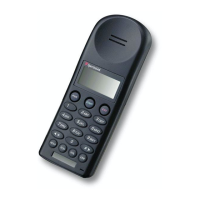
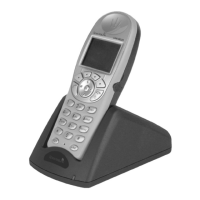
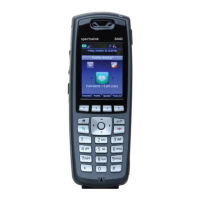
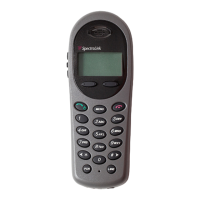
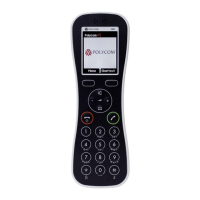
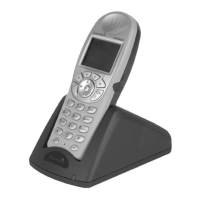
Removing Battery
Turn pocket telephone off
Press button located above battery on
back of telephone
Slide battery away from pocket
telephone until it separates from
handset
Charging Battery
One to two hours are required to fully
drain battery before recharging.
Charger light will flash yellow while
battery is draining.
Plug charger into electrical outlet;
charger light will be solid red
Gently slide battery into charger
Press charger Mode button to fully
drain battery before recharging;
charger light will flash yellow
while battery is draining
Charger will automatically begin to
charge once battery is drained;
charger light will be solid green
When battery is fully charged, charger
light will flash green
BATTERY MAINTENANCE
34
CTS Training | 310-825-4545


 To Next Page