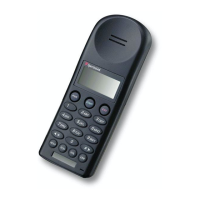
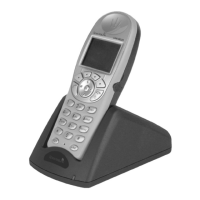
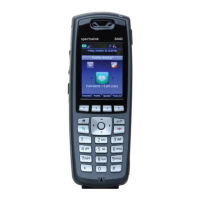
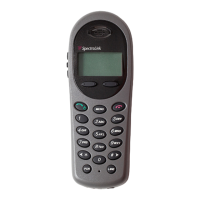
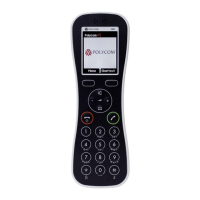
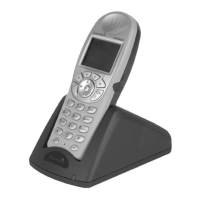
Handset Volume
The handset volume can be adjusted
from level 1, being the lowest, to level 8,
being the highest. During a call you can
select the Volume (VOL) key to modify
the level from low to high or from high
to low. Volume does not adjust the ring
volume.
Change Handset Volume
While pocket telephone is idle, press
and hold FCN key until Volume
Level appears in display
Press 0 current volume level displays (1-8)
Enter new volume level using
telephone keypad
Press END to exit
BASIC OPERATION
11
CTS Training | 310-825-4545


 To Next Page