14205603-IG, Edition 11.0
May 2020, Original document
13
Enabling Feature Codes
The advanced feature, Call forward unconditional, is accessed by dialing special feature codes
from the DECT handsets. To provide access to the Call forward unconditional feature, the fea-
ture codes must be enabled.
To Enable Feature Codes from the Web Based Administration Page
1. If using Spectralink IP-DECT 200/400/6500 and Spectralink Virtual IP-DECT Server One,
click Configuration, and then click Wireless Server.
If using Spectralink DECT 2500/8000, click Configuration, and then click DECT Server.
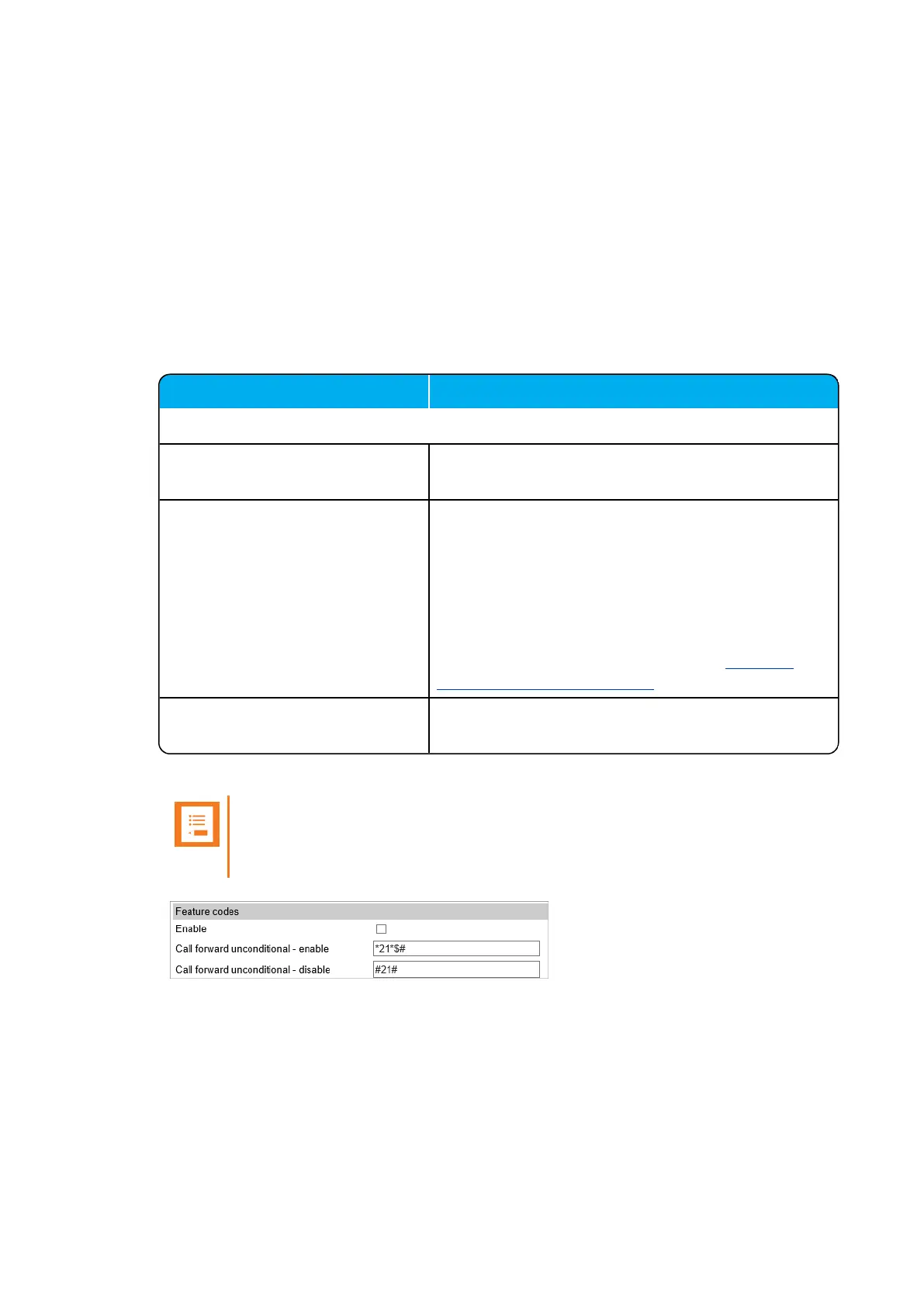
2. Under Feature codes/SIP Users Feature Codes, do the following:
Field
Wireless Server Configuration - Feature codes/SIP UsersFeature Codes
Enable (Optional) Enable this to make the server react to the feature
codes.
Call forward unconditional (DECT
endpoints only) - enable (Optional)
Enable Call forward unconditional by dialing this
code *21*, followed by the desired extension ($=
extension) and #.
E.g.: *21*$#
Note: It is possible to change the code *21* on the
server to fit your standard. For more information, see
the relevant documentation available at http://sup-
port.spectralink.com/products .
Call forward unconditional - dis-
able (Optional)
Disable Call forward unconditional by dialing this
code #21#.
Note:
The default feature codes can be modified to match local CUCM Feature Access
Codes.
3. Click Save.
Spectralink IP-DECT Server 200/400/6500, Virtual IP-DECT Server One and DECT Server 2500/8000 Interoperability Guide



 To Next Page