14215700-IG, Edition 15.0
May 2020, Original document
329
Adding Devices to Server
Devices can be added and subscribed without any SIP users associated. Devices are identified by
the IPEI, which is a globally unique number identifying the Spectralink Handset. Handsets can be
added manually to the Spectralink IP-DECT/Virtual IP-DECT Server by specifying an IPEI or they
can be automatically created, when subscribed to the Spectralink IP-DECT/Virtual IP-DECT
Server.
Data are split in two categories.
l Device data (handset)
Device specific data includes an IPEI (mandatory) and an access code (optional). The access
code is used for subscribing the device to the Spectralink IP-DECT/Virtual IP-DECT Server.
l User data (username, standby text, display name etc.)
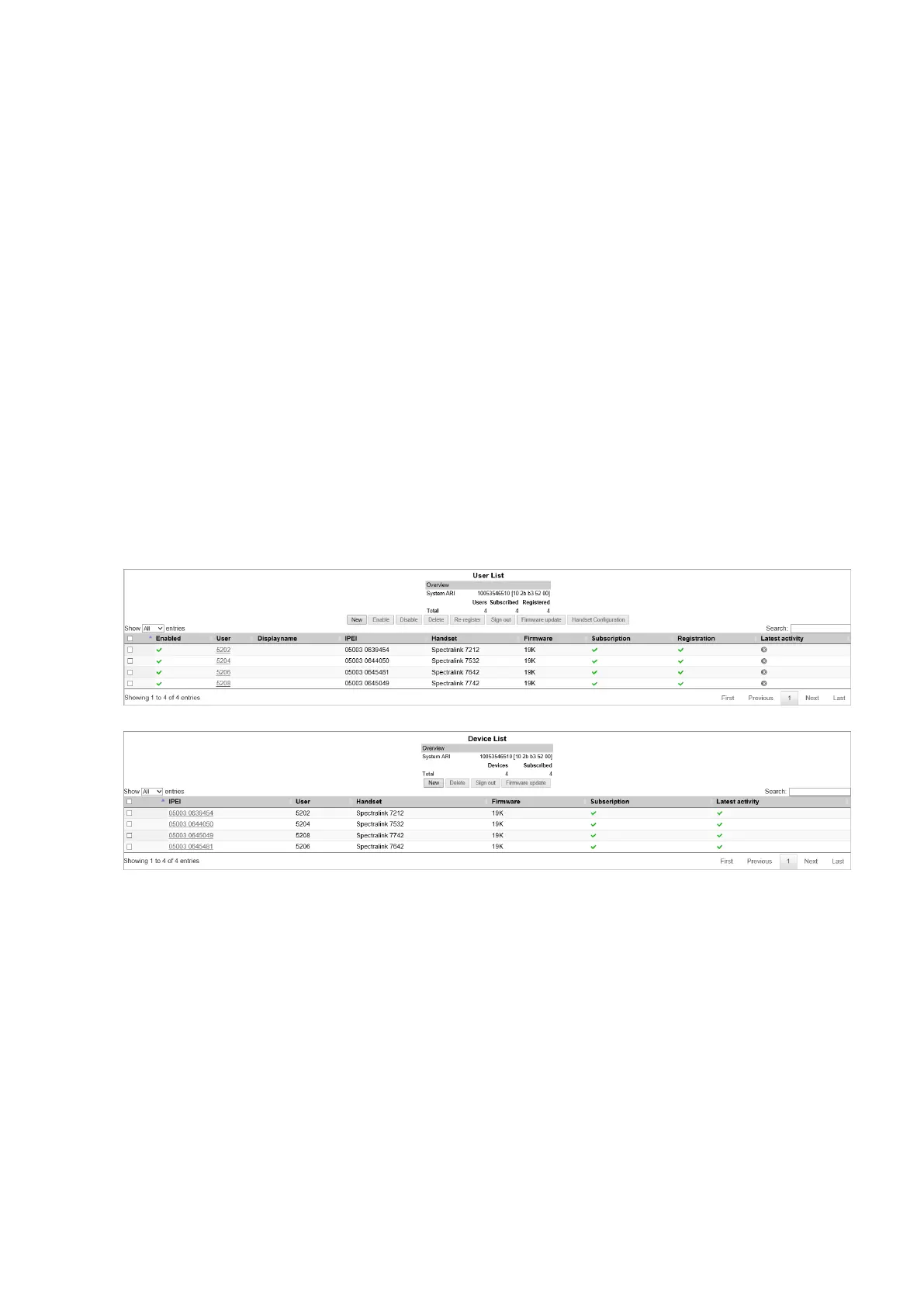
If a user is signed in, it will be visible in the Users > List Users > User List. Editing the user-
name will allow the administrator to “sign-in” a user to the device or alternatively to sign-out” a
user.
With handset sharing enabled, you now see not only the List Users menu item for the Users, but
also a List Devices menu item for the handsets.
Spectralink IP-DECT Server 200/400/6500 and Virtual IP-DECT Server One Installation and Configuration Guide





 To Next Page